
Useful tools for the tranlators
 anathema83
Member Posts: 51
anathema83
Member Posts: 51
Hi,
I would like to ask whether you would be interested in tools that I created while working on translations for Baldur’s Gate / the Infinity Engine. During the translation process, for very practical reasons, I ended up developing several programs that genuinely made my work easier and helped me avoid mistakes.
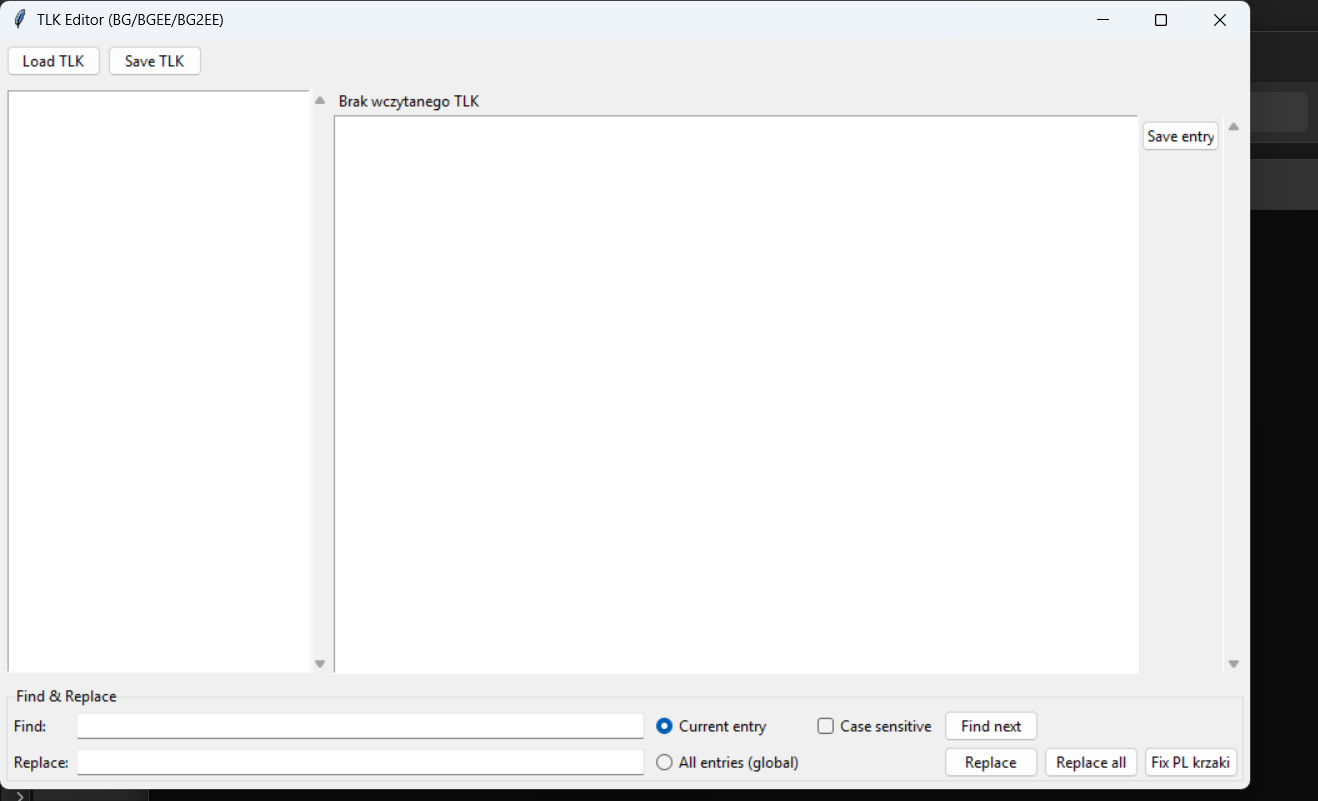
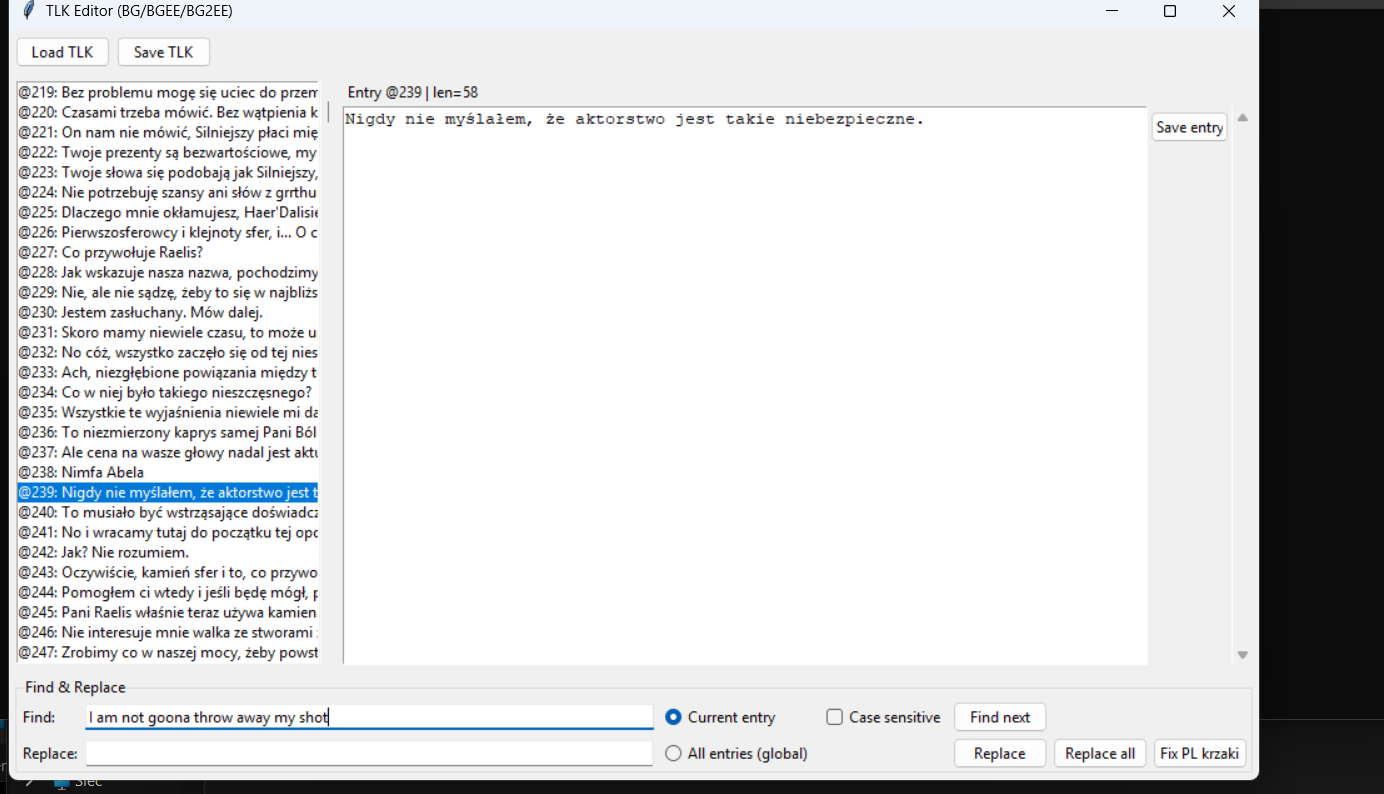
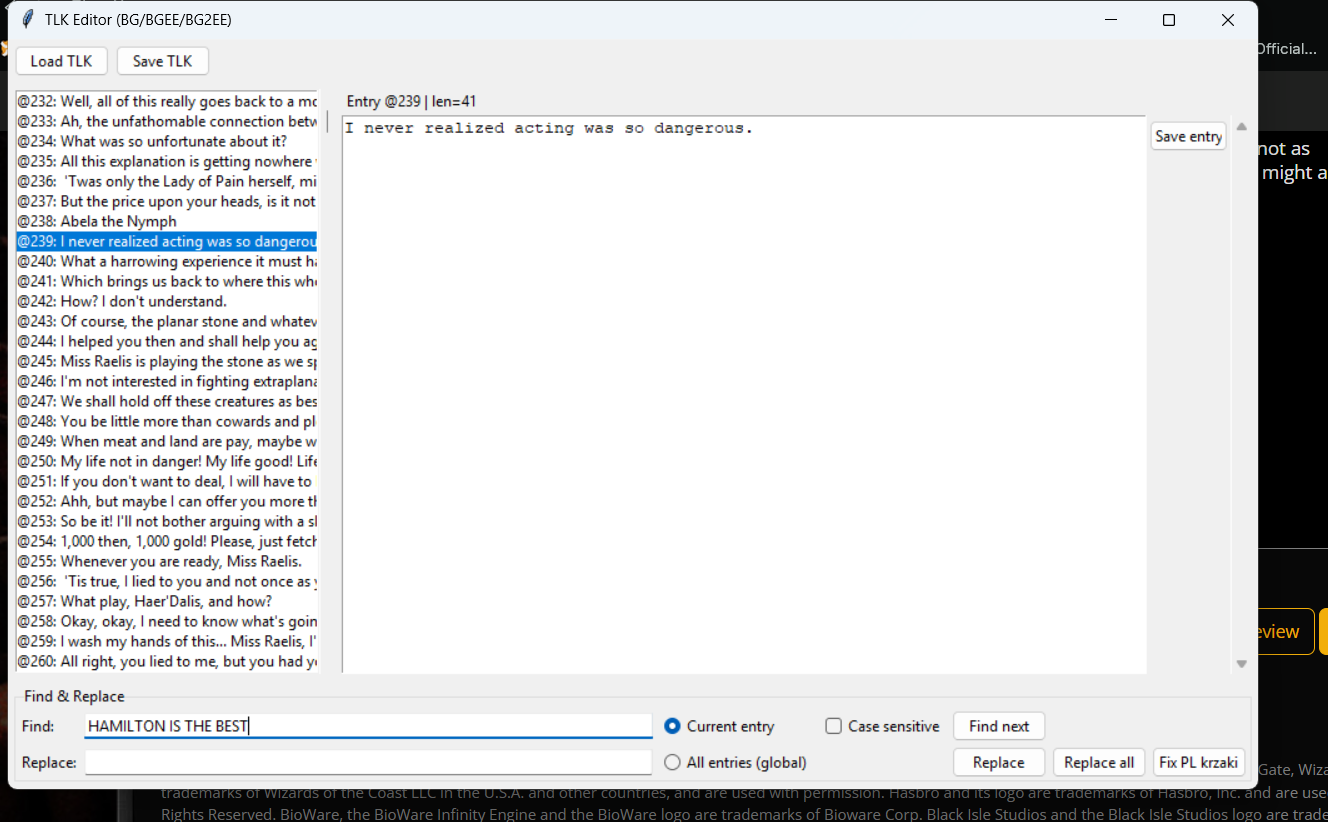
The first of these is a tool for working with TLK files. It functions as a typical TLK editor, with search and replace features.
It was created because Polish translations very often suffer from character encoding issues — the text looks correct in Polish files, but after installation in the game, garbled characters appear, letters are displayed incorrectly, or punctuation is broken. This tool allows me to safely preview and correct TLK lines, search and replace text, and visually verify what has changed. The TLK file can remain read-only, so there is no risk of accidentally damaging it. I customized it so that it fits my workflow and minimizes the chance of errors.
I also created a small utility that allows me to check for incorrect quotation marks that are not compatible with my language. After loading a TLK file, it shows which characters were used incorrectly and replaces them with the correct ones. I can also add specific lines to an ignore list so they do not appear as errors again when the file is reloaded.
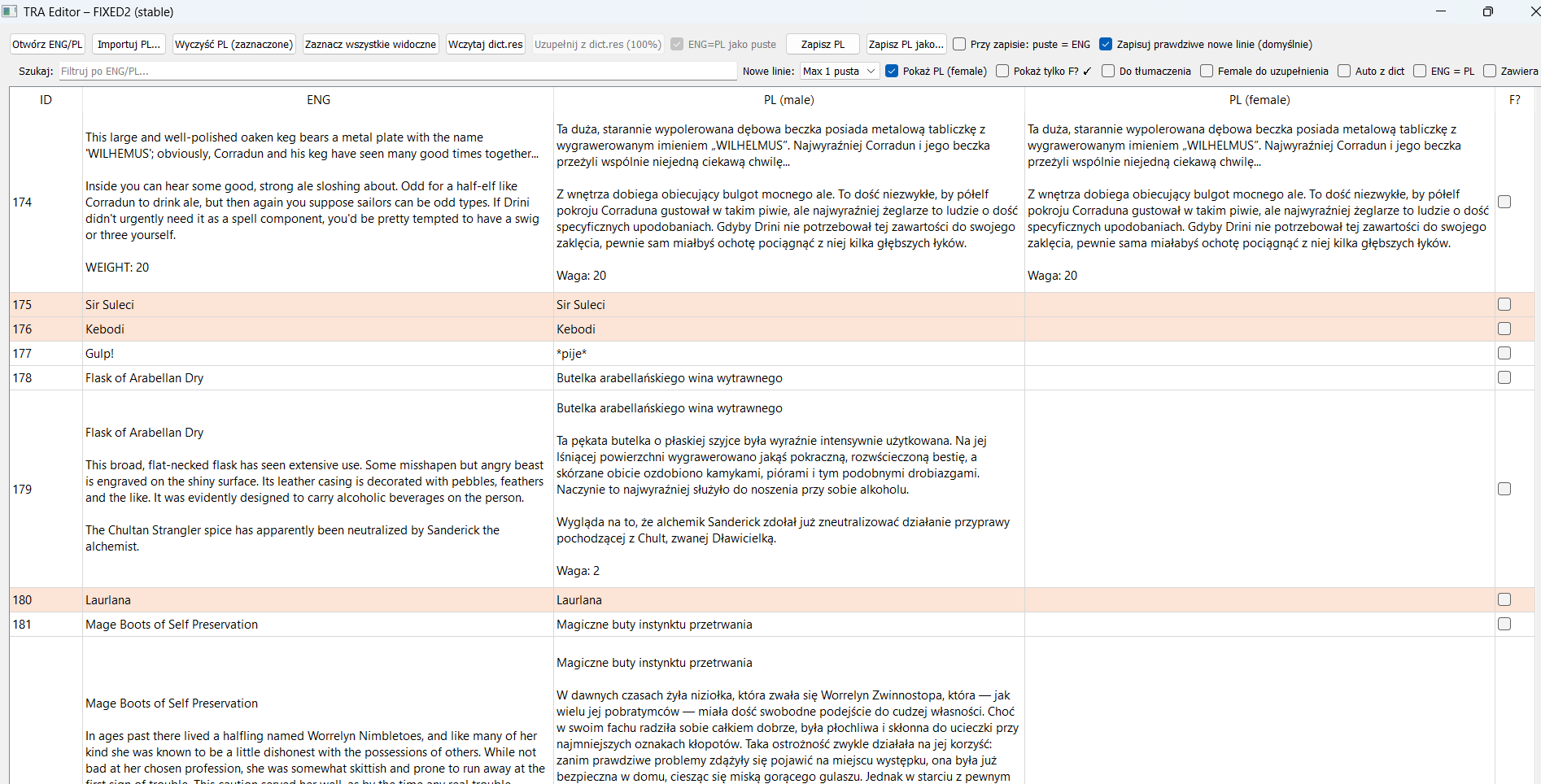
The third tool — and the most important one for me — is a program for checking .tra files. Its purpose is not to translate text, but to ensure that everything has been done correctly. The program compares two language folders — regardless of which languages they contain — and checks whether all files and all lines exist, and whether any fragments of the original language remain in the translation. Thanks to this, I can immediately see, for example, that an entire folder is complete, instead of discovering a missing entry only during mod installation.
Initially, I created this tool to compare individual files with the same name located in different folders. This allowed me to check completeness and manually correct specific lines at the same time. Later, I expanded it into a folder-level QA tool. It is still not an automatic translation system — all work is done line by line — but in a much more structured and safe way.
I want to emphasize again that every line is translated manually. If something does not exist in the translated file, it will not magically appear as a translation, which I believe is obvious 😊
I also tried to add built-in language checking, but I quickly realized that fighting with the tool itself took more time than actually proofreading the texts. As a result, I abandoned this feature and returned to external language-checking software.
Another idea was a dialogue analysis tool that would clearly show how text files are used within the game’s dialogue system. The goal was to visualize dialogue paths and understand exactly where specific text appears. This is still at an early stage of development, but the core assumption was that the original game files would remain untouched, and the tool would be used purely for analysis.
Importantly, each of these programs includes detection of gender-dependent variants in .tra files. In my language this is very important, and at the same time easy to overlook. The tool is meant to clearly show where male and female versions exist, and where such distinctions are missing but should be present.
All of these programs were created to address real, everyday needs during translation work, not as theoretical or “paper” projects. I am wondering whether such tools and this kind of approach might also be useful to others.
Let me know if you are interested
here are some of the screendhots
I would like to ask whether you would be interested in tools that I created while working on translations for Baldur’s Gate / the Infinity Engine. During the translation process, for very practical reasons, I ended up developing several programs that genuinely made my work easier and helped me avoid mistakes.
The first of these is a tool for working with TLK files. It functions as a typical TLK editor, with search and replace features.
It was created because Polish translations very often suffer from character encoding issues — the text looks correct in Polish files, but after installation in the game, garbled characters appear, letters are displayed incorrectly, or punctuation is broken. This tool allows me to safely preview and correct TLK lines, search and replace text, and visually verify what has changed. The TLK file can remain read-only, so there is no risk of accidentally damaging it. I customized it so that it fits my workflow and minimizes the chance of errors.
I also created a small utility that allows me to check for incorrect quotation marks that are not compatible with my language. After loading a TLK file, it shows which characters were used incorrectly and replaces them with the correct ones. I can also add specific lines to an ignore list so they do not appear as errors again when the file is reloaded.
The third tool — and the most important one for me — is a program for checking .tra files. Its purpose is not to translate text, but to ensure that everything has been done correctly. The program compares two language folders — regardless of which languages they contain — and checks whether all files and all lines exist, and whether any fragments of the original language remain in the translation. Thanks to this, I can immediately see, for example, that an entire folder is complete, instead of discovering a missing entry only during mod installation.
Initially, I created this tool to compare individual files with the same name located in different folders. This allowed me to check completeness and manually correct specific lines at the same time. Later, I expanded it into a folder-level QA tool. It is still not an automatic translation system — all work is done line by line — but in a much more structured and safe way.
I want to emphasize again that every line is translated manually. If something does not exist in the translated file, it will not magically appear as a translation, which I believe is obvious 😊
I also tried to add built-in language checking, but I quickly realized that fighting with the tool itself took more time than actually proofreading the texts. As a result, I abandoned this feature and returned to external language-checking software.
Another idea was a dialogue analysis tool that would clearly show how text files are used within the game’s dialogue system. The goal was to visualize dialogue paths and understand exactly where specific text appears. This is still at an early stage of development, but the core assumption was that the original game files would remain untouched, and the tool would be used purely for analysis.
Importantly, each of these programs includes detection of gender-dependent variants in .tra files. In my language this is very important, and at the same time easy to overlook. The tool is meant to clearly show where male and female versions exist, and where such distinctions are missing but should be present.
All of these programs were created to address real, everyday needs during translation work, not as theoretical or “paper” projects. I am wondering whether such tools and this kind of approach might also be useful to others.
Let me know if you are interested
here are some of the screendhots
0
Comments