
[TOOL] [COMING SOON] Born2BSalty's Infinity Orchestrator - Modlist builder and one-click installer
 Xgatt
Member Posts: 5
Xgatt
Member Posts: 5
Please Note: this project is in an alpha state. While it's functional, do expect some small issues and bugs.
Overview
Ever wished you could install a curated and stable modlist with one click? Are you a builder of epic experiences who always wanted to share your modlist with others? Well now you can. @Born2BSalty's Infinity Orchestrator (BIO) is an automated modlist installer that can install entire mod setups from 0 to 100% with a single click. It is also a powerful modlist builder that can let you build and share huge stable megamod setups that others can install.
It's basically Wabbajack for IE games, and it will be released soon.
Project GitHub
https://github.com/Born2BSalty/Born2BSaltys_Infinity_Orchestrator
(note that the readme is still for the old release version, not the redesigned app)
Features
BIO allows you to Install, Create, Share, and Manage multiple modlists at the same time without touching your base game installation folders. There are four main sections of the app:
Screenshots
Known Limitations
Project Team and Credits
Project team:
Credits:
Overview
Ever wished you could install a curated and stable modlist with one click? Are you a builder of epic experiences who always wanted to share your modlist with others? Well now you can. @Born2BSalty's Infinity Orchestrator (BIO) is an automated modlist installer that can install entire mod setups from 0 to 100% with a single click. It is also a powerful modlist builder that can let you build and share huge stable megamod setups that others can install.
It's basically Wabbajack for IE games, and it will be released soon.
Project GitHub
https://github.com/Born2BSalty/Born2BSaltys_Infinity_Orchestrator
(note that the readme is still for the old release version, not the redesigned app)
Features
BIO allows you to Install, Create, Share, and Manage multiple modlists at the same time without touching your base game installation folders. There are four main sections of the app:
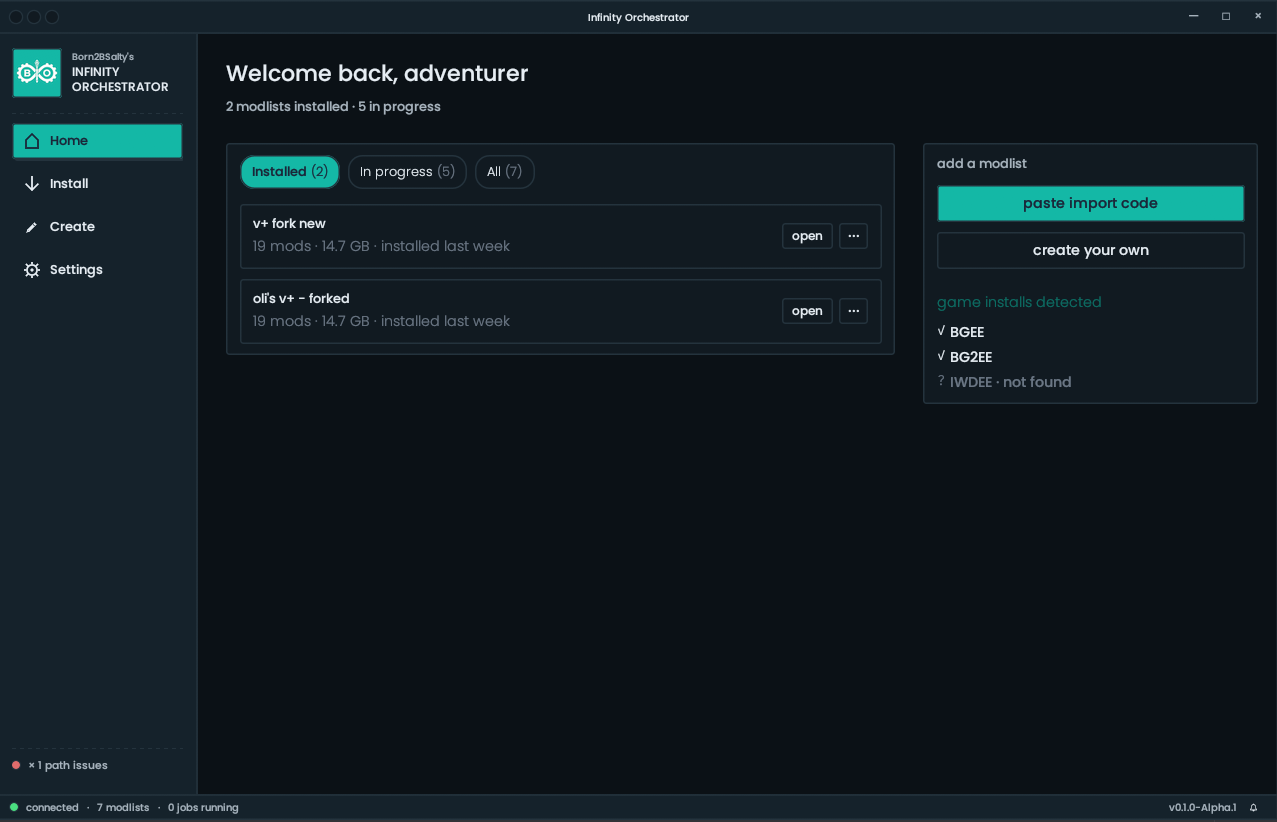
- Home - Lets you view and manage all of your completed or in progress installations.
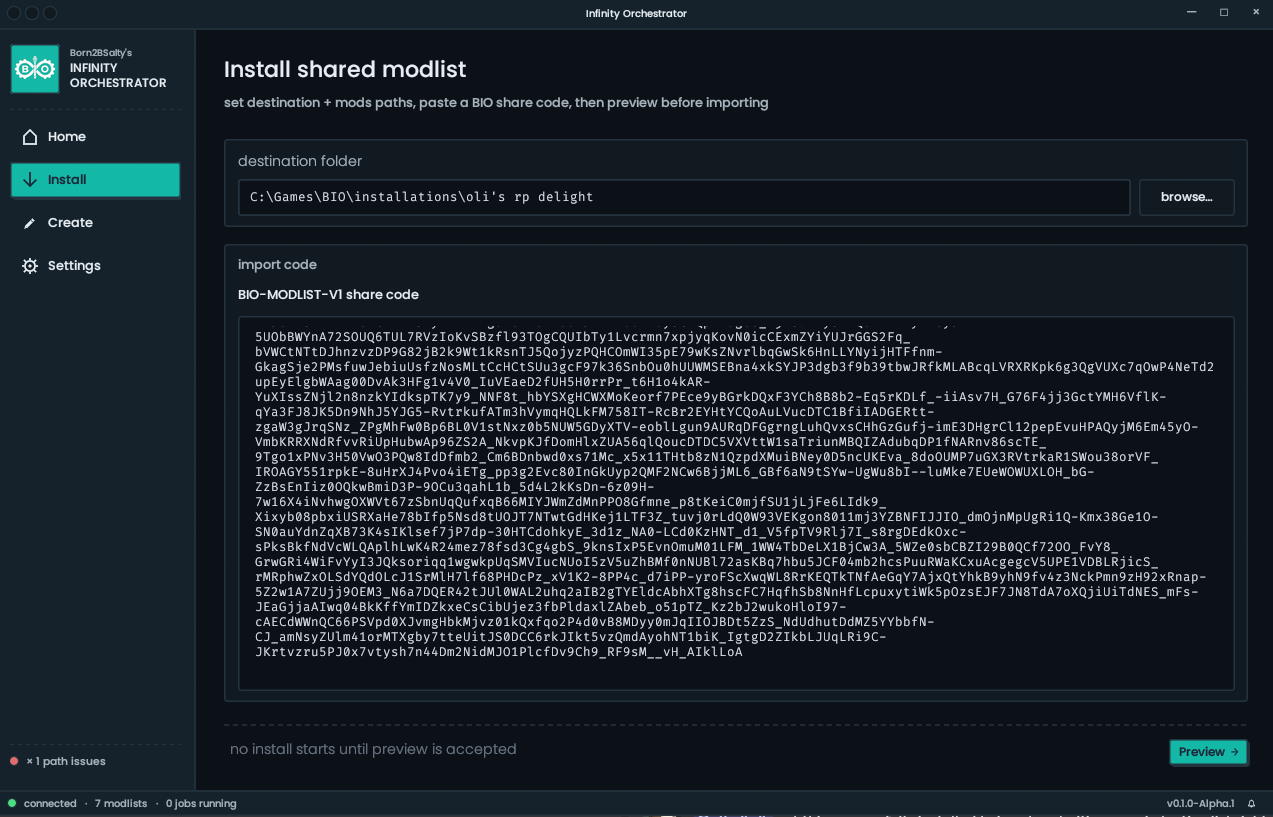
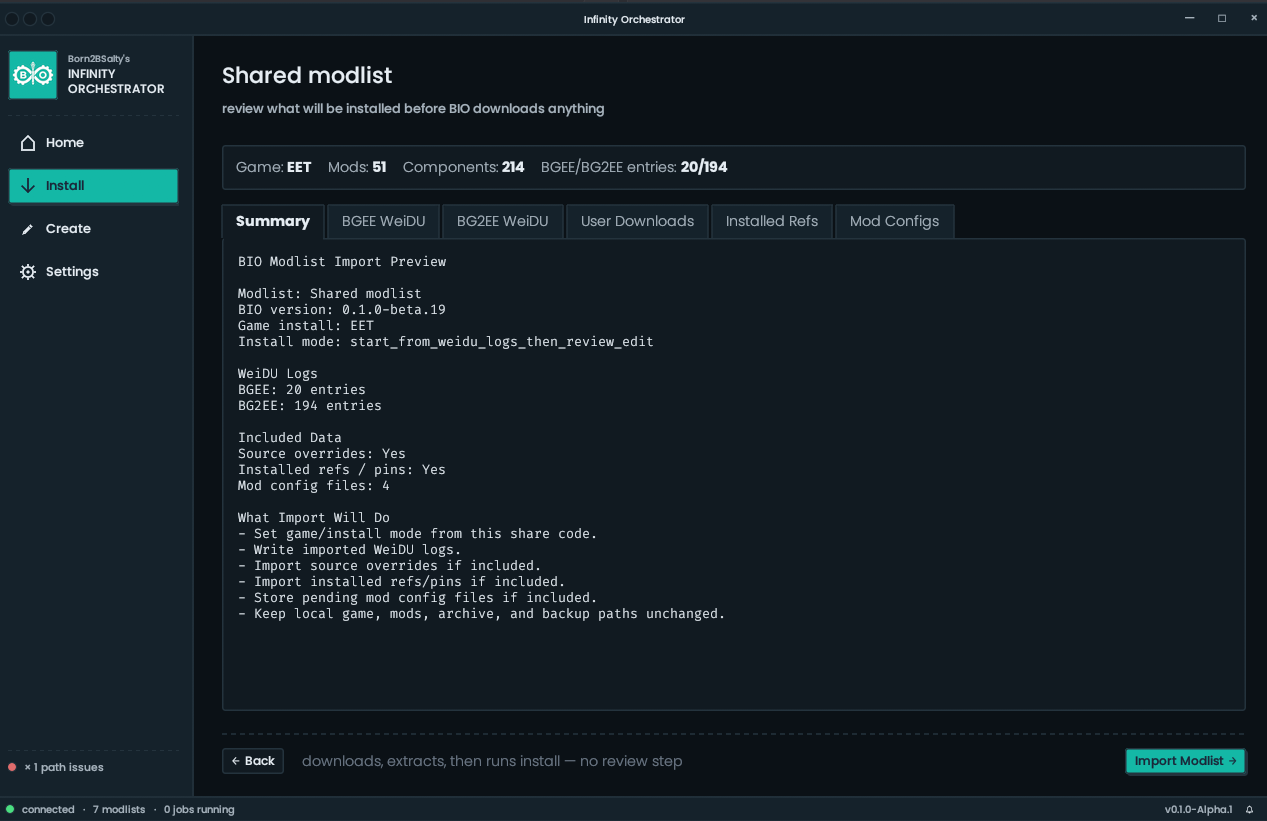
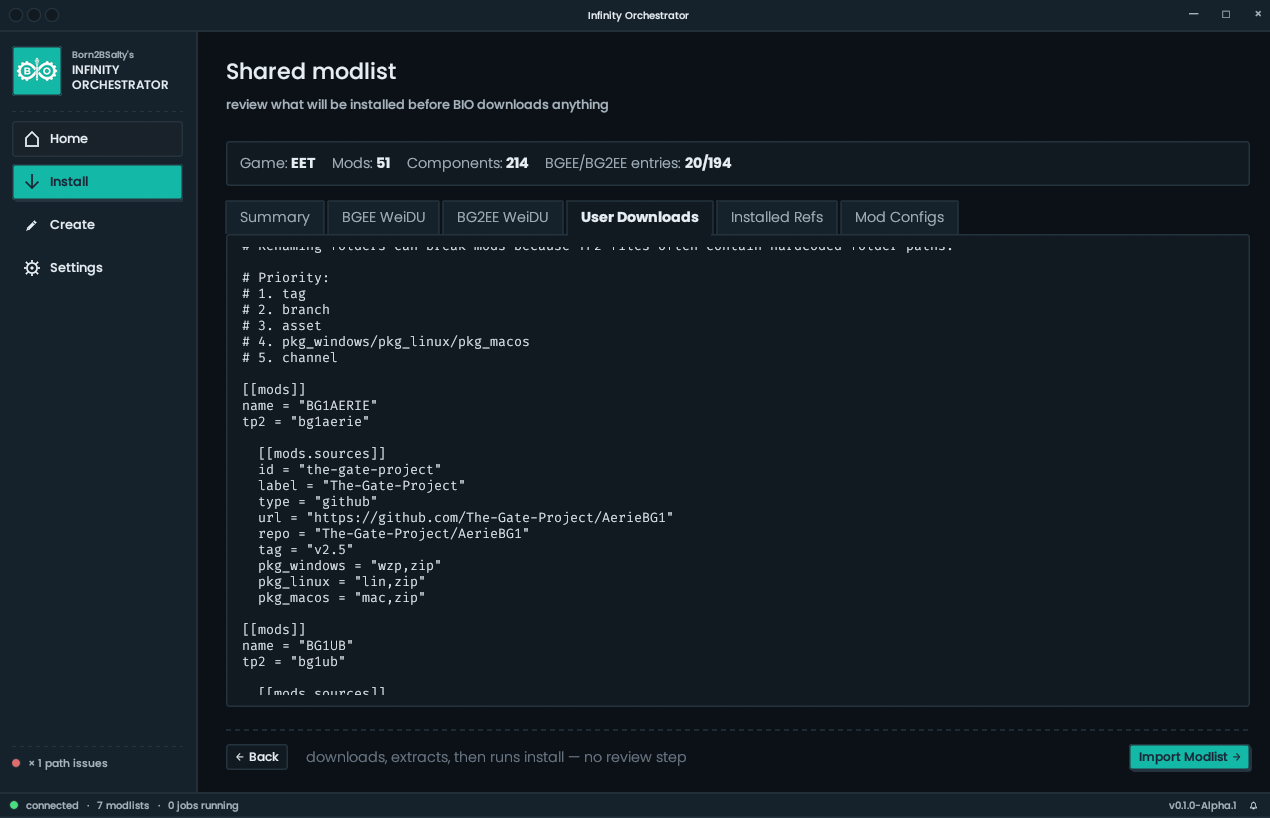
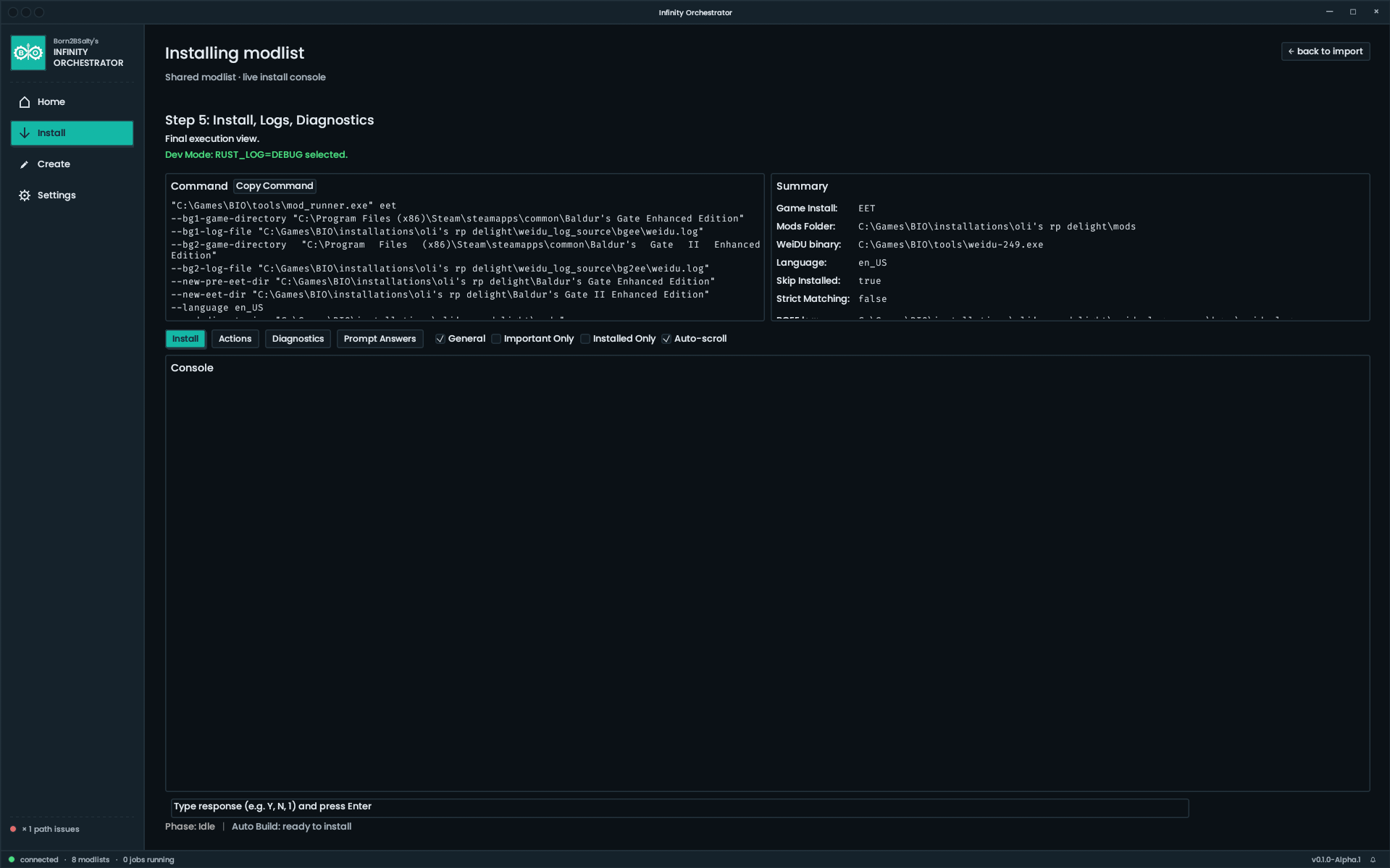
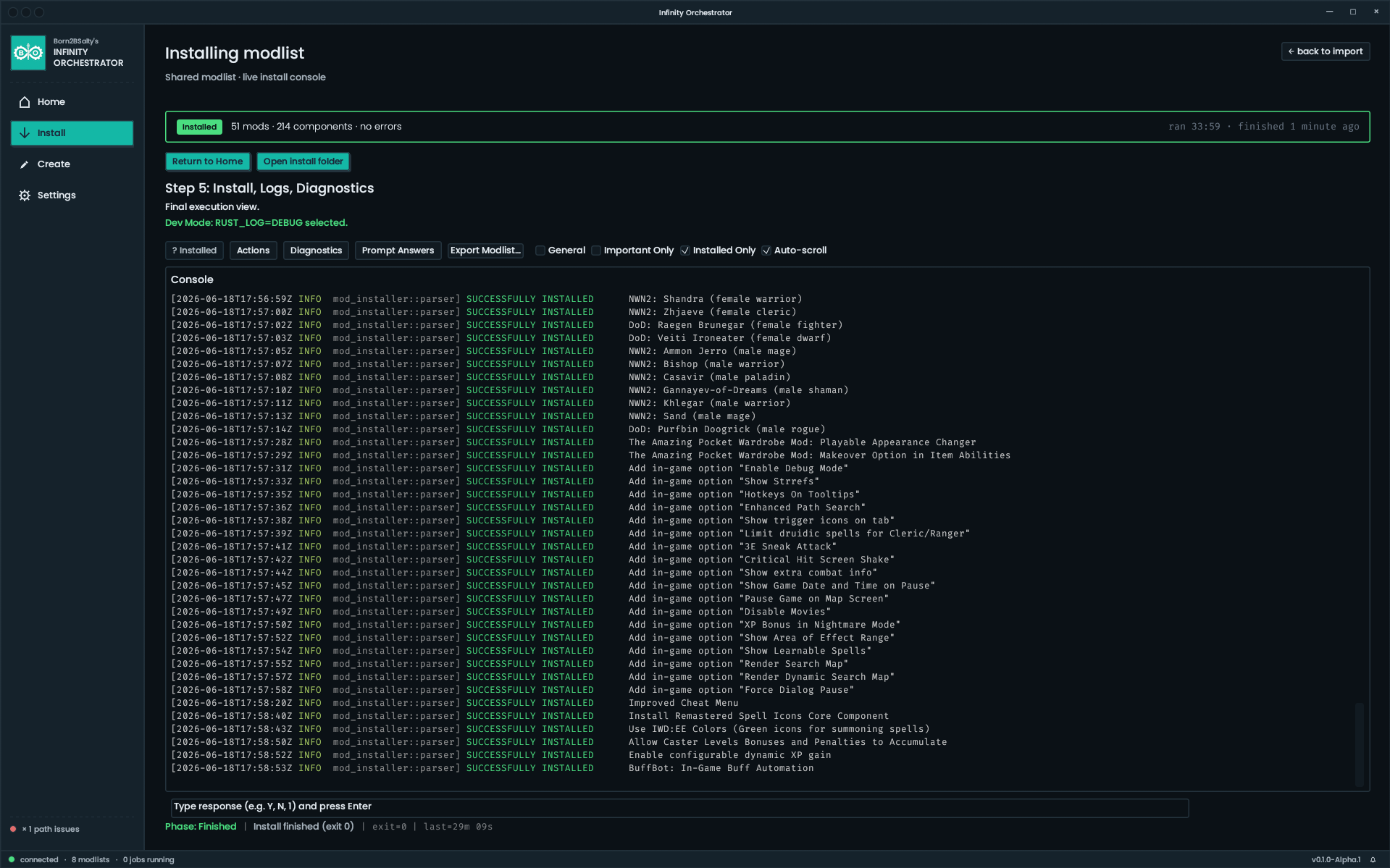
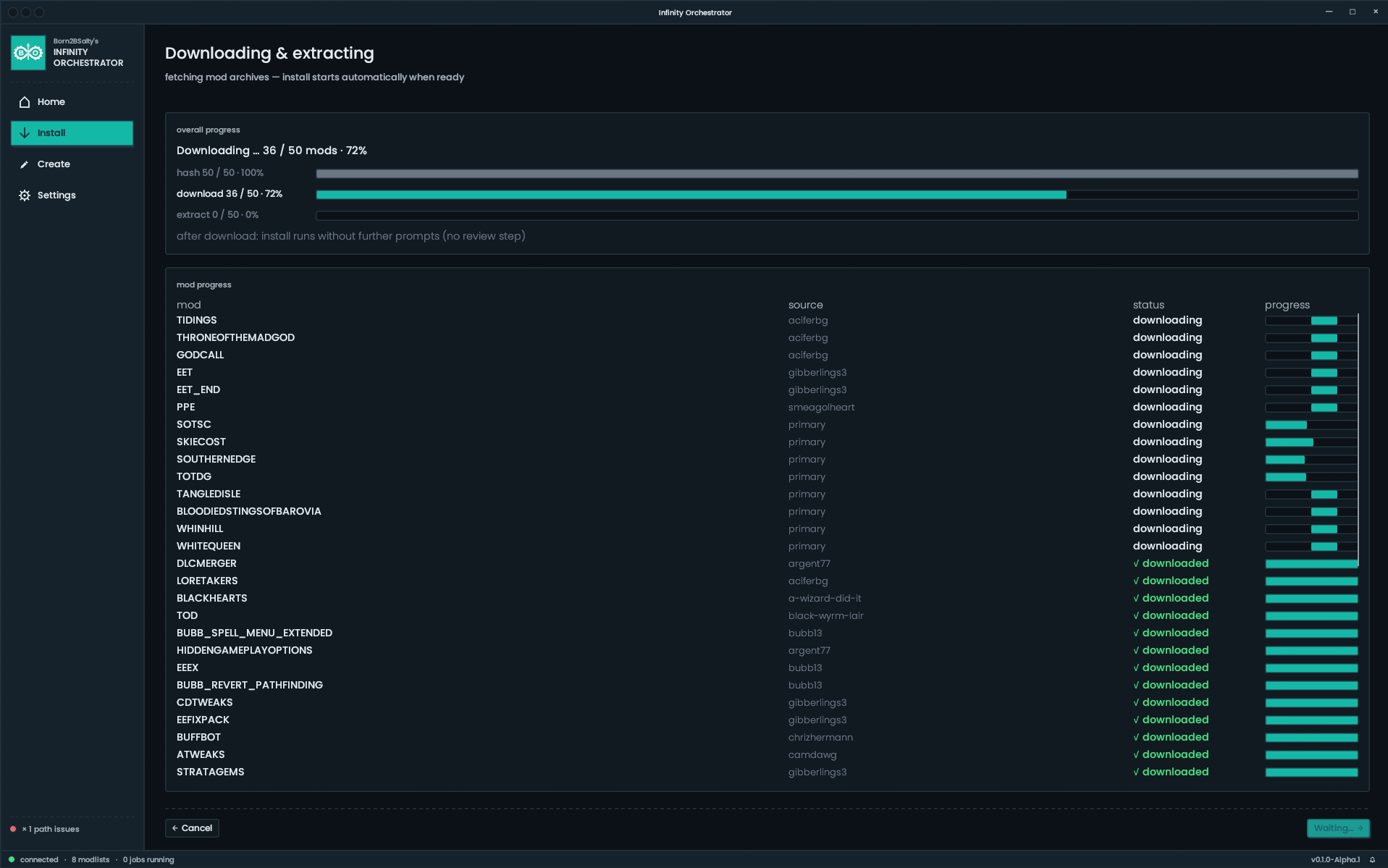
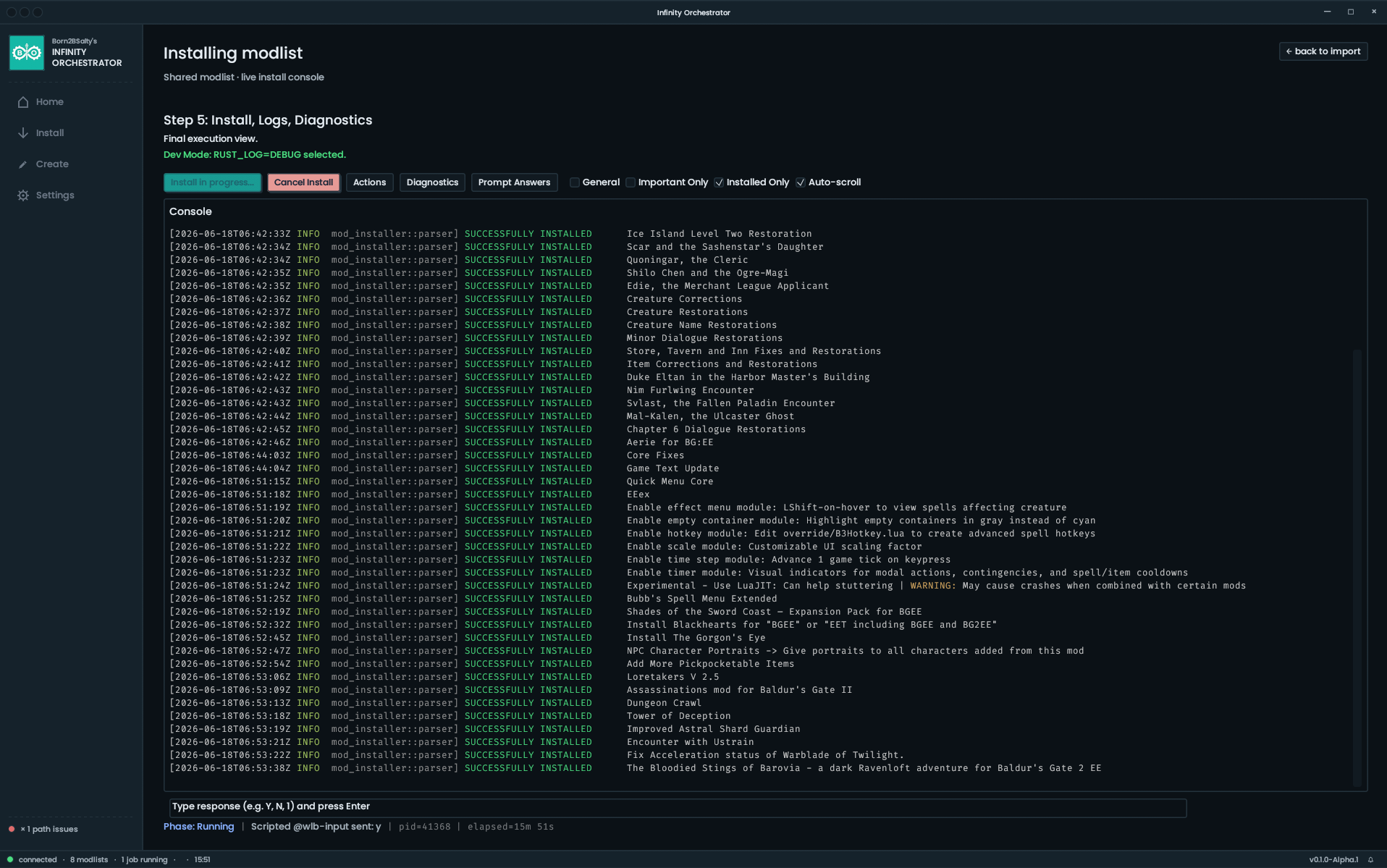
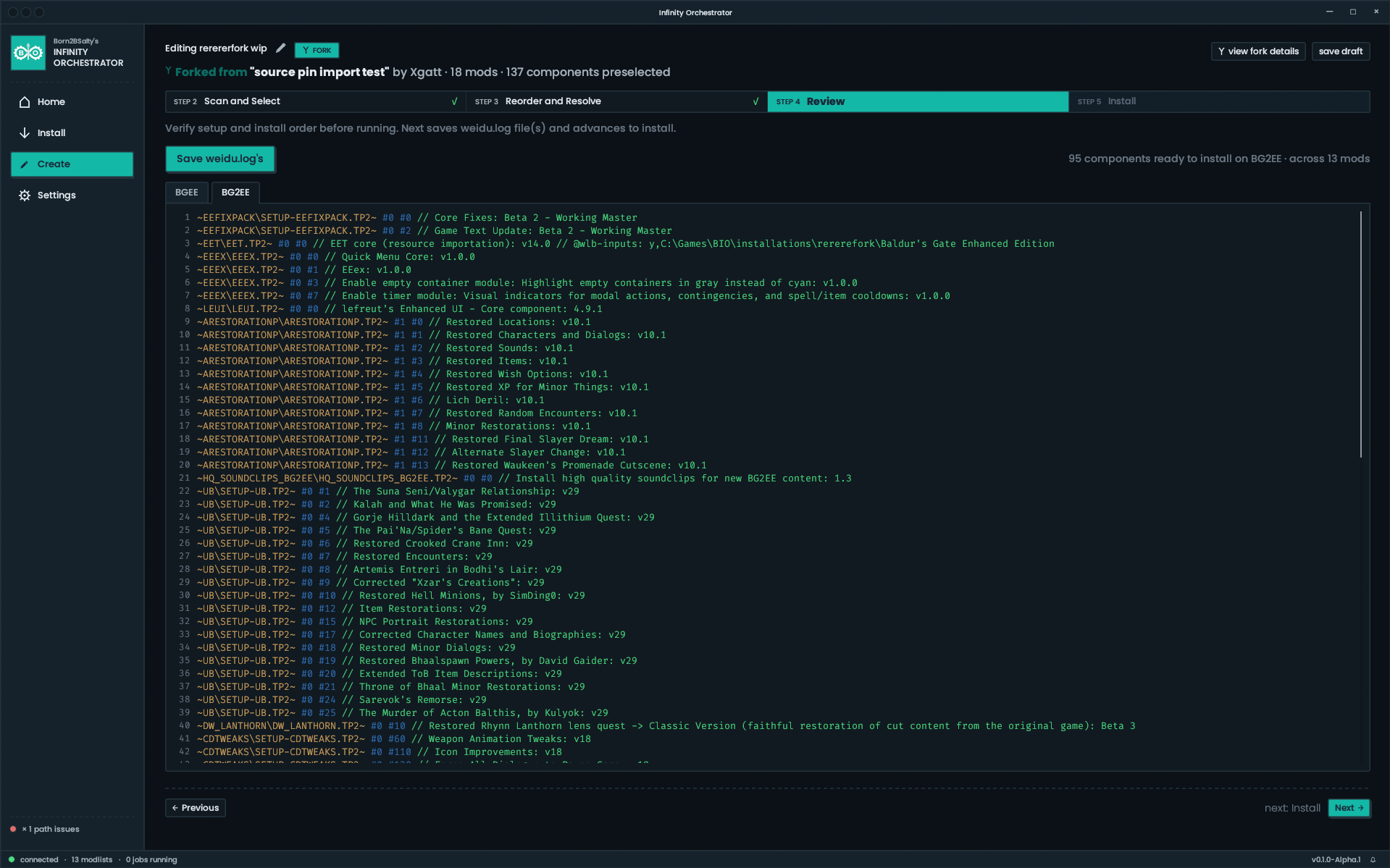
- Install - Here you can install a new modlist from scratch. All you need to do is to point to an empty folder and paste in a Share Code. BIO does the rest -- download, extract, and install in the exact order.
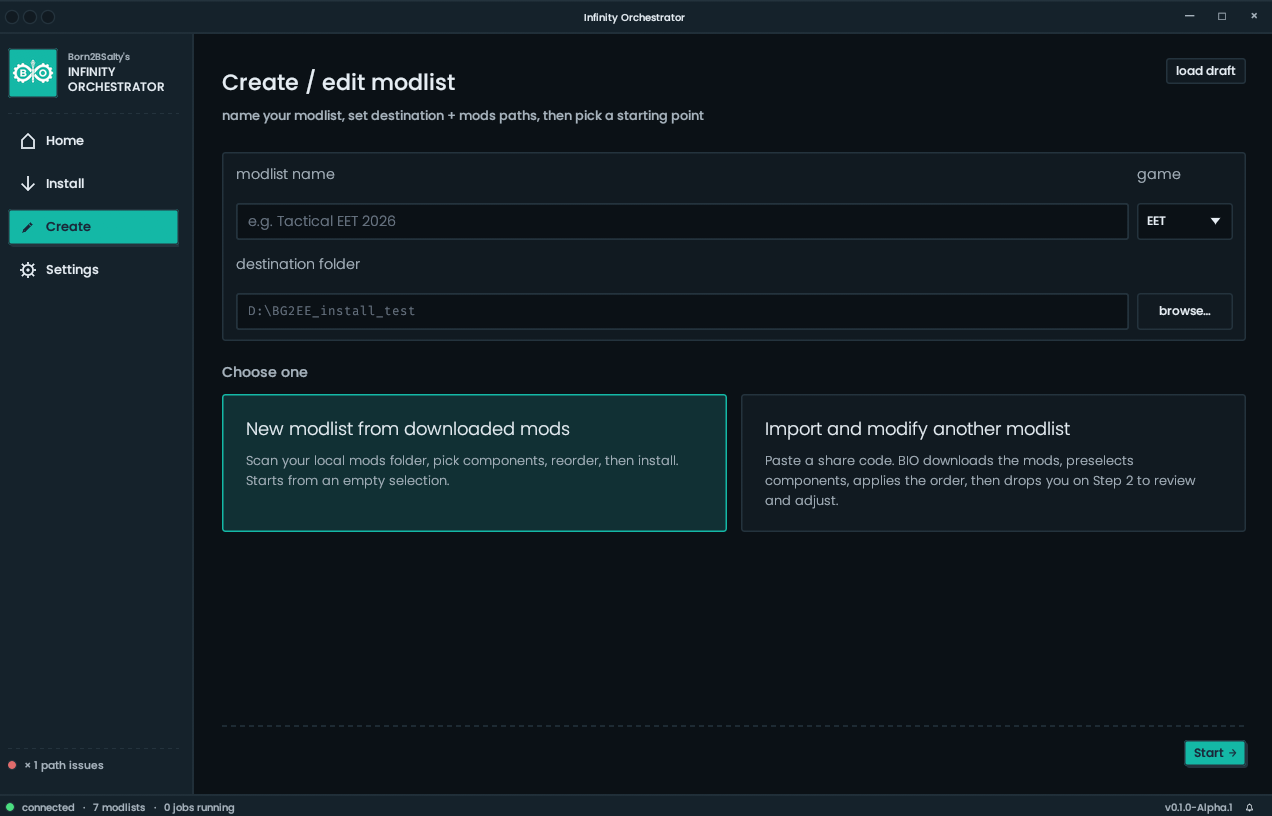
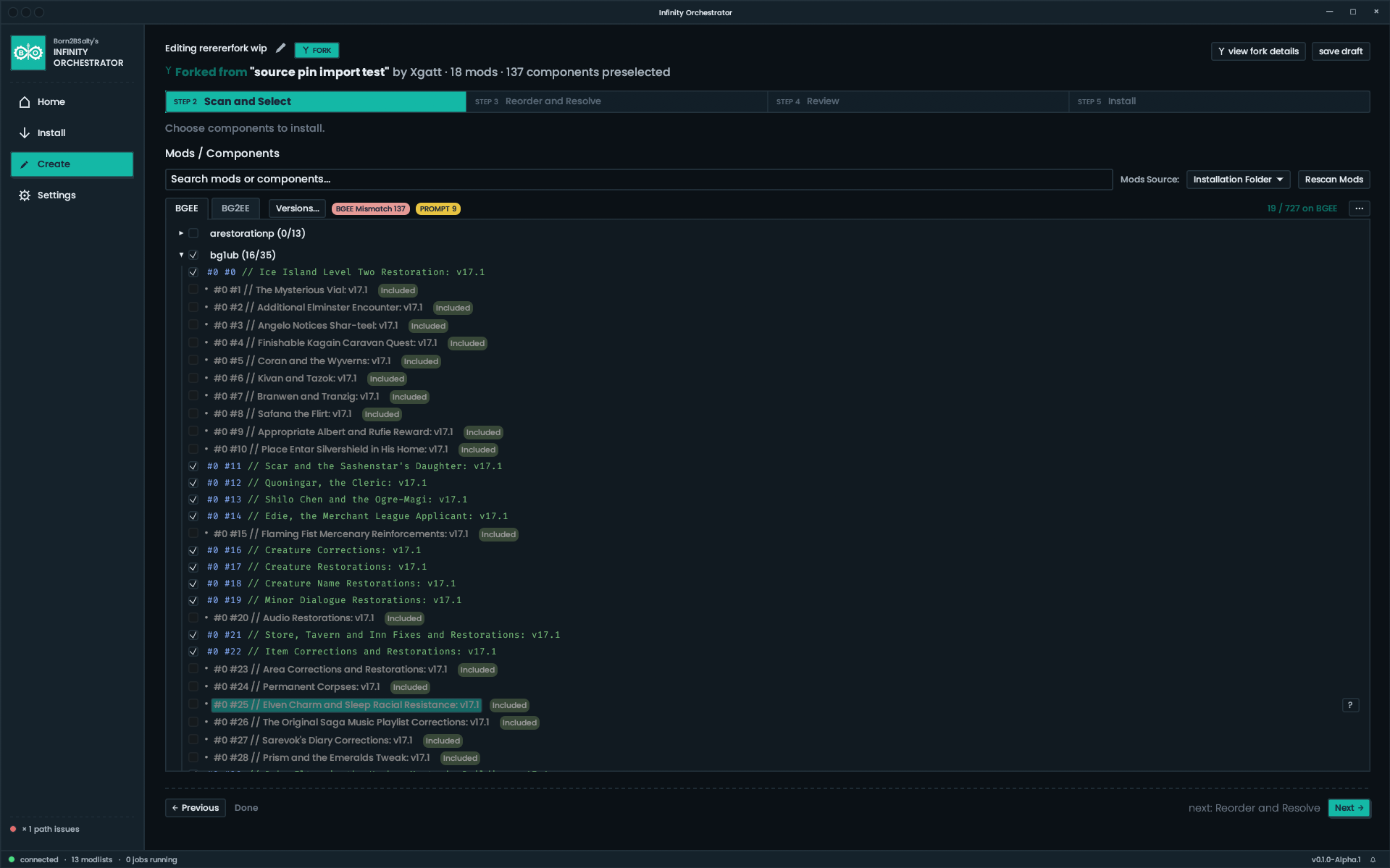
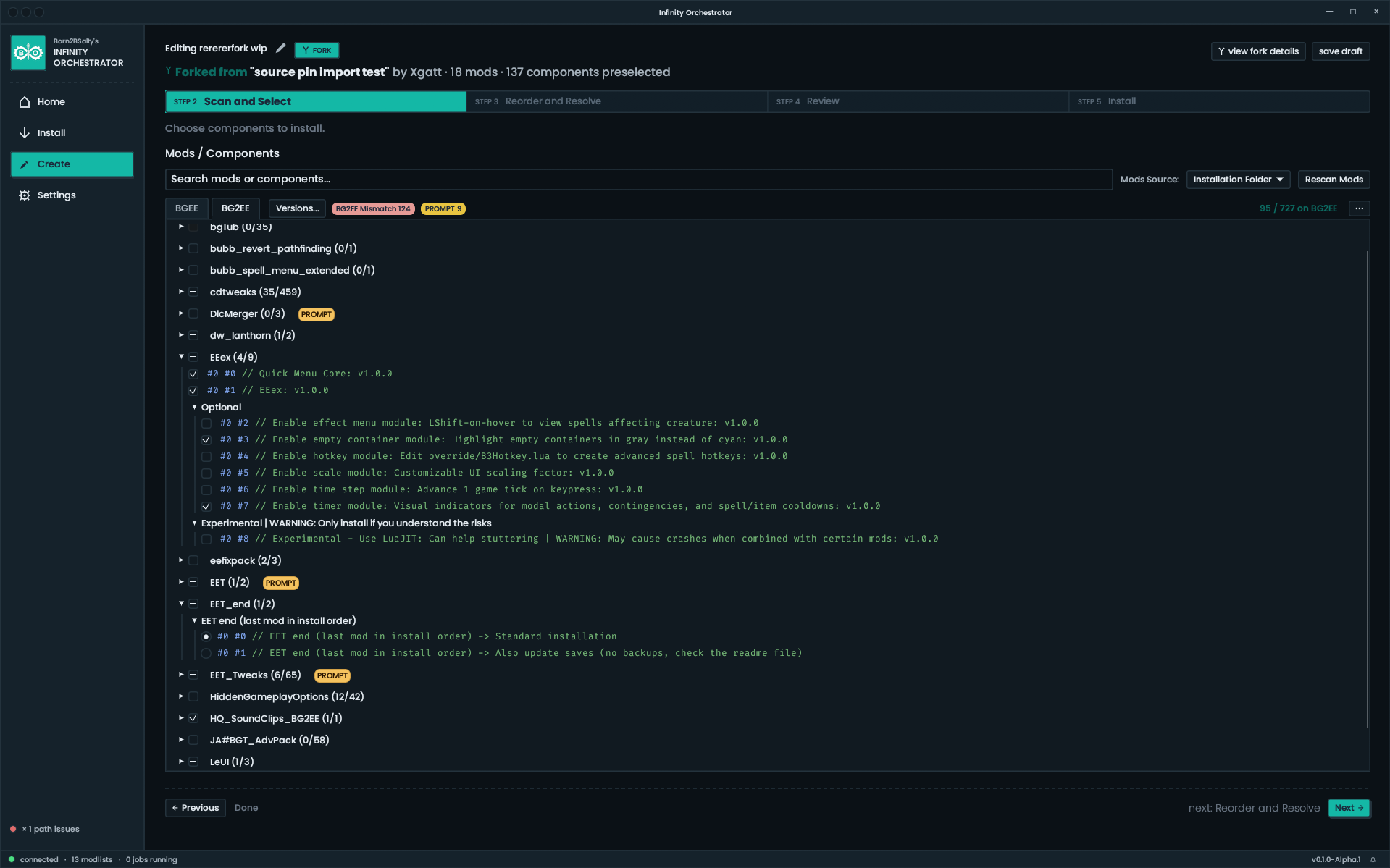
- Create - This is where you go to create a modlist for yourself or to share with others. Name your modlist, select a game type (EET, BGEE, BG2EE, or IWDEE), choose an installation directory, and then pick one of two workflows -- "New modlist" (to build your own) or "Import and modify another modlist" (to work off of someone else's list as a base)
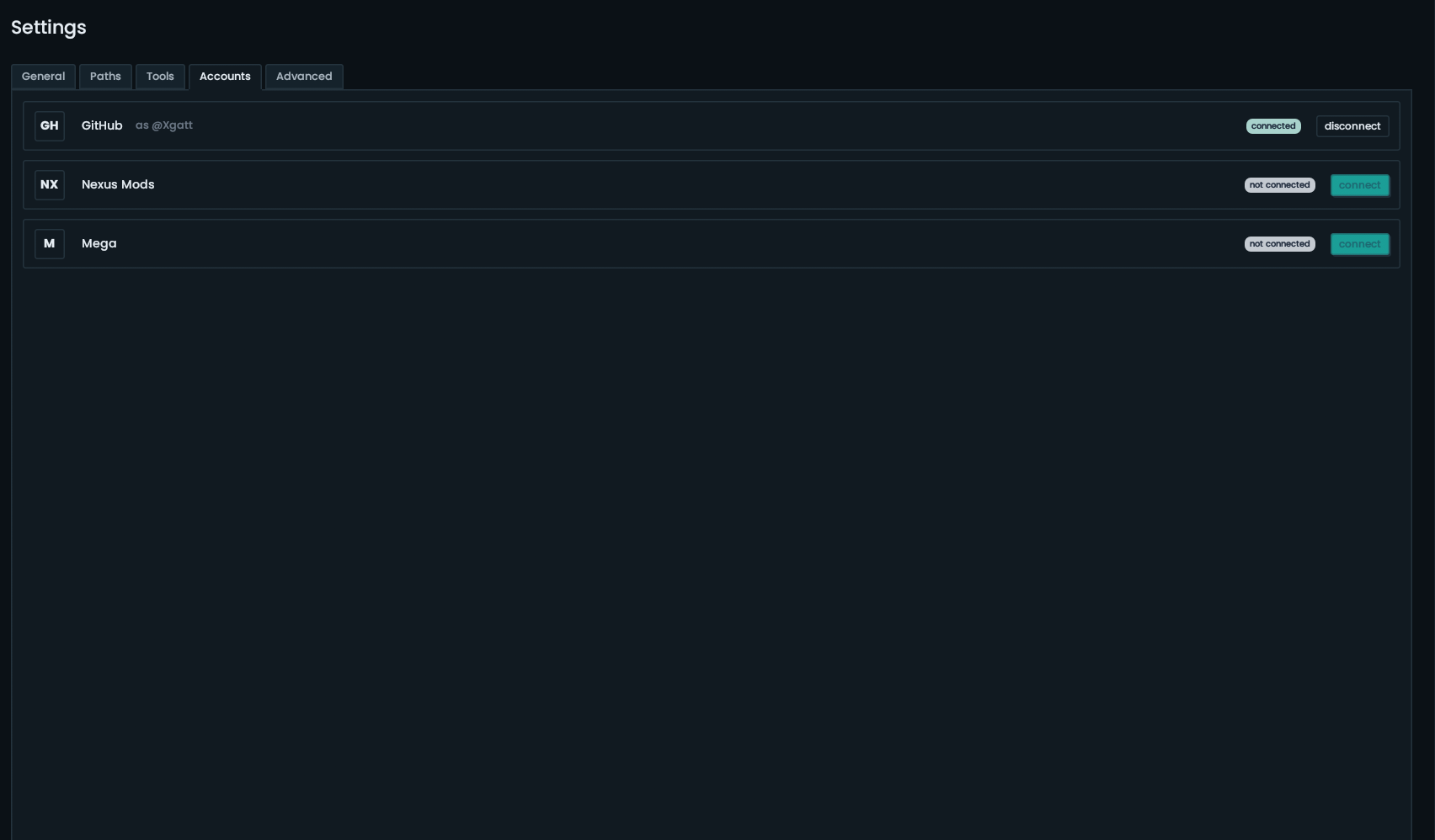
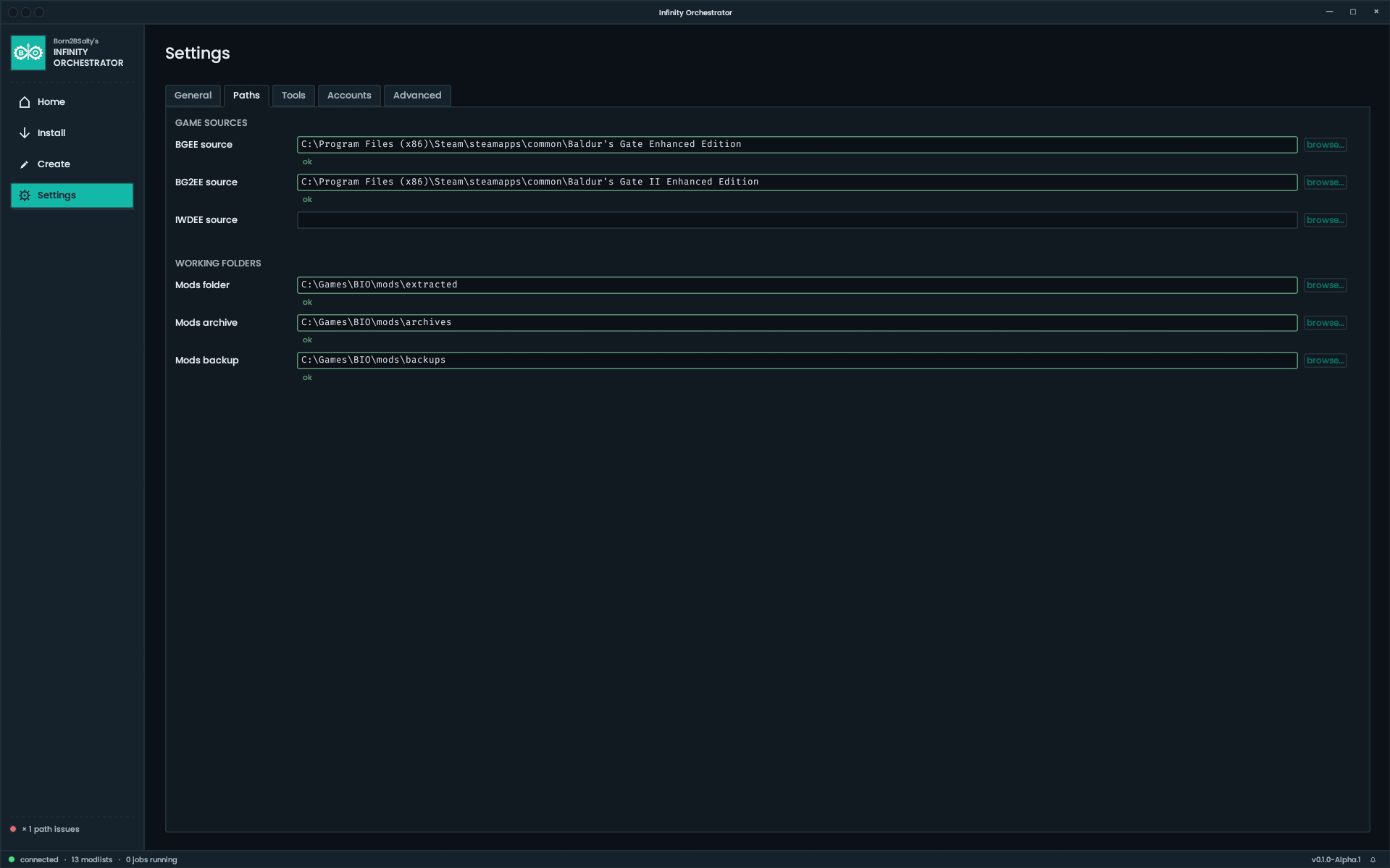
- Settings - This is where you can set up your app and all of its required settings and tools. At minimum, you need the actual game(s), WeiDU exe, and the Mod Installer exe.
Screenshots
Home page:
Install Flow:
Create page:
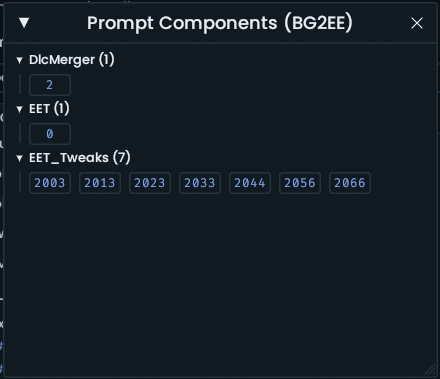
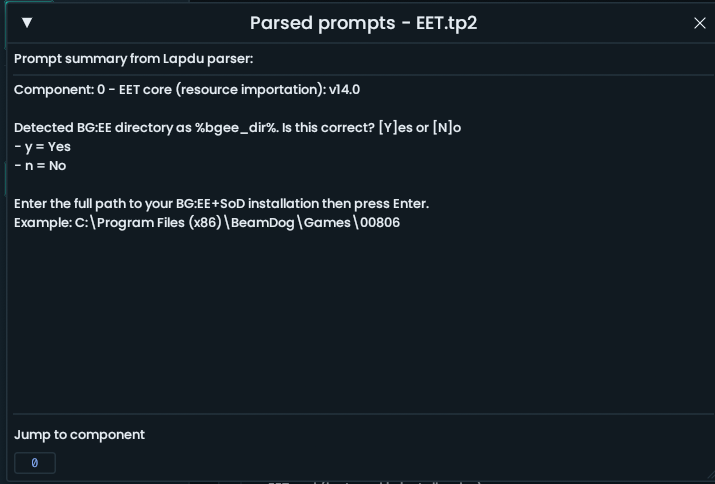
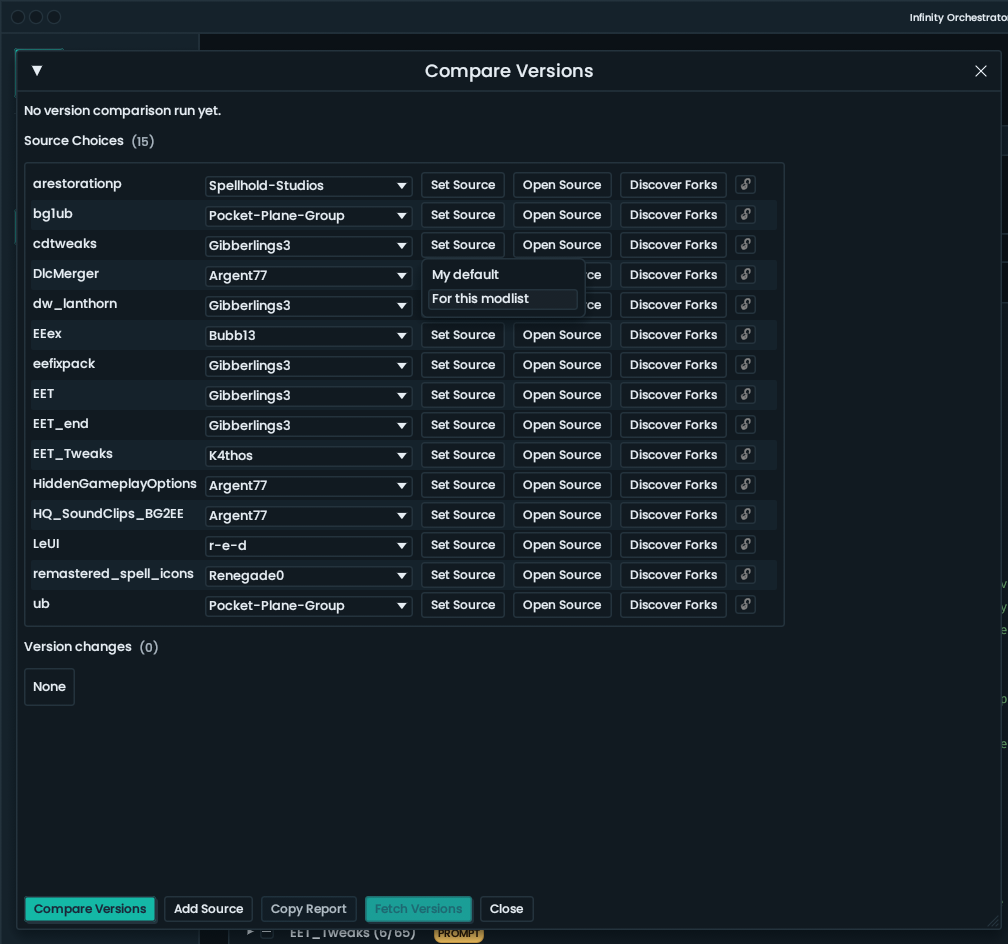
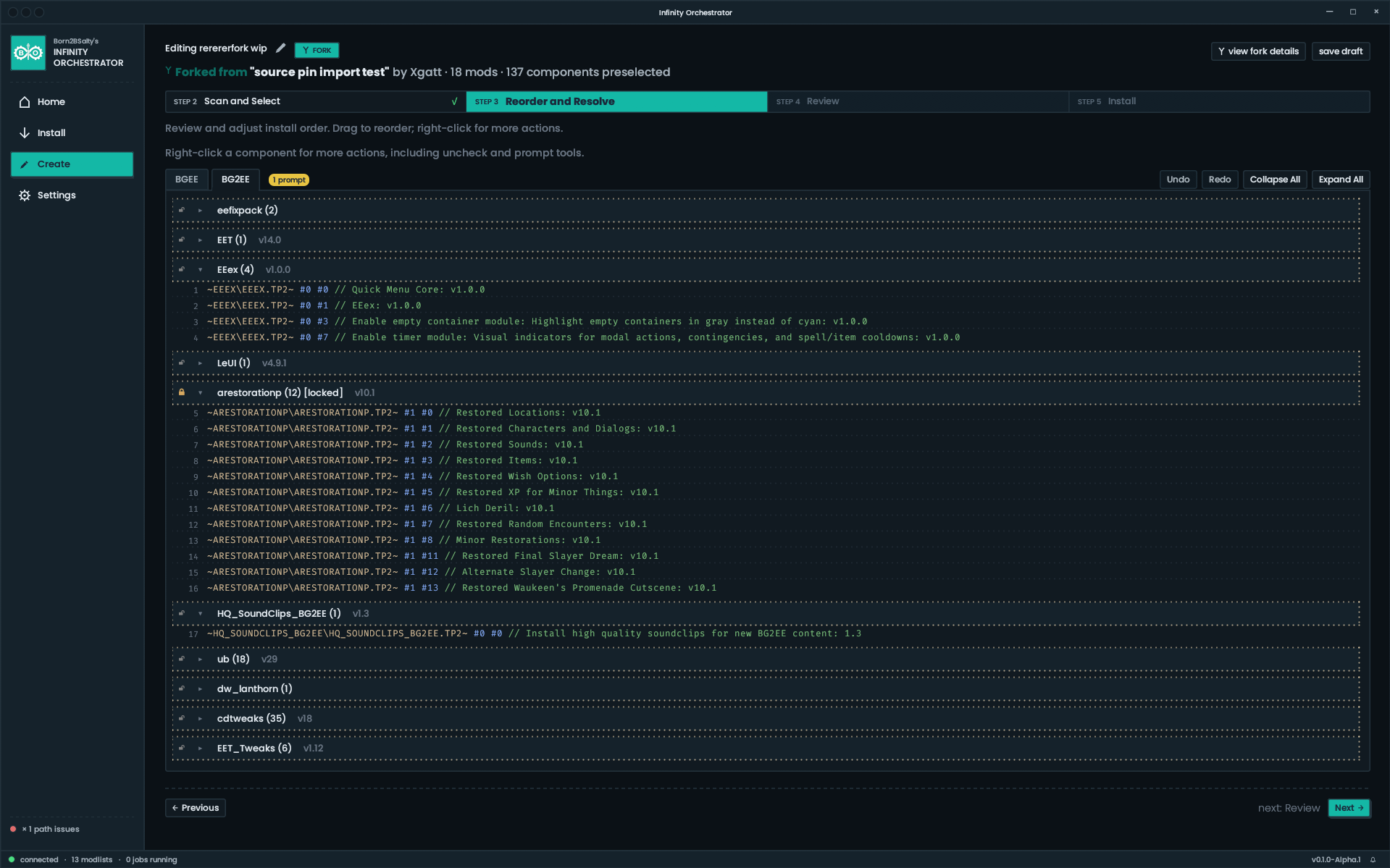
Settings:
Install Flow:
Create page:
Settings:
Known Limitations
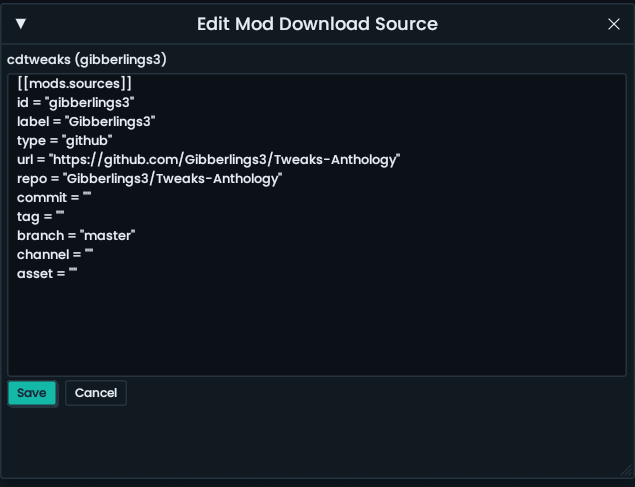
- Modlist creation and sharing works best when using mods that live on GitHub or NexusMods, since those sites allow modlist curators to pin exact commit hashes, tags, or version IDs to download. Other sites (weaselmods, morpheus-mart, etc) will be limited to downloading the latest versions only. This means that a modlist created using e.g. version 7.2 of Tactics Remix may end up downloading version 8.2 if installed a few months later.
- There is no Modlist Directory at this time like Wabbajack has. That may come at a later point.
Project Team and Credits
Project team:
- Project lead, primary developer, and creator: @Born2BSalty
- Redesign UI/UX, product vision, and development: @Xgatt
Credits:
- Building Mod Installer, which powers the installation step: @dark0dave
- Building out many of the initial modlists / share codes: @olimikrib
- For product inspiration: The whole Wabbajack team and its creator, halgari
0
Comments
meaning: can it go through my folder with unpacked mods and redownload only the ones which got new release on github or weaselmods?
Yep, so long as you've set the download sources to track a branch on GitHub and the right download links on weaselmods (the latter will always present latest versions to you when you run the version check). For GitHub, if you DON'T want it to update past a version, you can also pin it to a specific release tag or commit hash, and it will stay at that one.
Do note though that it's not the same Skyrim equivalent of "updating" a mod. You can't do any updates to any weidu mods mid save. It's a full reinstall each time you want an update to even one mod. Just the nature of WeiDU
Another question: some of the popular mod makers... well, to be specific just one of them, doesn't really care about the community standards and doesn't use release tags.
Would it be possible to mark a repo as "main branch" instead of the latest release? Meaning the signal for the update is just a new commit in the main branch.
I suppose you use the latest release by default, huh?
Also, the paths to the readme files for all the mods are set to the same destination, in my case:
\Mods\BGII\Another-Fine-Hell_alpha-230415\c#anotherfinehell\readme.anotherfinehell.english.txt
What could be the reason?
Log file attached. Please let me know if you need any further debug info.
The automatic update detection feature is really great, as is the ability to automate prompts during installation. Chef's Kiss.
Edit: The installation continues successfully after a restartof DOI. I would still be interested to know how this freeze can be avoided, though.