
[MOD] IWDEE-UI-BGEE
 RansomR
Member Posts: 21
RansomR
Member Posts: 21
IWDEE-UI-BGEE
1) Overview:
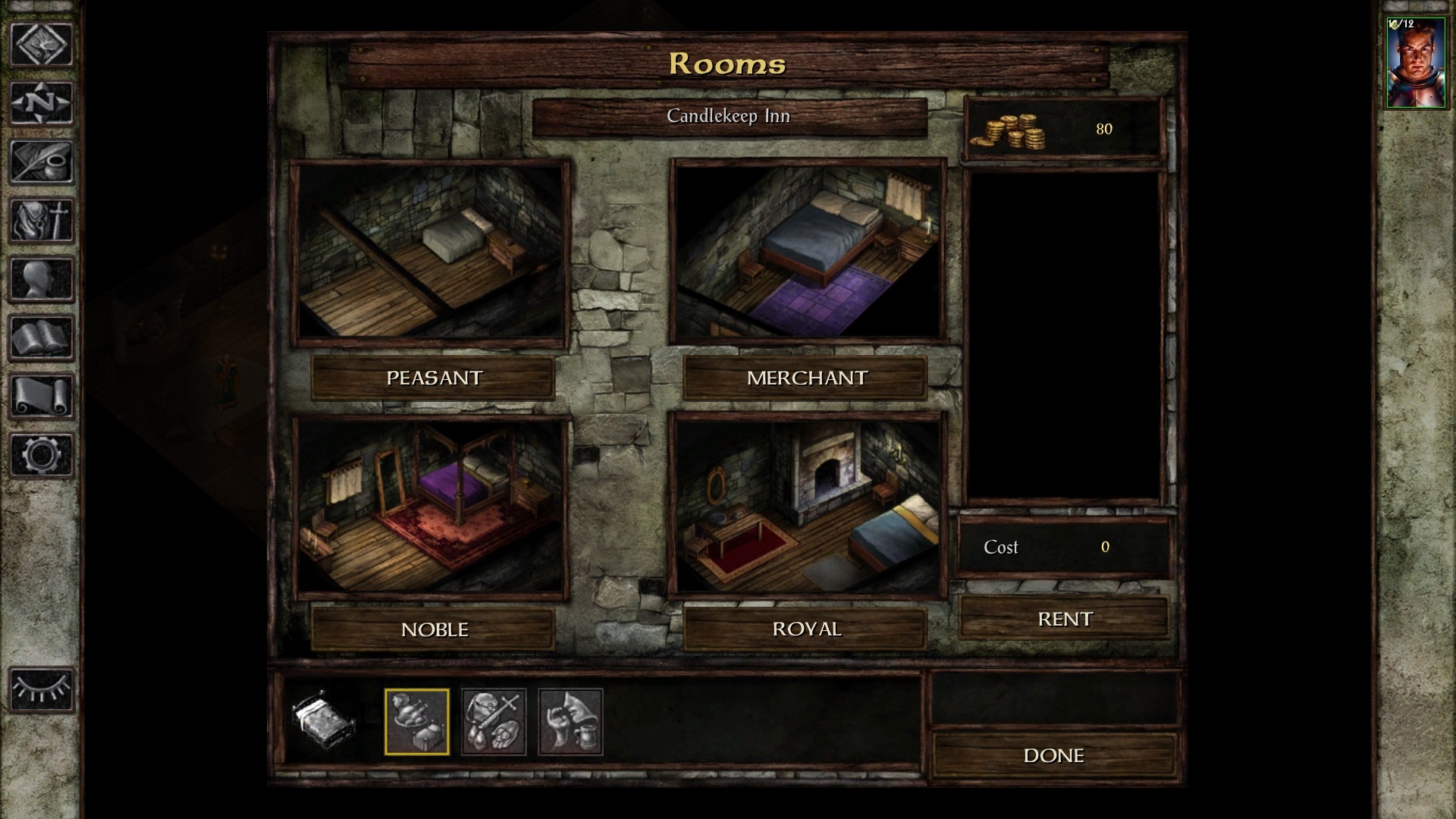
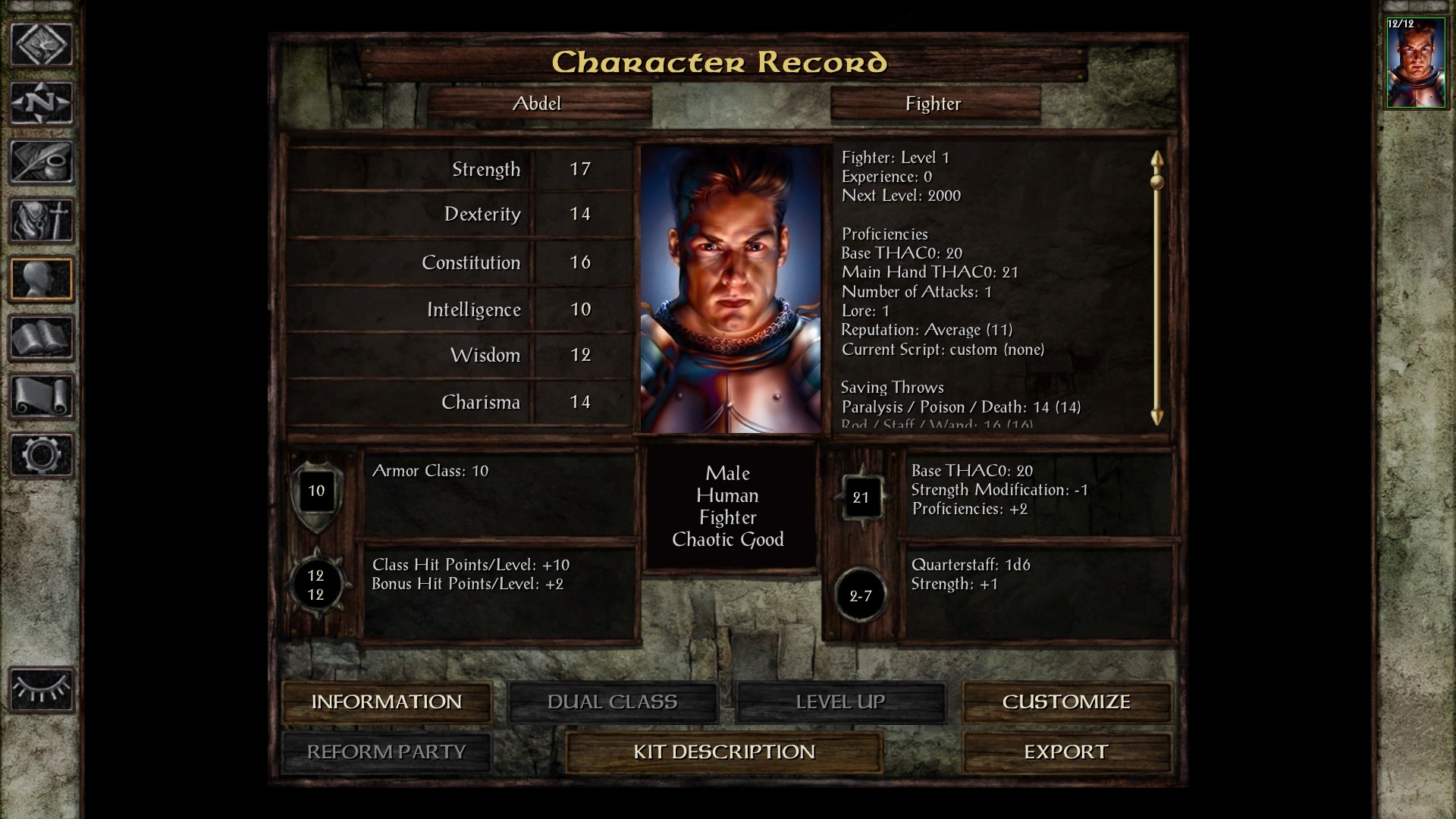
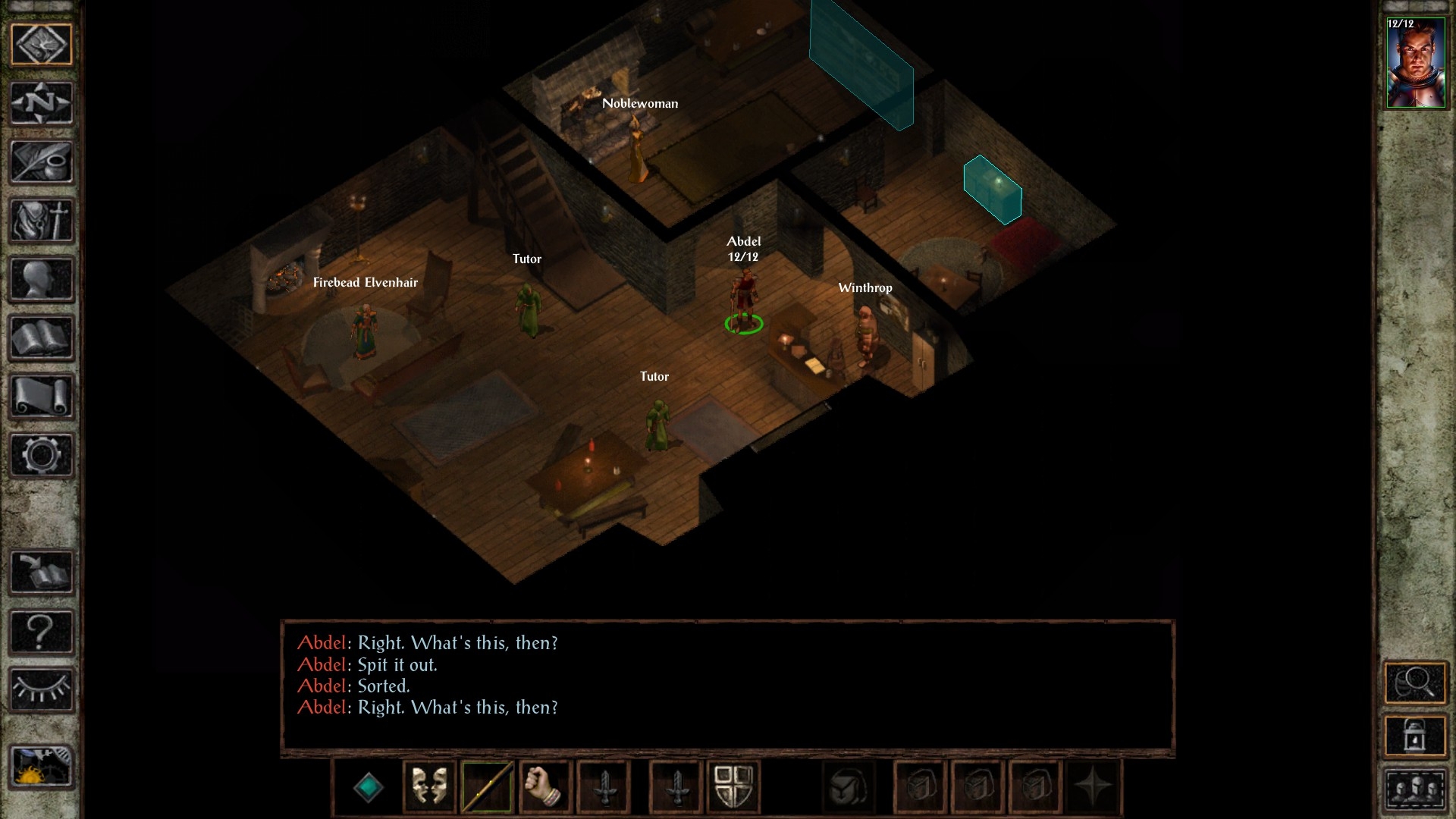
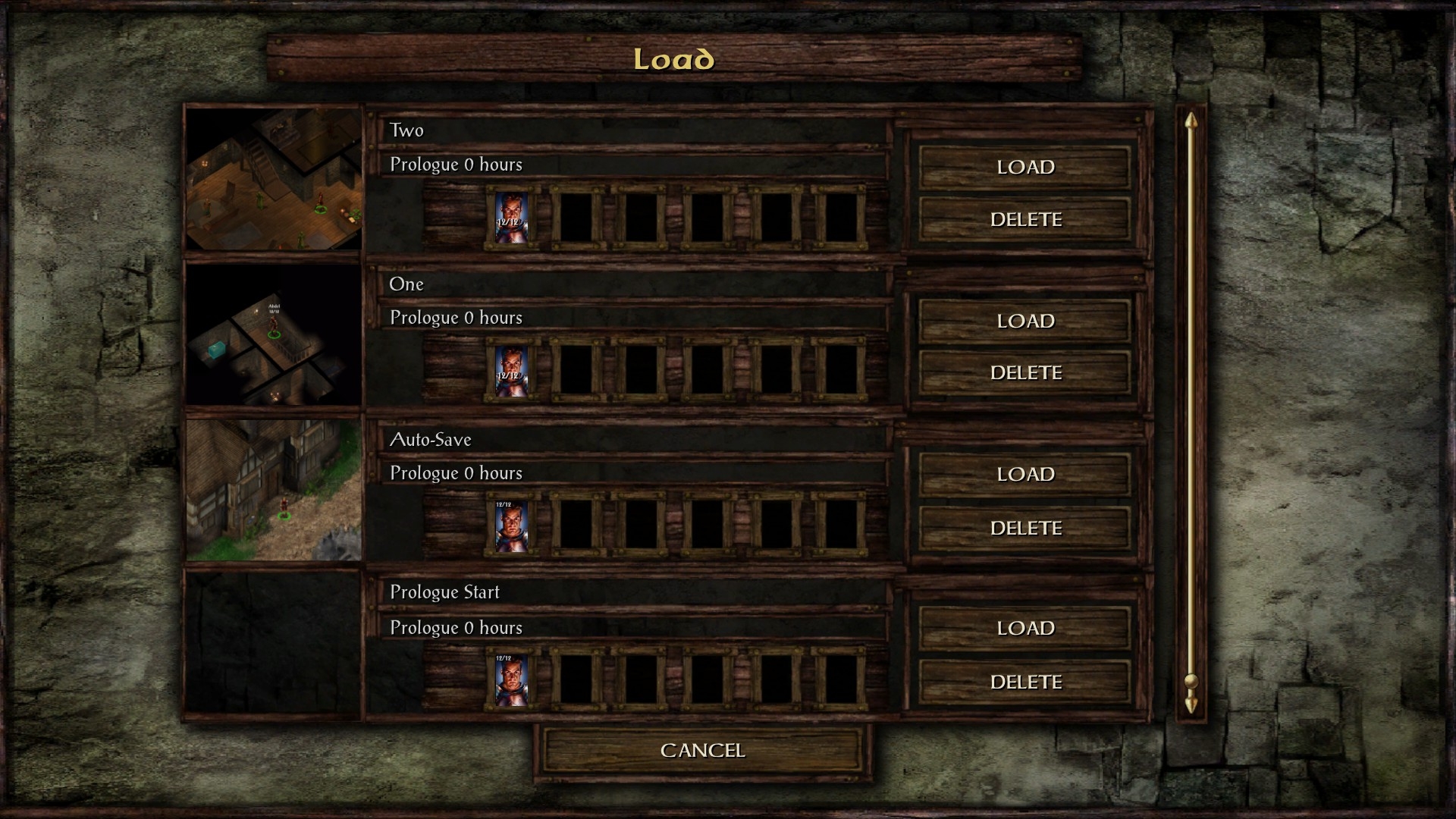
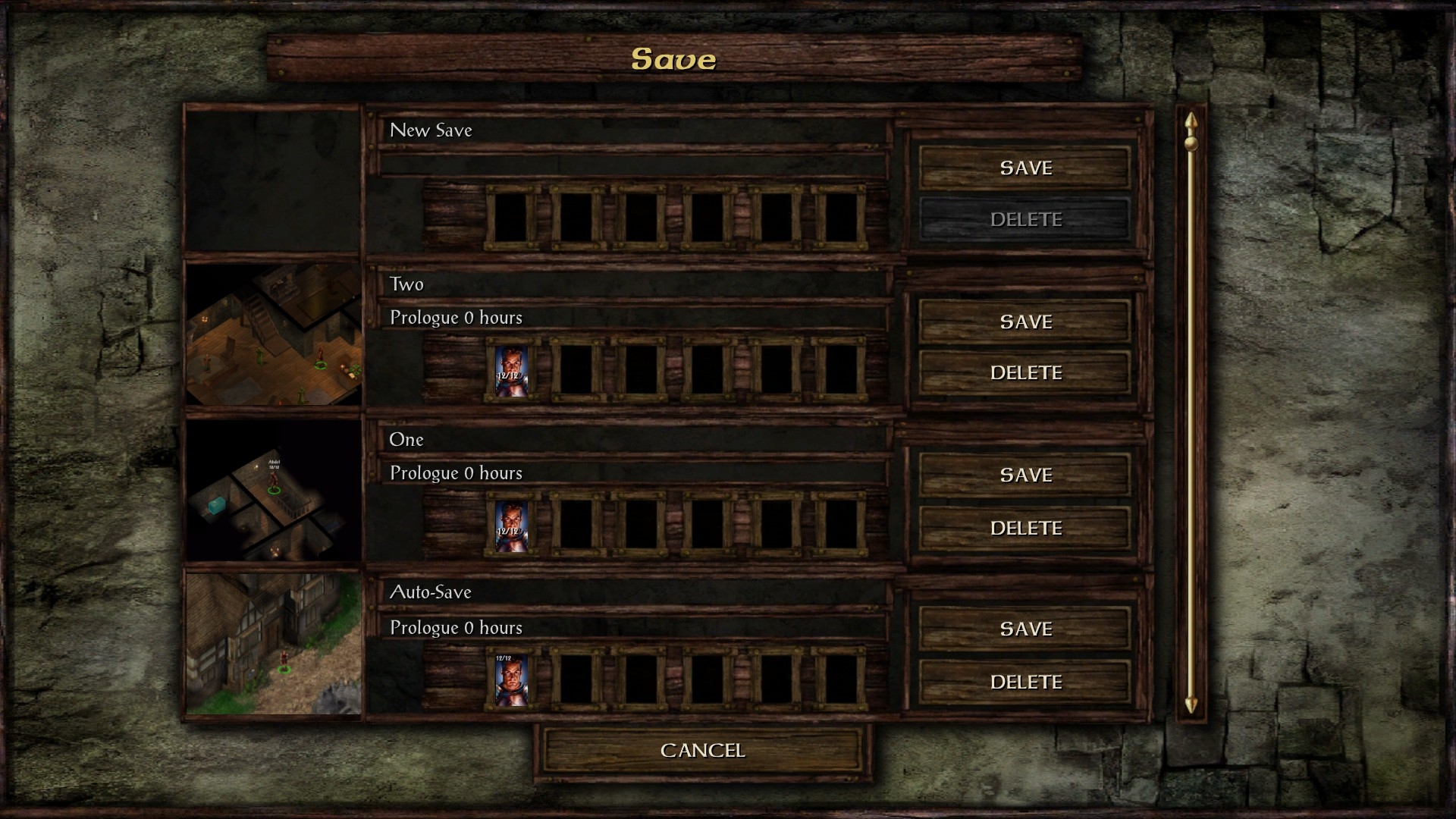
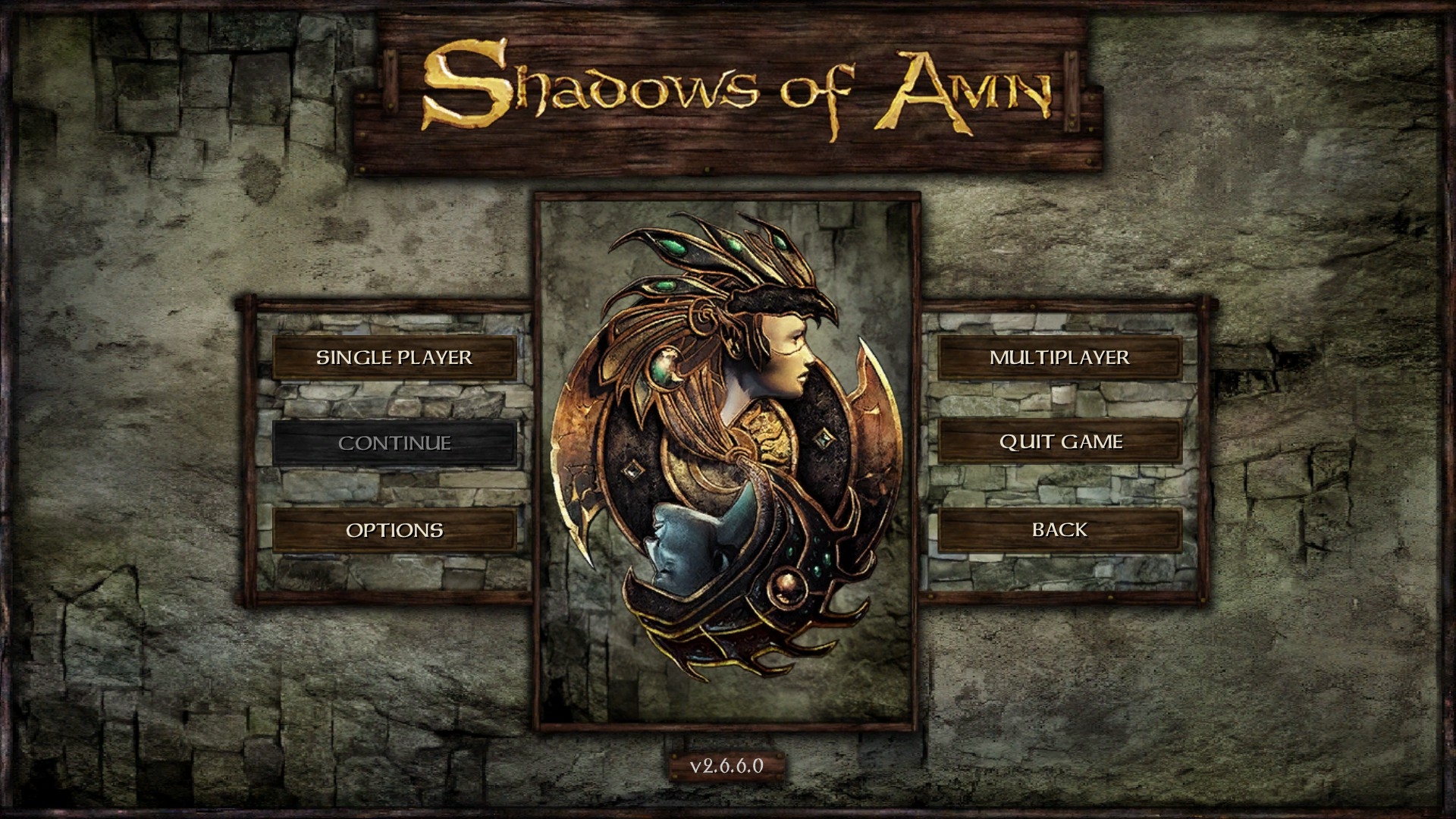
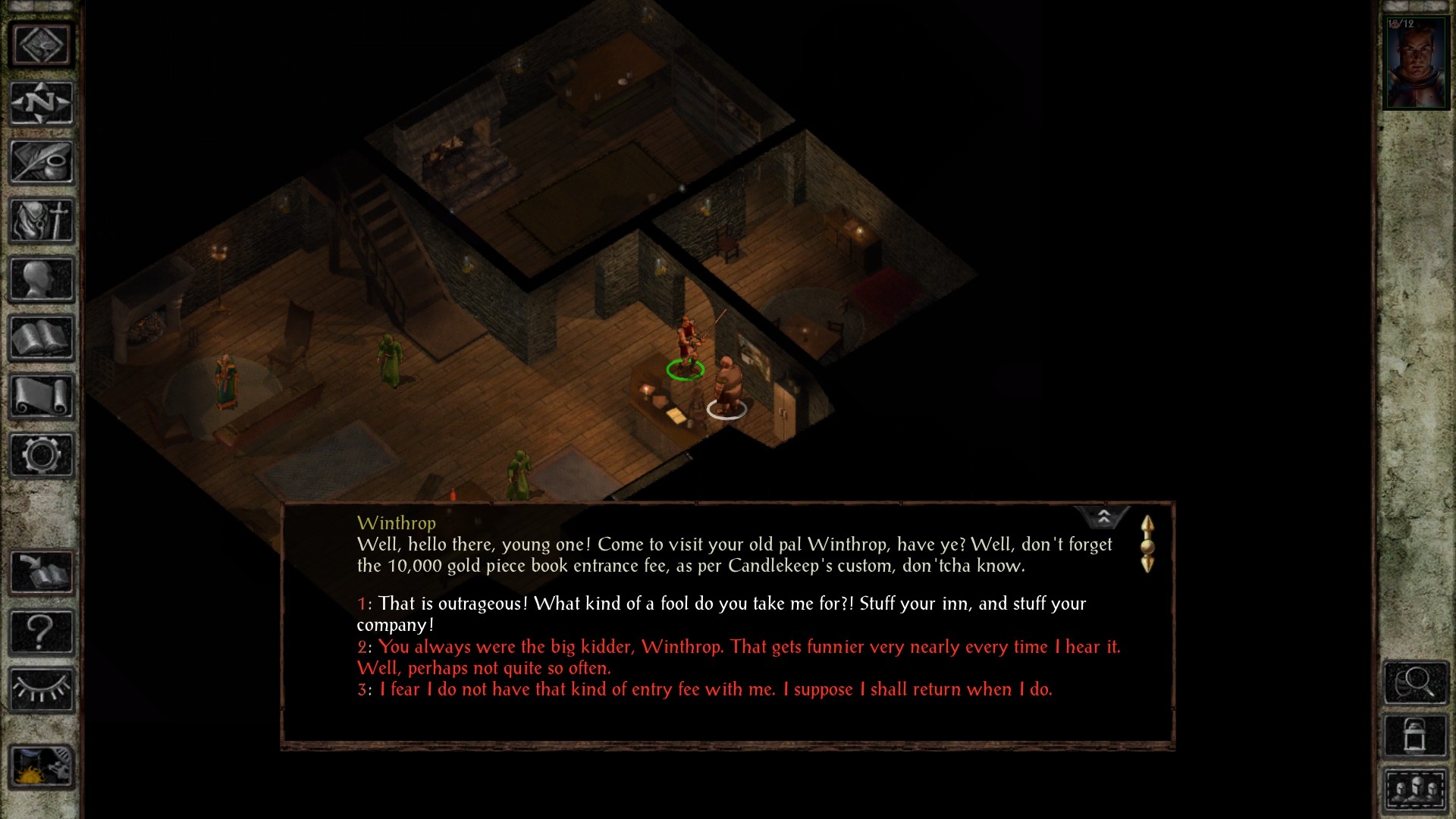
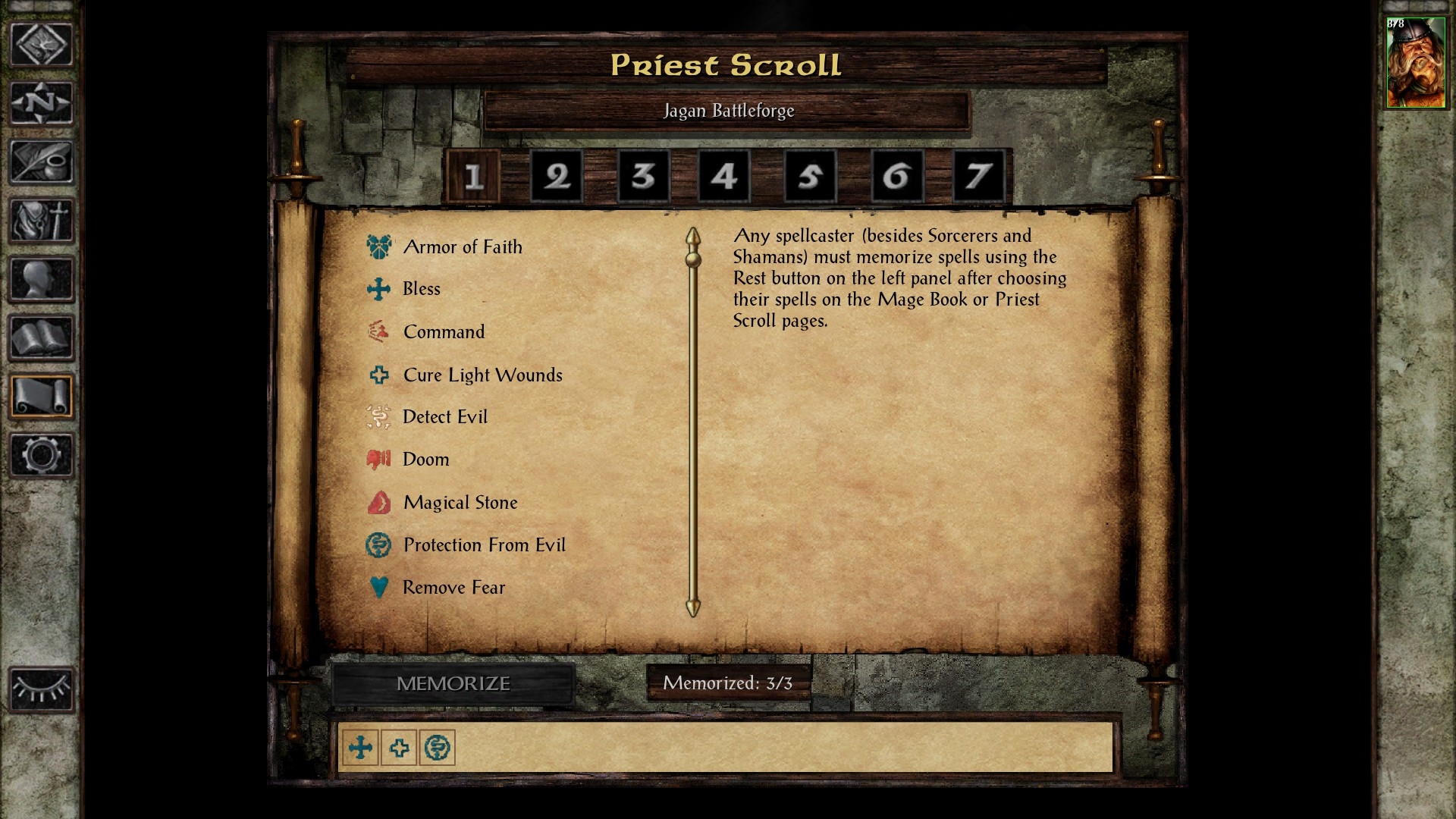
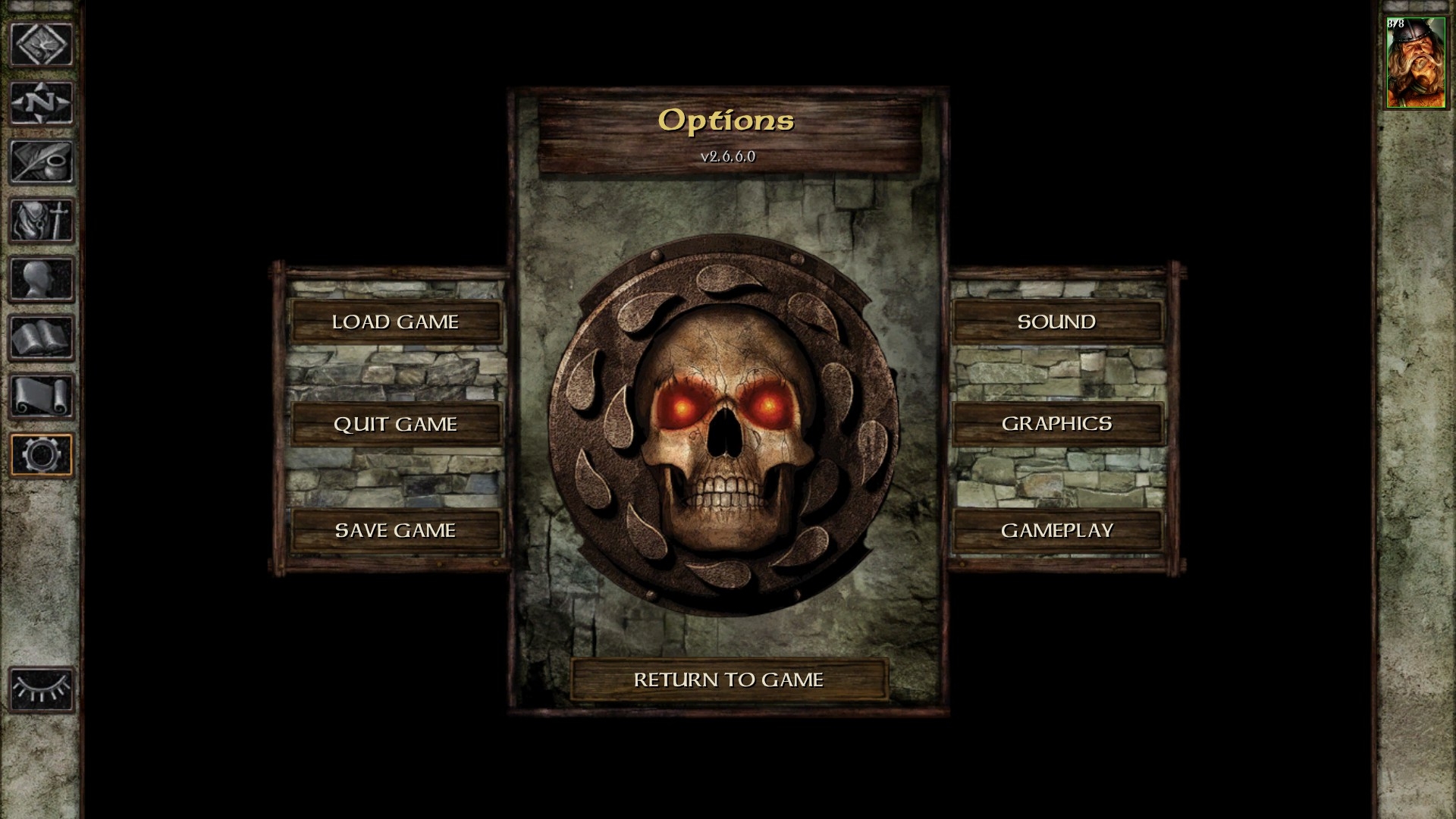
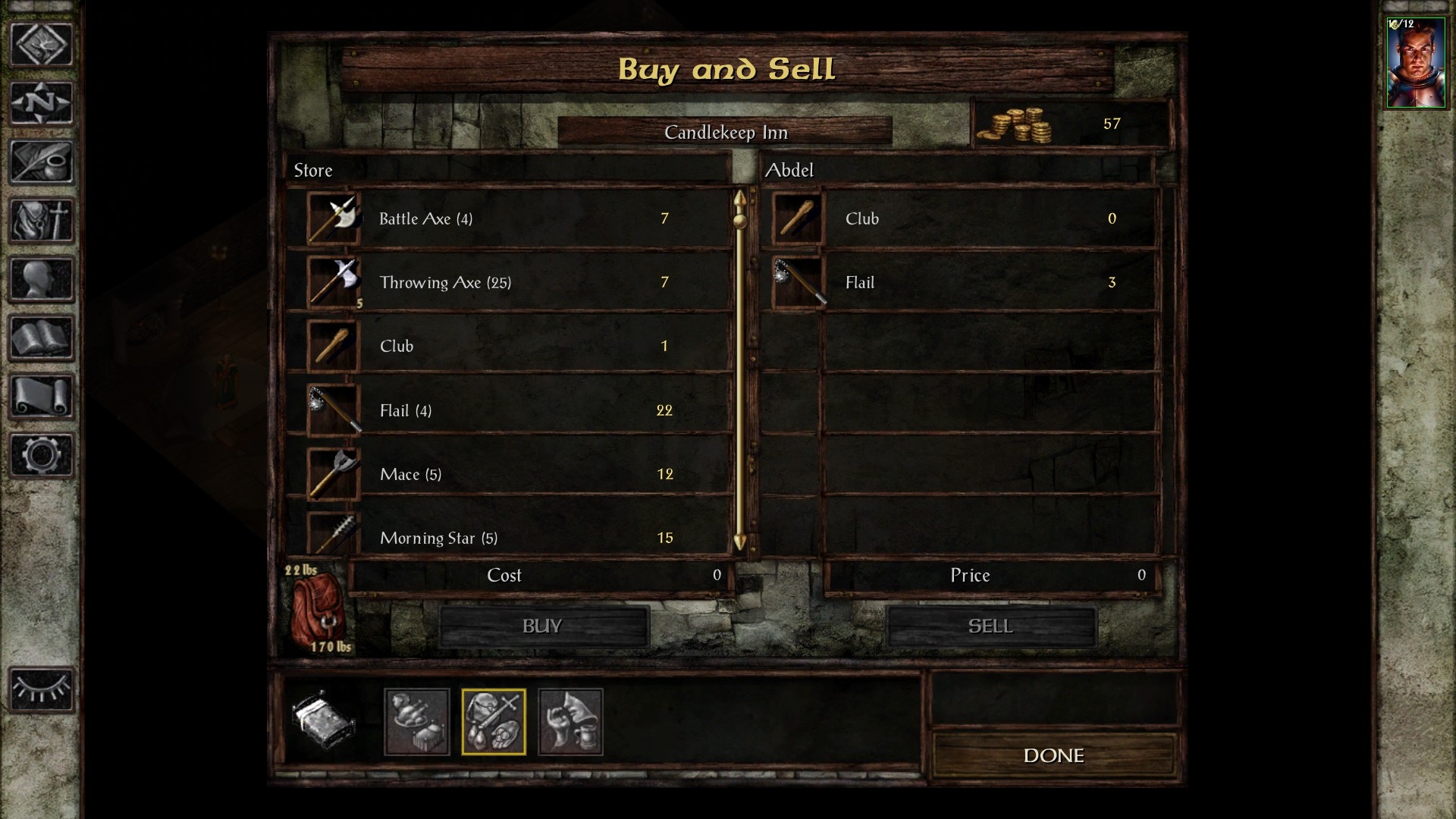
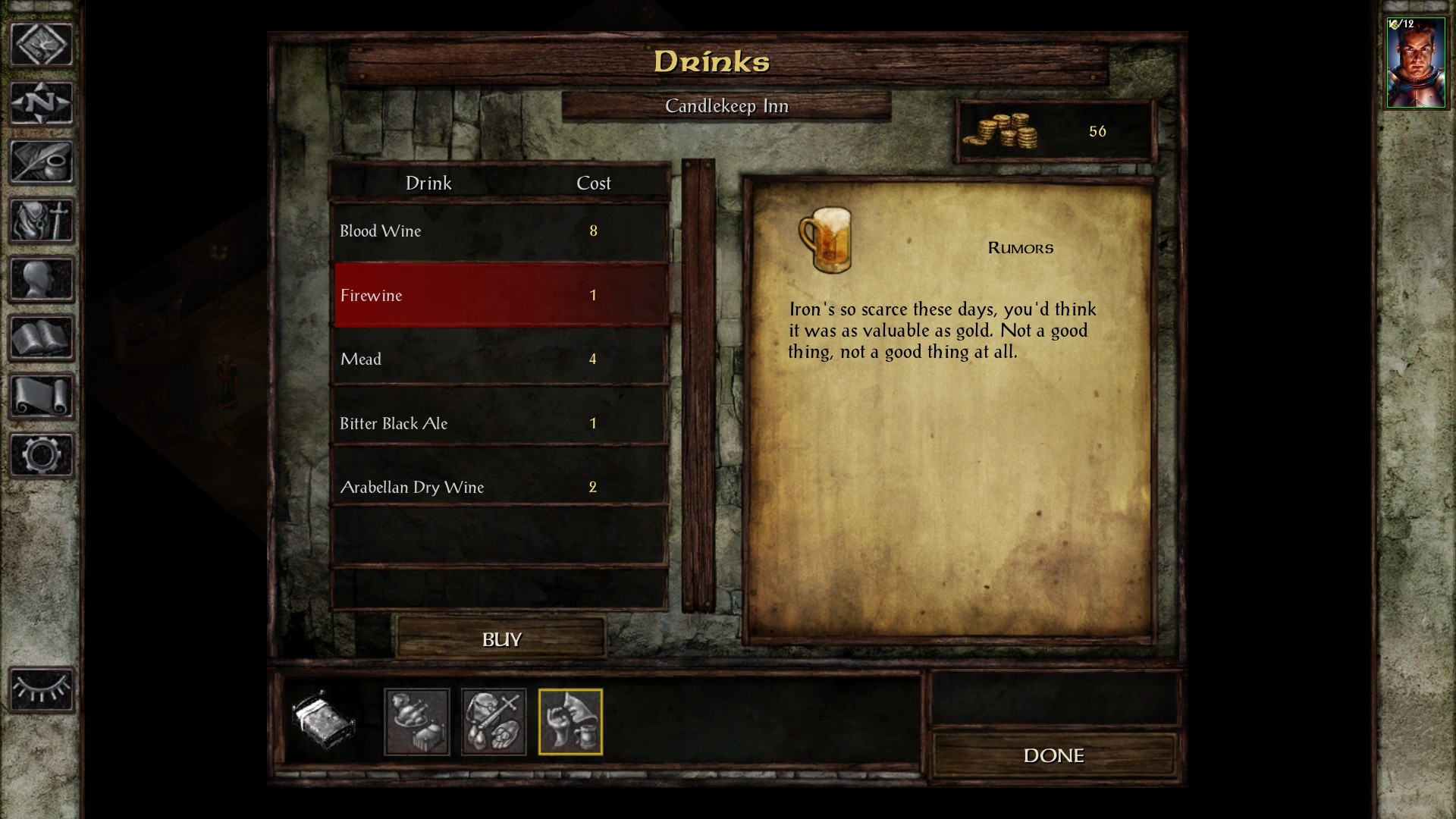
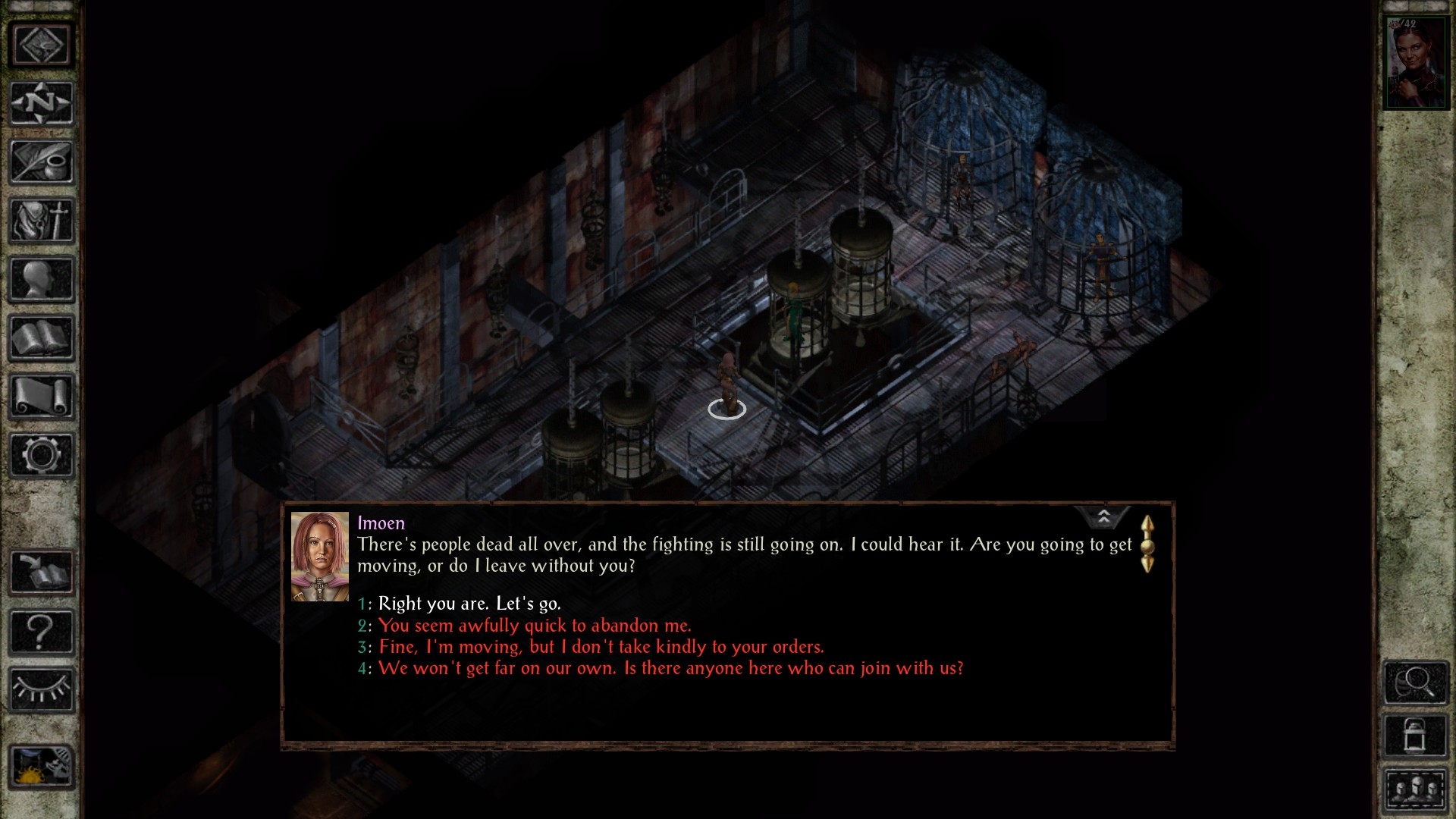
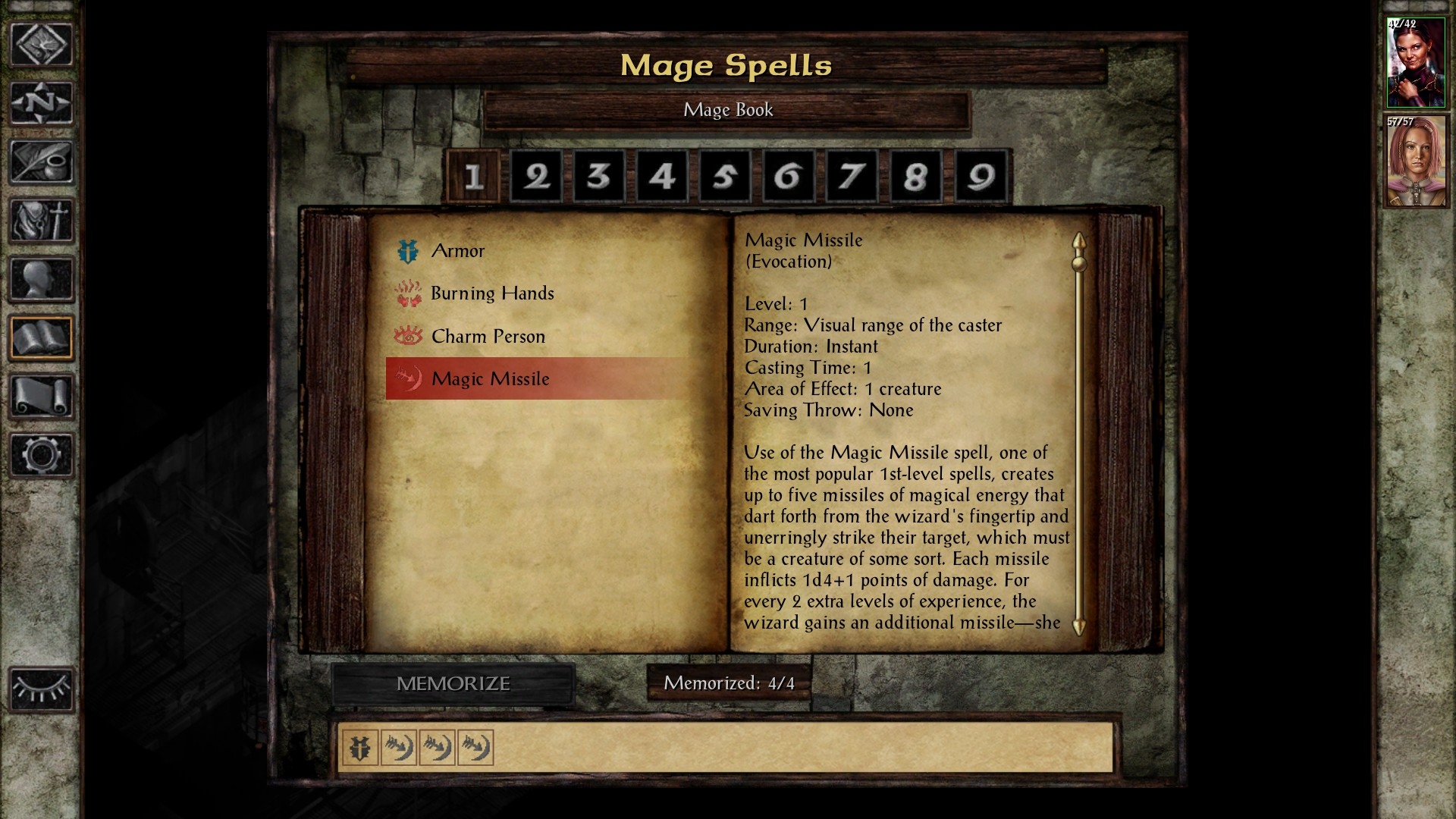
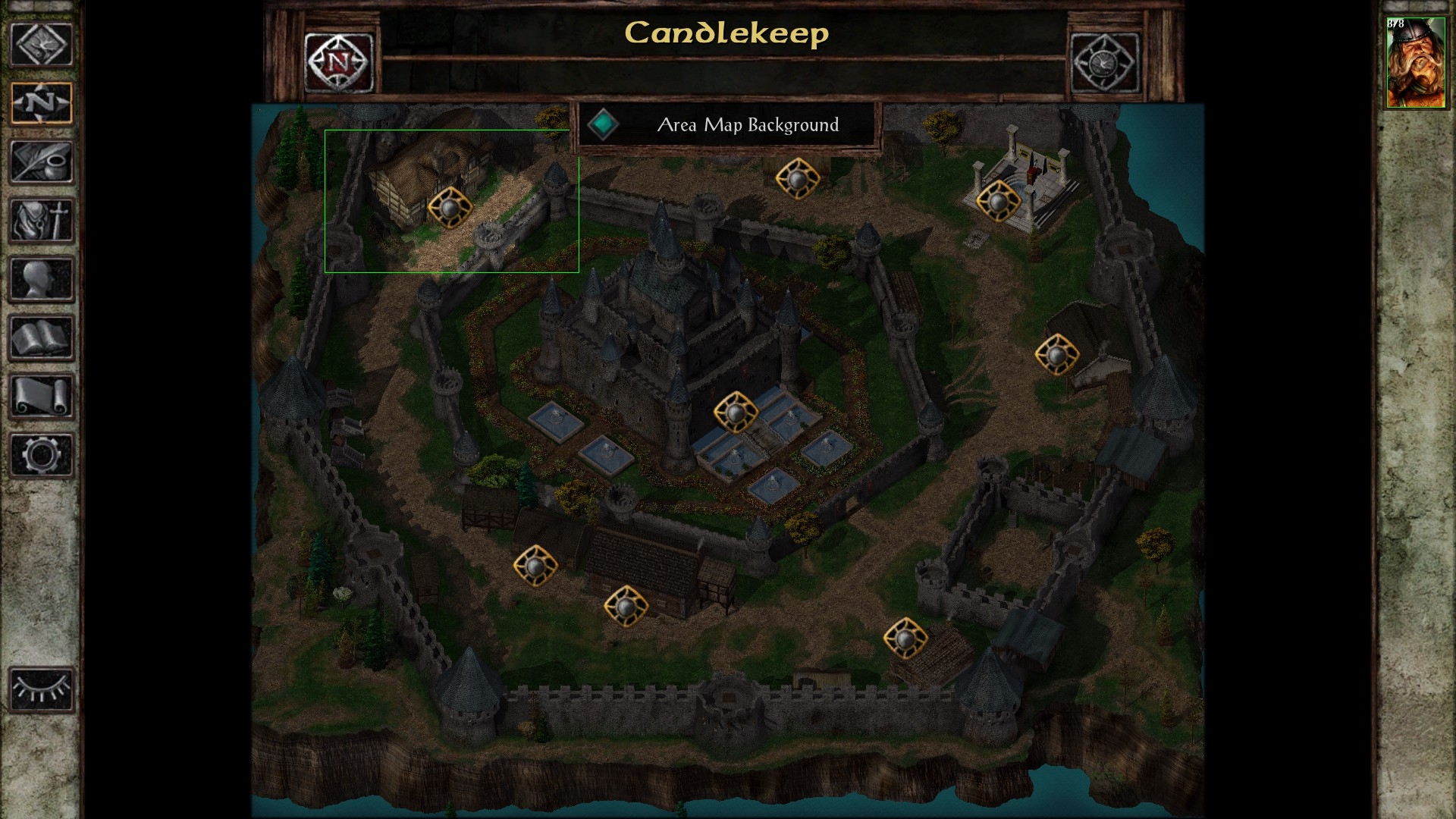
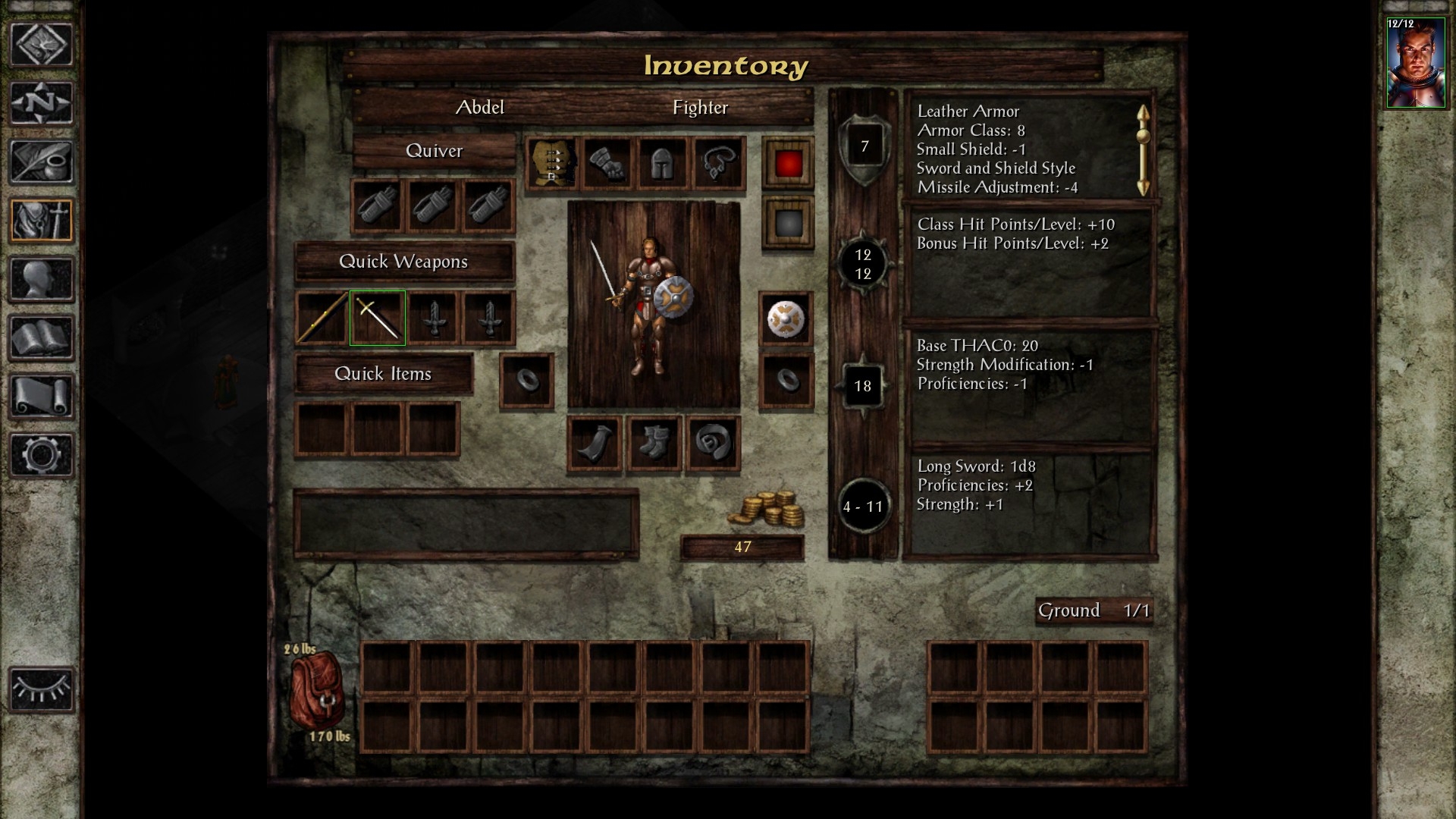
This mod completely replaces Baldur's Gate 1 Enhanced Edition & Baldur's Gate 2 Enhanced Edition's default user interface with the one from Icewind Dale Enhanced Edition.
The mod comes with five components:
- core: an almost identical reproduction of the user interface from IWDEE is installed for BG1EE, SOD, BG2EE or EET. However, because of some differences between the games, a few minor things have been altered/removed/added.
- extra: additional changes and tweaks for the core component of this mod made by it's author, in suit with his personal preferences. For example: further tweaked the game's text, overhauled side bar buttons, in-game's clock replacement, tooltip replacement, etc.
- transparent sidebar: this component makes the left and right sidebars transparent.
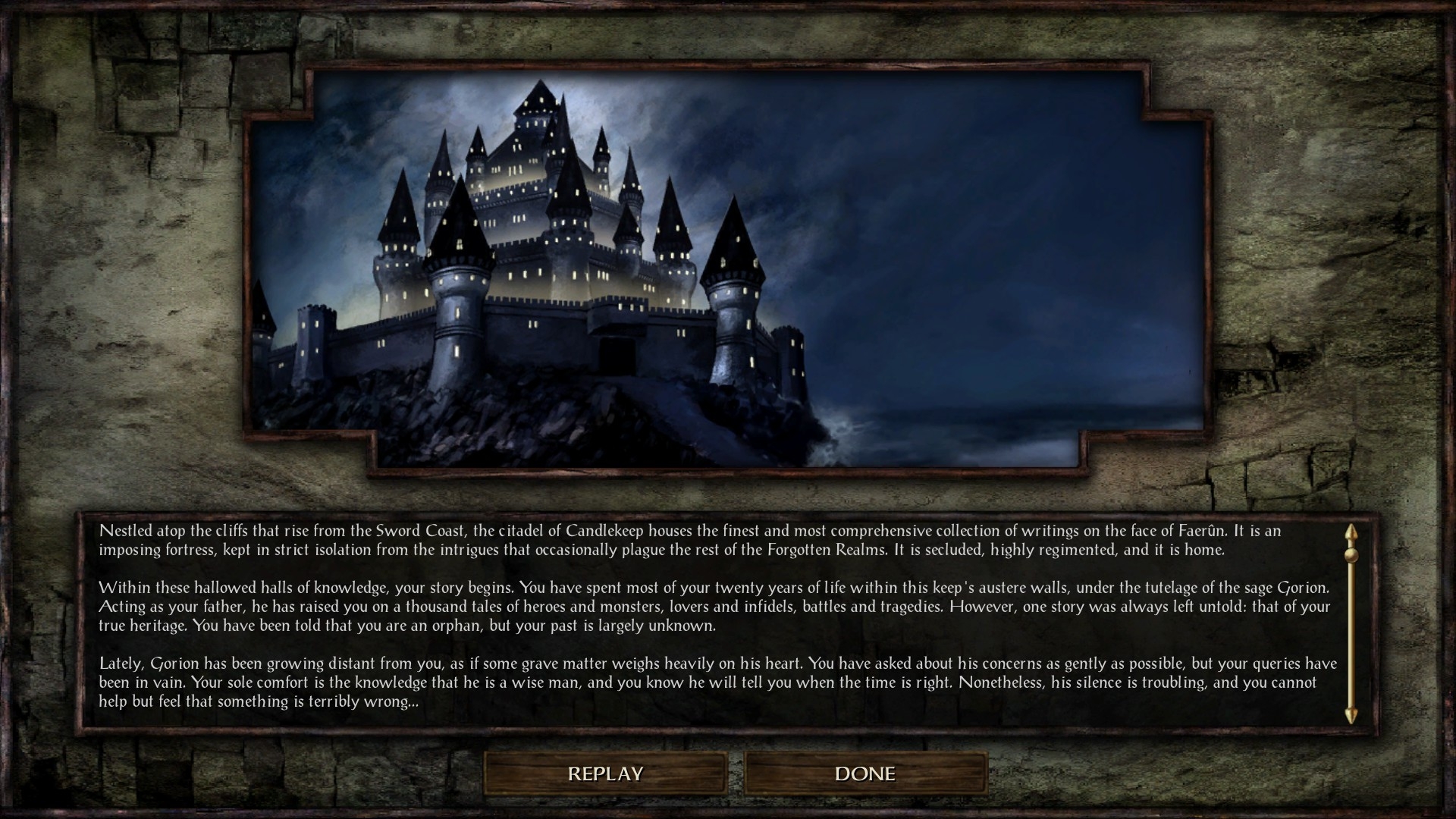
- background: this component adds the SOD background to the user interface (for start menus and during chapter&dream sequences). The background is 3840x2160 and can be changed by editing BCKGRND.PNG.
- patch27 - this component patches the mod with a compatibility hack for 2.7 versions of the games.
2) Requirements:
- BG1EE,SOD,BG2EE,EET - v2.6.6.0 & v2.7.3.0
3) Installation:
- download the provided zip file, and copy the contents into your games's base folder. Run the setup-IWDEE-UI-BGEE.exe, and your good to go.
4) Compatibility with other mods:
- as a user interface mod, it should be installed as early possible, before any other mods.
- this mod is not compatibile with other user interface mods like: Lefreut's Enhanced UIs, Dragonspear UI+, Infinity UI++ or any other mods which change the same things as this one.
- mods which alter the UI.MENU file afterwards might not always be compatible.
- other mods like portraits, quest, rule modifications mods are(or should be) compatible.
6)
Download from github: IWDEE-UI-BGEE
Download from nexusmods: IWDEE-UI-BGEE
7) Screenshots: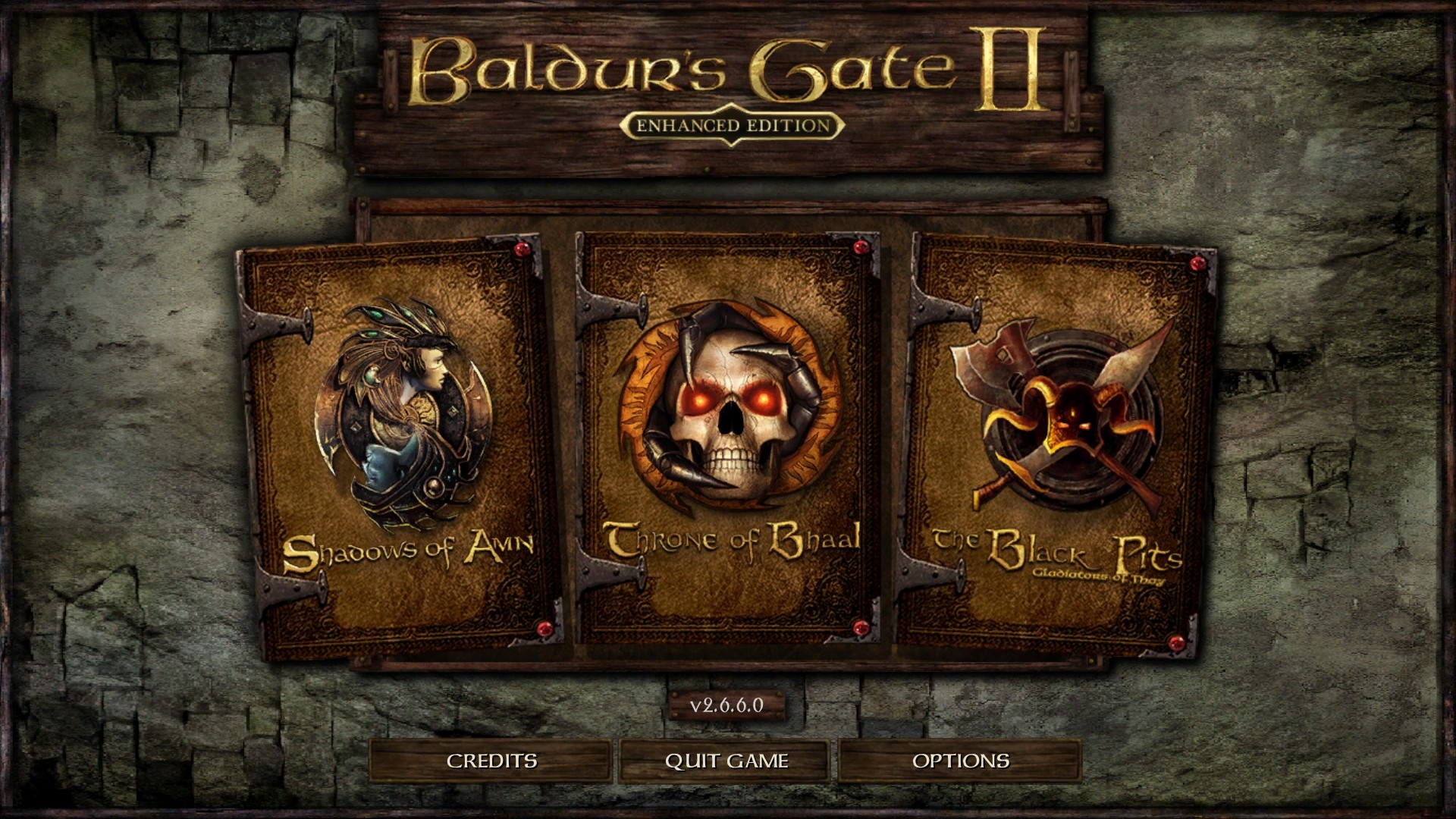
1) Overview:
This mod completely replaces Baldur's Gate 1 Enhanced Edition & Baldur's Gate 2 Enhanced Edition's default user interface with the one from Icewind Dale Enhanced Edition.
The mod comes with five components:
- core: an almost identical reproduction of the user interface from IWDEE is installed for BG1EE, SOD, BG2EE or EET. However, because of some differences between the games, a few minor things have been altered/removed/added.
- extra: additional changes and tweaks for the core component of this mod made by it's author, in suit with his personal preferences. For example: further tweaked the game's text, overhauled side bar buttons, in-game's clock replacement, tooltip replacement, etc.
- transparent sidebar: this component makes the left and right sidebars transparent.
- background: this component adds the SOD background to the user interface (for start menus and during chapter&dream sequences). The background is 3840x2160 and can be changed by editing BCKGRND.PNG.
- patch27 - this component patches the mod with a compatibility hack for 2.7 versions of the games.
2) Requirements:
- BG1EE,SOD,BG2EE,EET - v2.6.6.0 & v2.7.3.0
3) Installation:
- download the provided zip file, and copy the contents into your games's base folder. Run the setup-IWDEE-UI-BGEE.exe, and your good to go.
4) Compatibility with other mods:
- as a user interface mod, it should be installed as early possible, before any other mods.
- this mod is not compatibile with other user interface mods like: Lefreut's Enhanced UIs, Dragonspear UI+, Infinity UI++ or any other mods which change the same things as this one.
- mods which alter the UI.MENU file afterwards might not always be compatible.
- other mods like portraits, quest, rule modifications mods are(or should be) compatible.
6)
Download from github: IWDEE-UI-BGEE
Download from nexusmods: IWDEE-UI-BGEE
7) Screenshots:
Post edited by RansomR on
0
Comments
Glad to hear it. If you notice anything wrong or out of place let me know. This UI mod was made by a one man team and perhaps I've missed something.
For the moment the UI.MENUs are from the old patch 2.6, I'll update them after EET gets updated to support 2.7.