
Android Cross Device Save Issues
 evets122
Member Posts: 3
evets122
Member Posts: 3
I'm curious if cross-device saves are working for anyone on Android. It appears that my Android devices can only play saves that the device created itself.
On my Android devices (2.7.3.1 on tablet and phone) in-game I have Data Folder set to /storage/emulated/0/Documents/BaldursGate1 and Permissions shows Yes.
When I start and save a game on my Android tablet, the save shows up in that .../Documents/BaldursGate1/save folder. However, if I sync the .../save folder to my Android phone, in-game the phone will not see the tablet save file in the load screen, even though it is physically in the filesystem. If I start and save a game on my Android phone, and then sync that to my Android tablet, the tablet also cannot see the phone save in-game.
If I sync both tablet/phone saves to my Windows game (2.7.3.0), the Windows game can load/play the Android saves. But if I save a game from Windows and sync it to the Android devices, in-game the Android devices will not see the Windows save files.
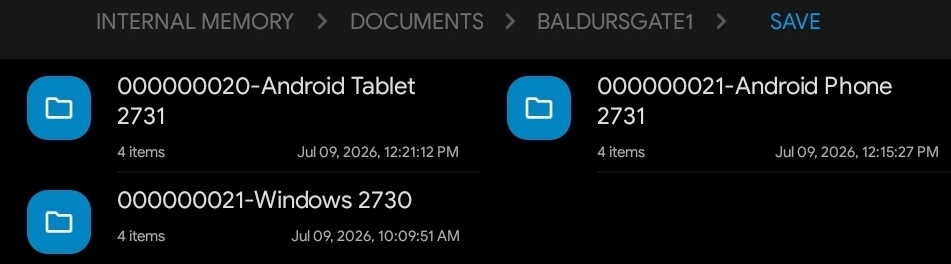
Here is the file directory, showing 3 saves started from the 3 different devices (tablet, phone, & Windows):
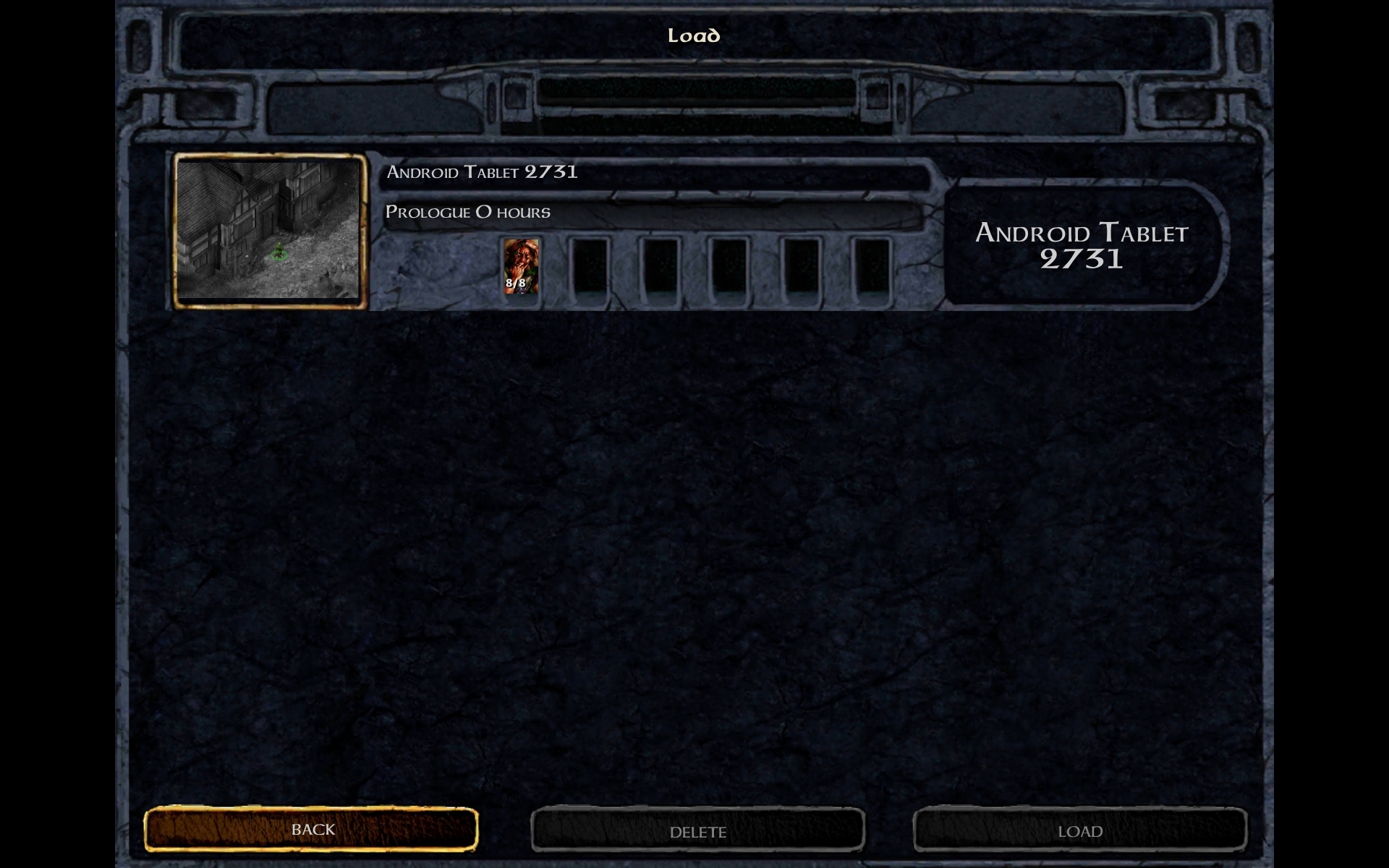
Here is what the tablet shows (just the tablet created save):
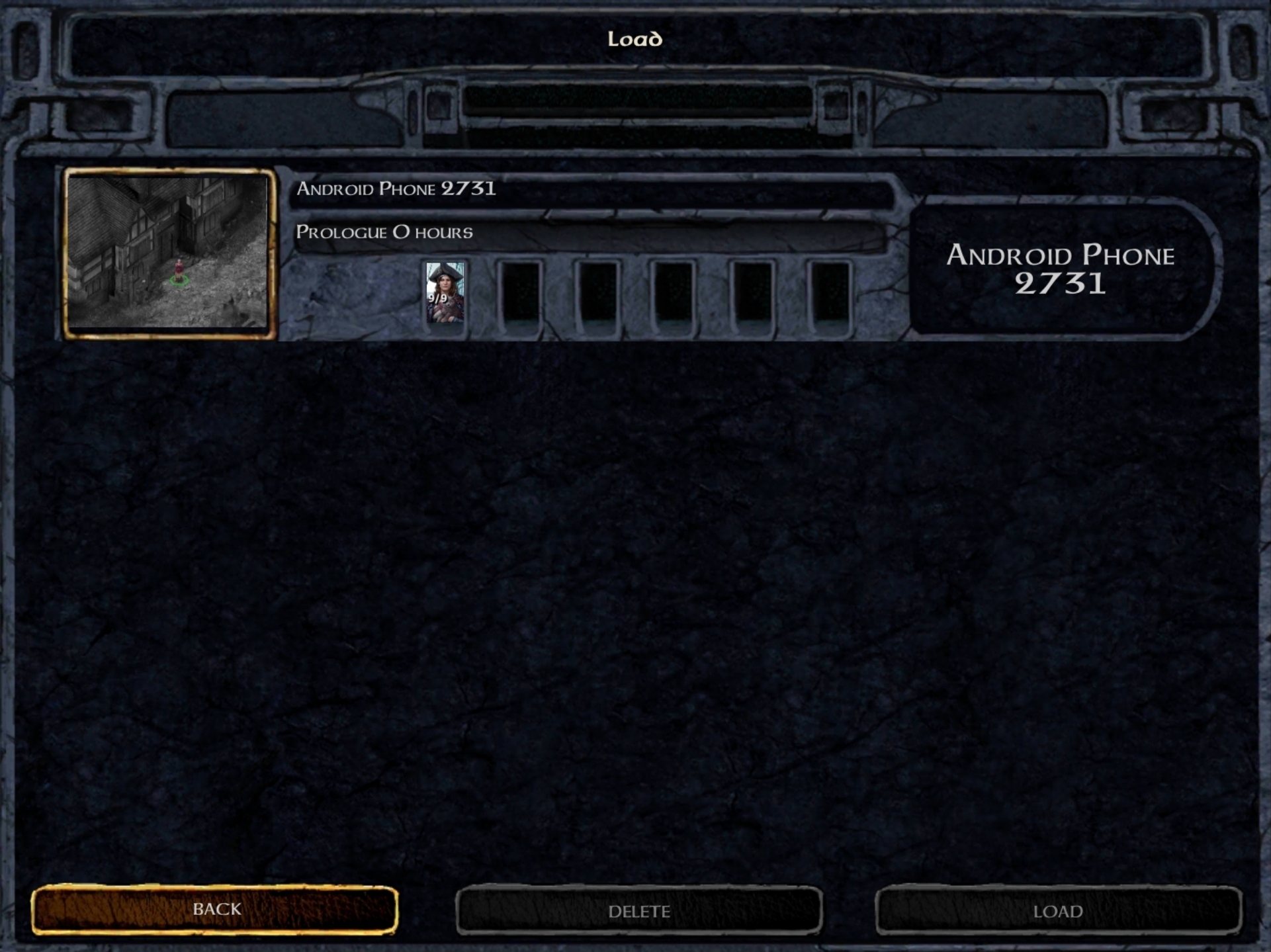
Here is what the phone shows (just the phone created save):
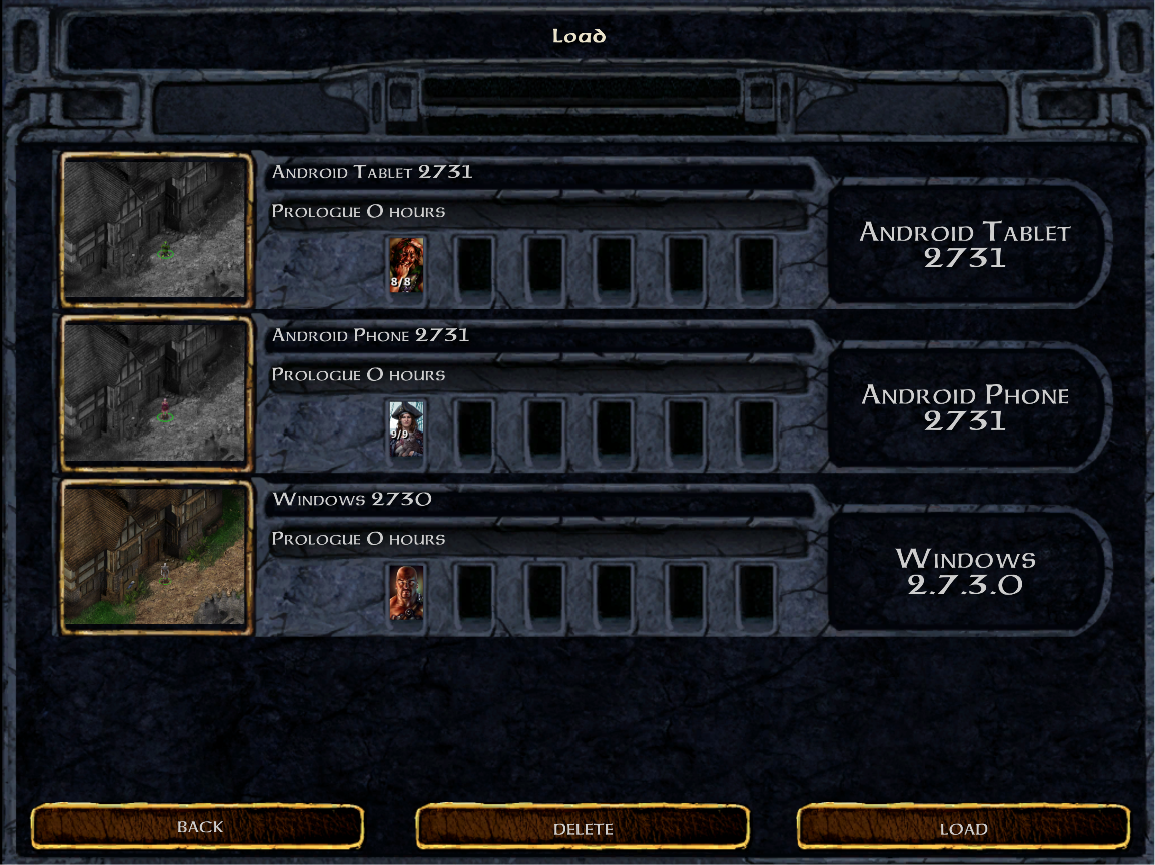
Here is what the Windows game shows (all 3 save shows):
Am I missing something to get the Android devices to recognize saves other than their own created ones?
On my Android devices (2.7.3.1 on tablet and phone) in-game I have Data Folder set to /storage/emulated/0/Documents/BaldursGate1 and Permissions shows Yes.
When I start and save a game on my Android tablet, the save shows up in that .../Documents/BaldursGate1/save folder. However, if I sync the .../save folder to my Android phone, in-game the phone will not see the tablet save file in the load screen, even though it is physically in the filesystem. If I start and save a game on my Android phone, and then sync that to my Android tablet, the tablet also cannot see the phone save in-game.
If I sync both tablet/phone saves to my Windows game (2.7.3.0), the Windows game can load/play the Android saves. But if I save a game from Windows and sync it to the Android devices, in-game the Android devices will not see the Windows save files.
Here is the file directory, showing 3 saves started from the 3 different devices (tablet, phone, & Windows):
Here is what the tablet shows (just the tablet created save):
Here is what the phone shows (just the phone created save):
Here is what the Windows game shows (all 3 save shows):
Am I missing something to get the Android devices to recognize saves other than their own created ones?
0
Comments
We'll look at something that mixes the two worlds and auto-sync saves in the future.