
(MOD) Baldur's Gate: Chronicles of the Sword Coast for EET
 Mapek
Member Posts: 99
in BGII:EE Mods
Authors: Mapek & Hotaru
Welcome!
We are thrilled to release our first mod: 'Chronicles of the Sword Coast' for Enhanced Edition Trilogy (EET).
This mod is the fruit of labor by myself and Hotaru. It is highly modular, featuring **48 independent components** that can be installed in any combination.
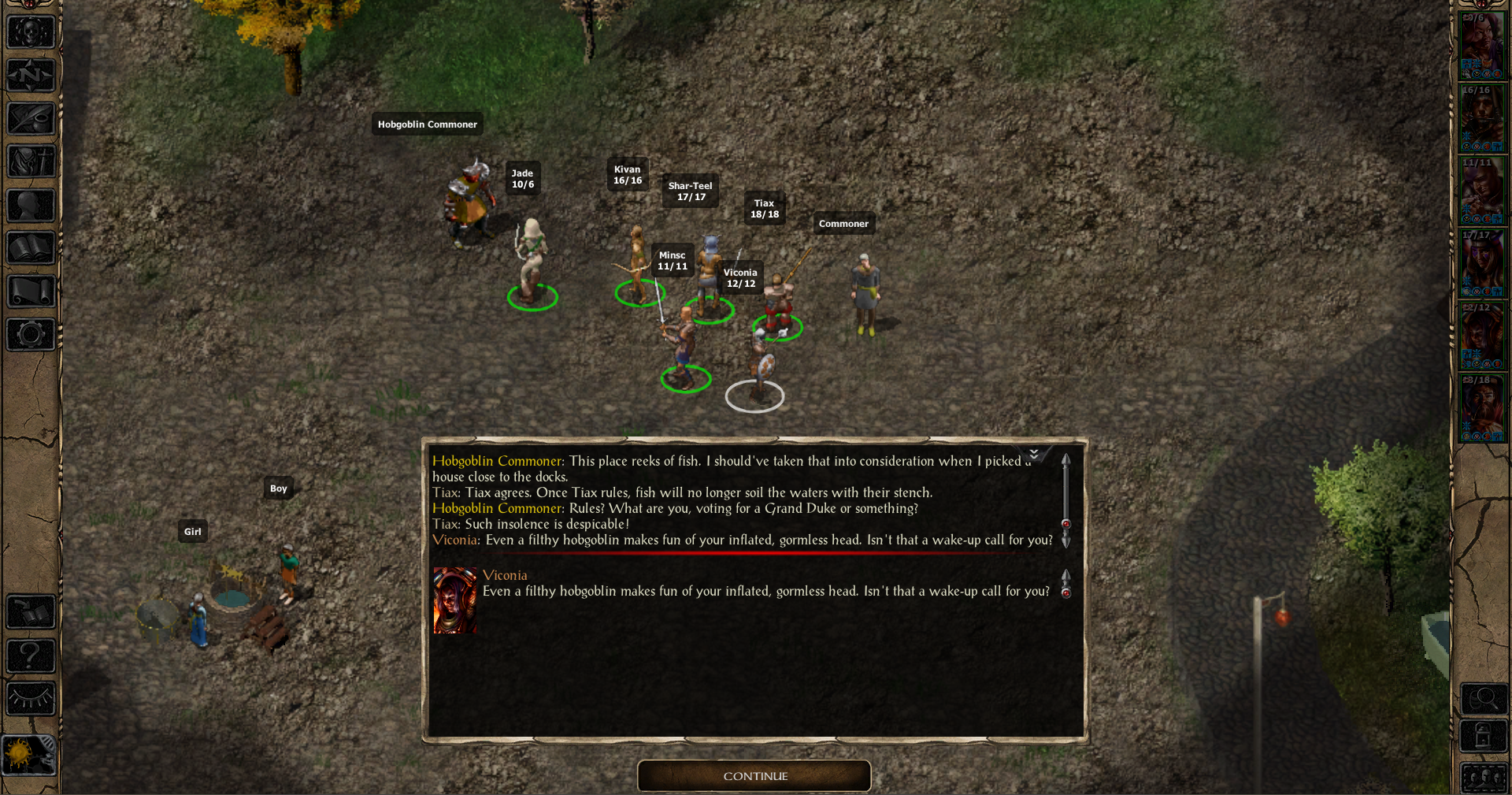
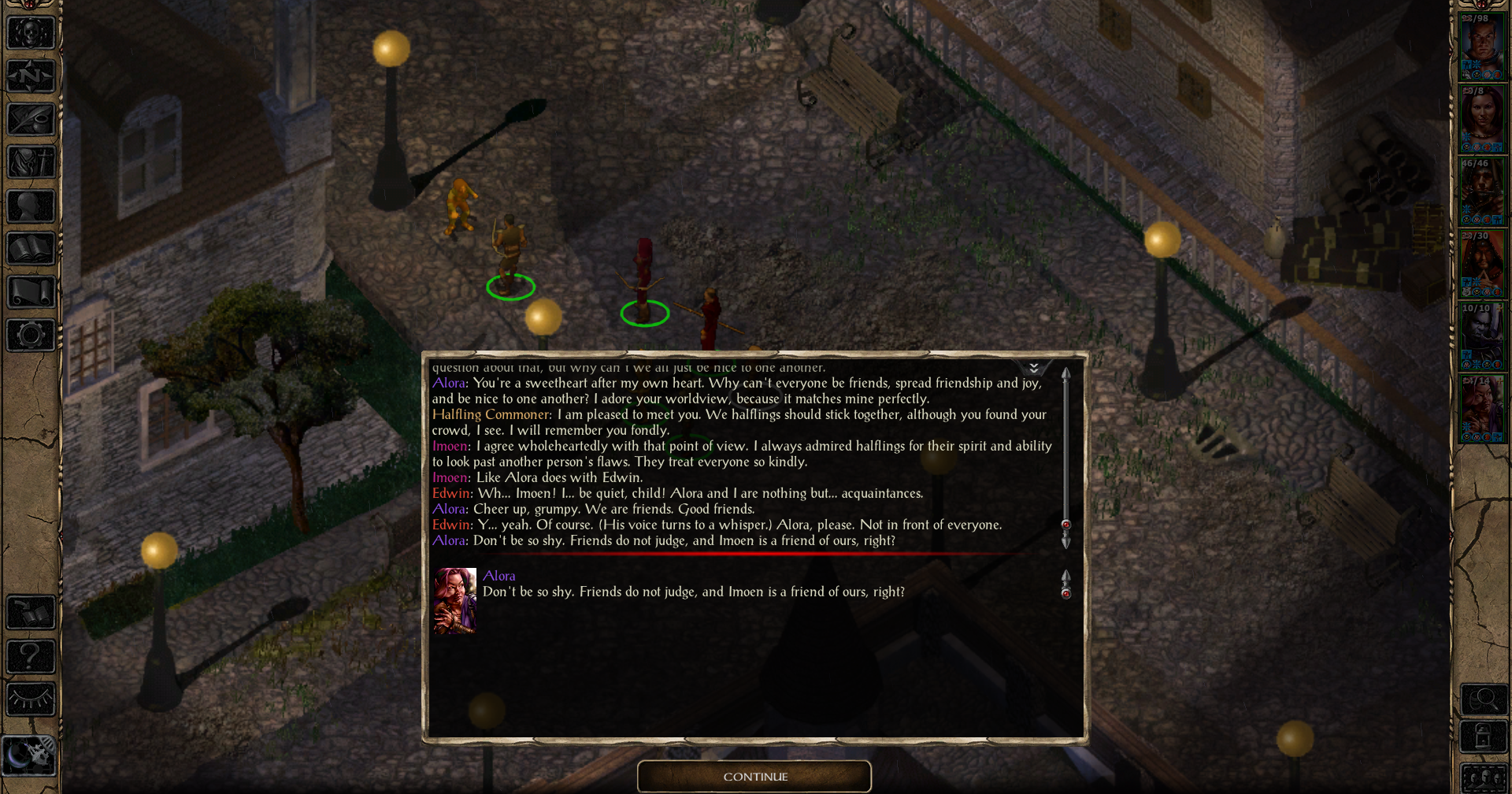
Have you ever wondered about the mystery of the Ice Island that Shandalar sends you to? Have you ever pondered what it would be like to encounter Astarion or Randalla Brasshorn within the classic games? Have you ever craved more Forgotten Realms-oriented cities with greater diversity among commoners and peasants? Chronicles of the Sword Coast is a component-based quest mod that adds numerous small quests to the game, alongside miscellaneous components introducing new mechanics, items, and interjections from BioWare and Beamdog characters. We specifically recommend keeping Viconia in your party, as she features the largest amount of content and additional quests.
The project started a year ago with Hotaru working alone. What was meant to be a small project with just a couple of quests quickly evolved into something much more complex. Together, we developed and merged many components into this single modification. Each quest is relatively small, ranging from simple "fetch quests" to new locations.
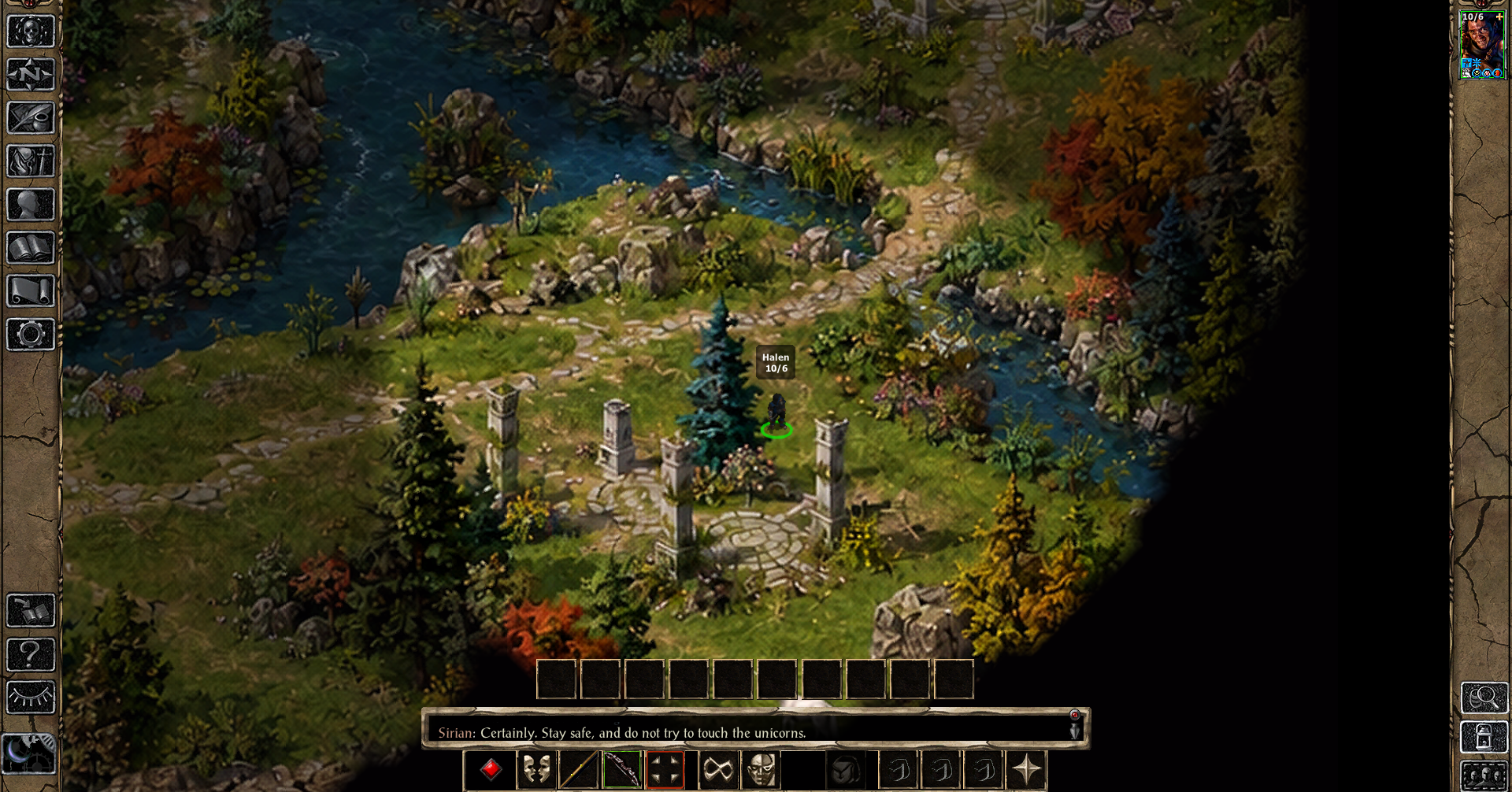
**Important Note on Visuals:** New areas were created using Paint and then enhanced via AI. As a result, visual quality may vary in terms of sharpness, and certain engine limitations apply (e.g., static fire animations in our custom areas). These are technical quirks we currently cannot change. Every component that adds a new location is detailed below, so if you prefer to avoid these visual limitations, you can simply skip those specific components during installation.
Keep in mind this is our first mod.
---
Requirements & Installation Order
Enhanced Edition Trilogy (EET): Required.
BP-BGT-Worldmap: Not strictly required if you aren't playing with other map-expanding mods. However, if you do use it, BP-BGT-Worldmap must be installed AFTER this mod (and after any other mod that adds new areas).
Worldmap Patch: We have included a dedicated Worldmap patch as the very last component of this mod. You can install it alongside any other desired component.
Since this is an additive WeiDU mod, it can technically be installed at any point, but we highly recommend placing it alongside other BG1 quest mods, ideally after the BG1 NPC Project.
Tested Compatibility & Load Order
Chronicles of the Sword Coast is compatible with the vast majority of WeiDU mods, including those that modify the second level of the Ice Island (such as Unfinished Business or Mysteries of the Sword Coast).
We officially tested the mod using the following install order:
1. Dark Horizons
2. Mini Quests and Encounters
3. Shades of the Sword Coast
4. Balduran's Seatower
5. BG1 NPC Project
6. Chronicles of the Sword Coast (Installed here during testing)
7. Candlekeep Revisited
8. Gorgon's Eye
9. Made in Heaven: Quest Pack
10. The Calling
11. Verr'Sza NPC (by LavaDelVortel)
12. BP-BGT-Worldmap
---
Known Issues & Important Notices
If you install "Better Immersion for Beregost", Neera may take longer to spawn (sometimes up to 2 minutes). If she doesn't appear right away, explore the town a bit and return to her spawn location. She should show up eventually.
If you install "Better Immersion for Baldur's Gate and Better Immersion for Beregost" installer may say it is installed with warnings. This does not cause any problems, but is strictly related to certain NPC's contained within each component.
---
Bug Reporting & Feedback
We cannot test every single WeiDU mod in existence. If you encounter any bugs or incompatibilities, please report them to us. In the event of a game crash (especially in new areas), please attach your crash dump file. This will massively help us narrow down and fix the issue.
---
Crossmod & Permissions
Anyone is free to create crossmod content (such as interjections with your custom mod characters), provided that either myself or Hotaru are informed first. You can contact us here, or Hotaru in The Gibberling 3 forum of the same mod.
---
Credits & Special Thanks
From Hotaru:
Special thanks to @LavaDelVortel, @Jastey, and @Acifer for their advice on tile conversion, .J file corrections, and dialogue states. I would still be stuck on these specific mechanics if it weren't for your help!
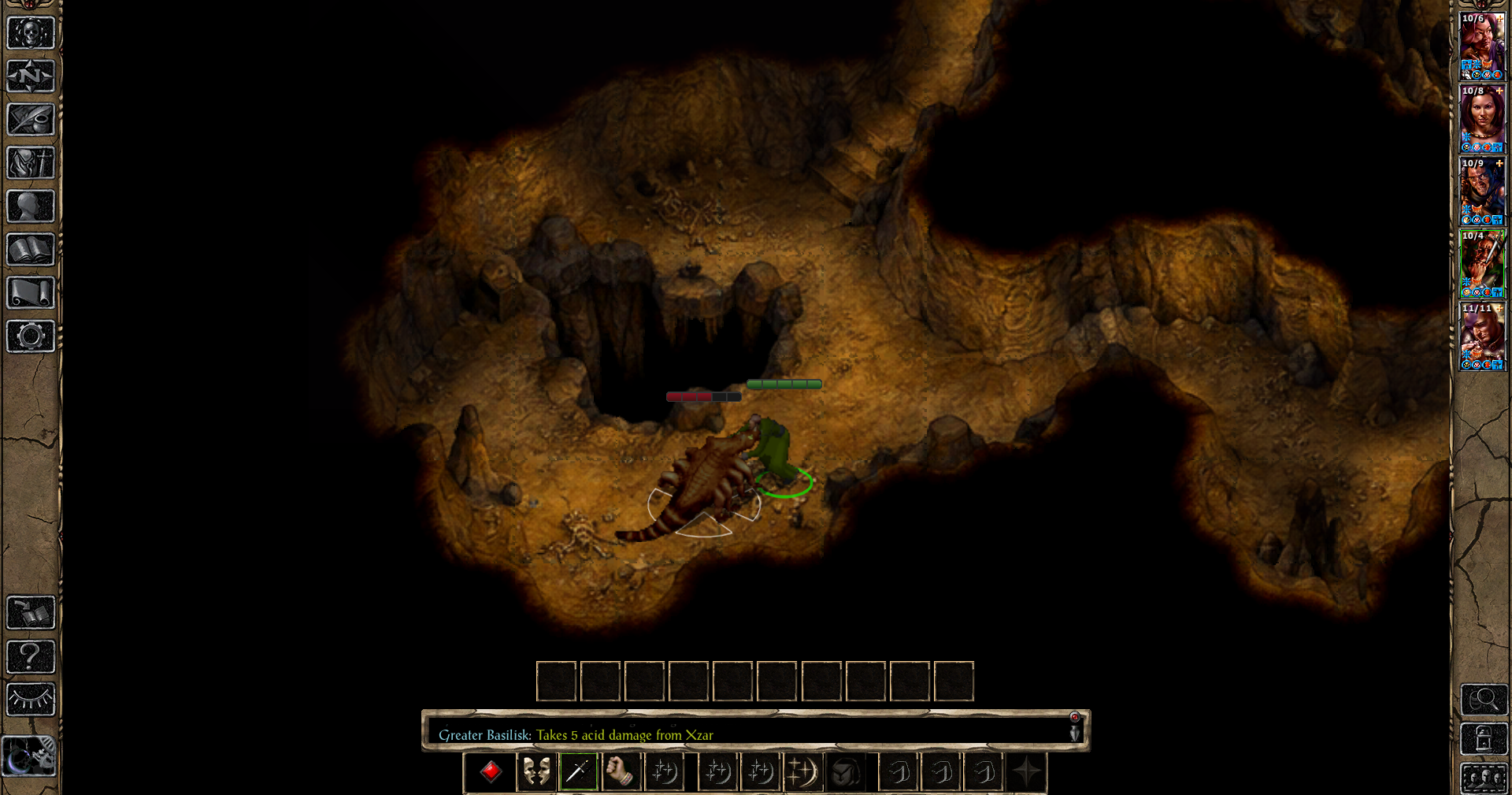
Screenshots:
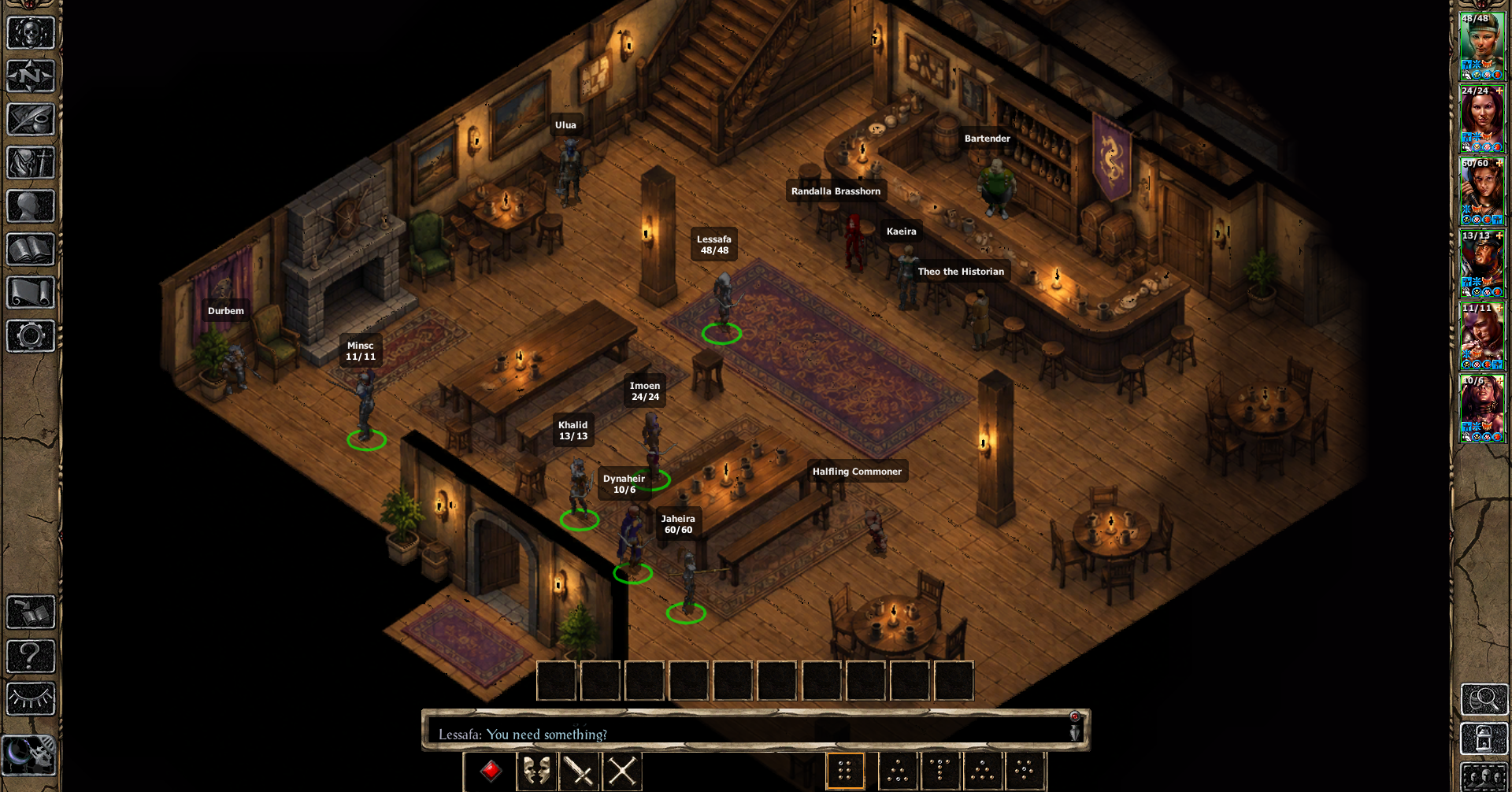
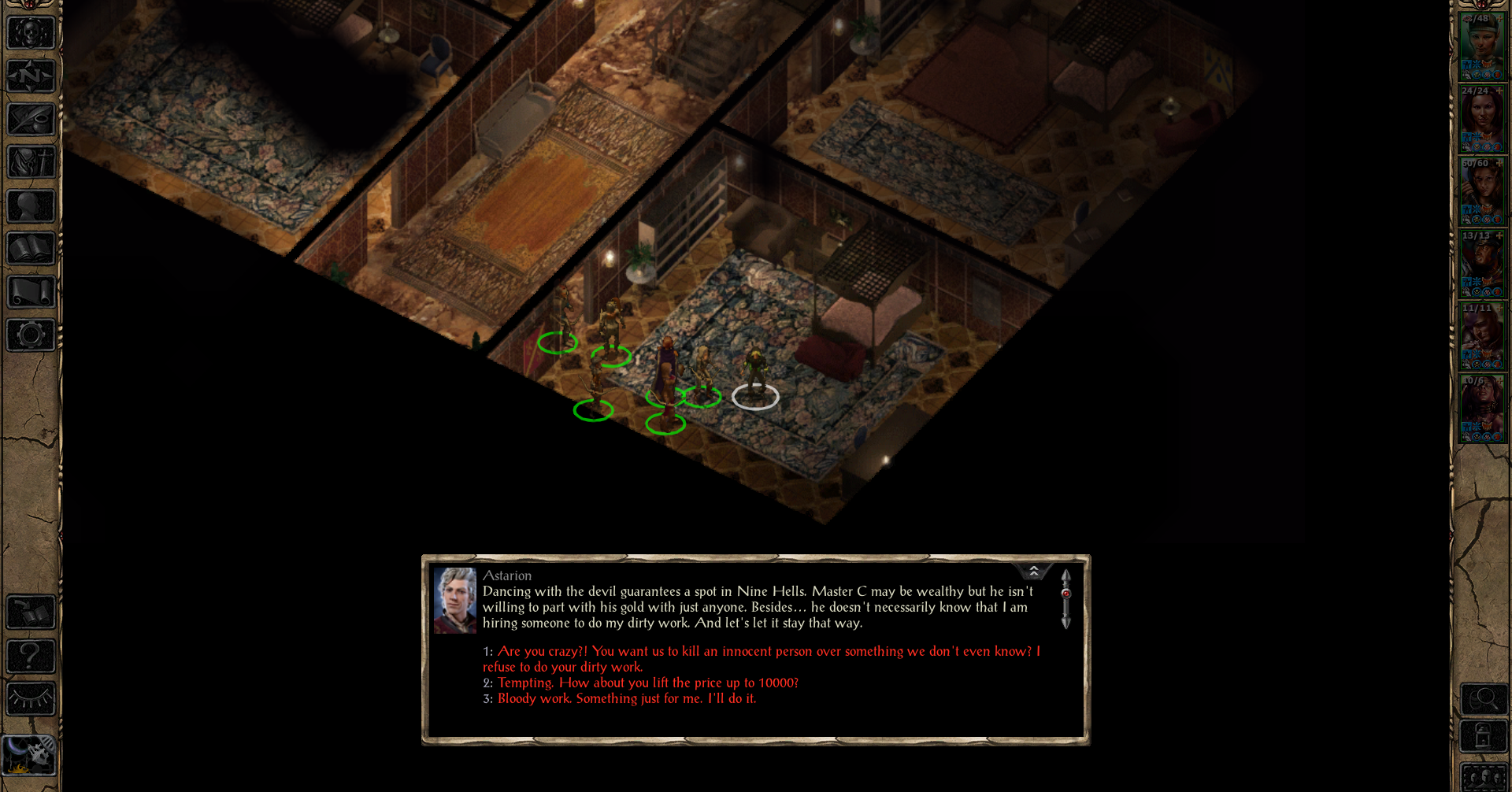
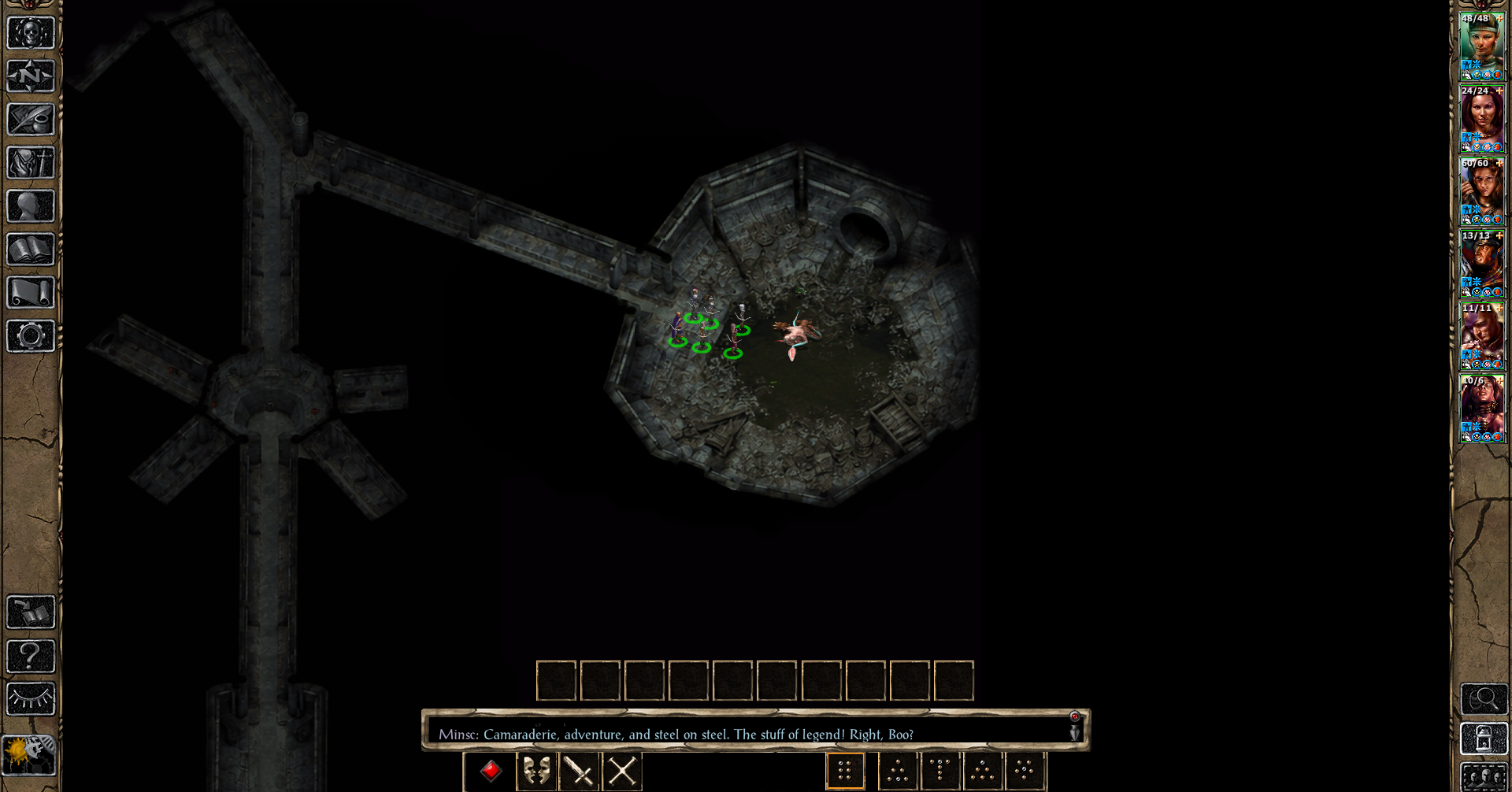
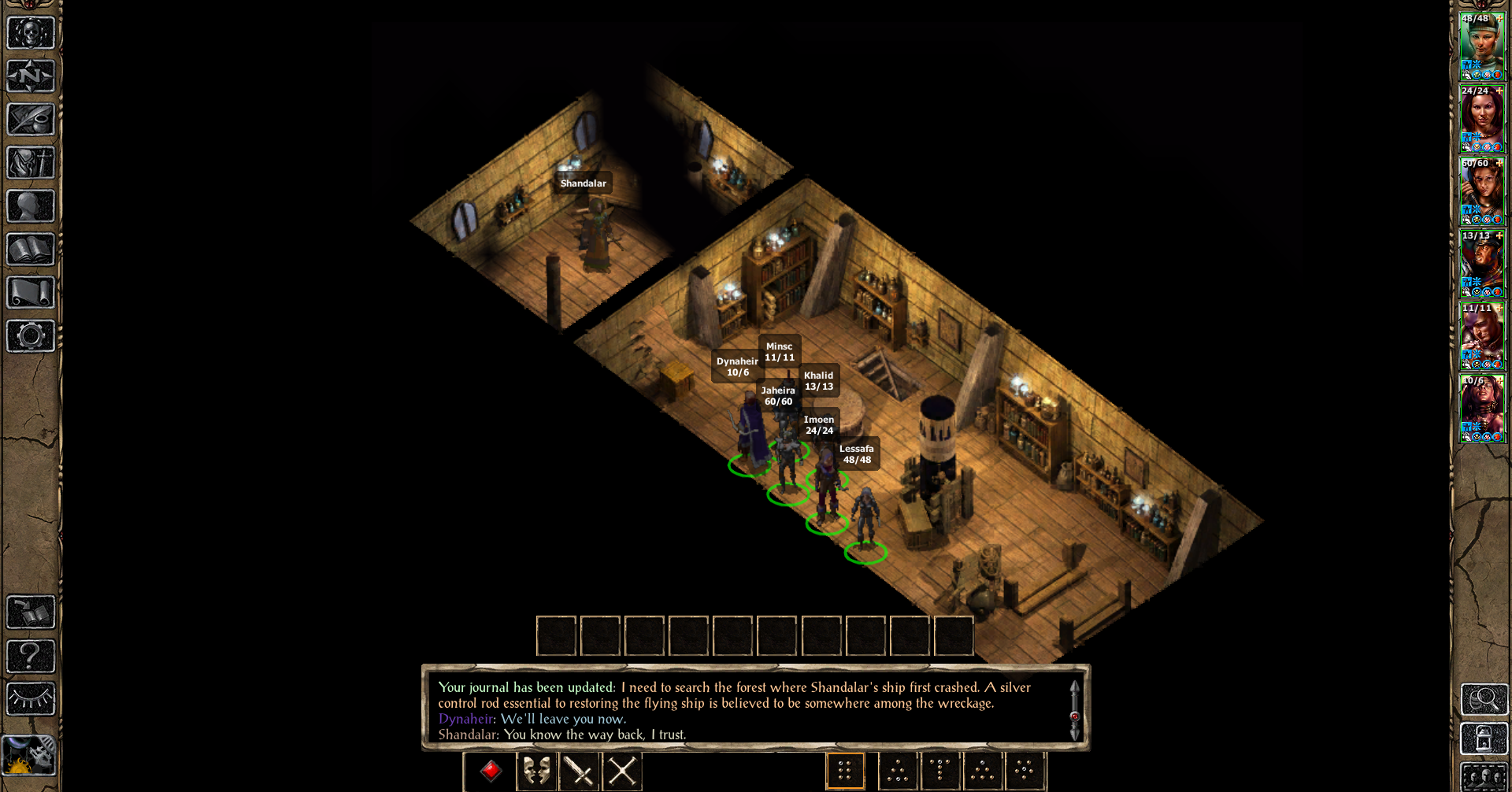
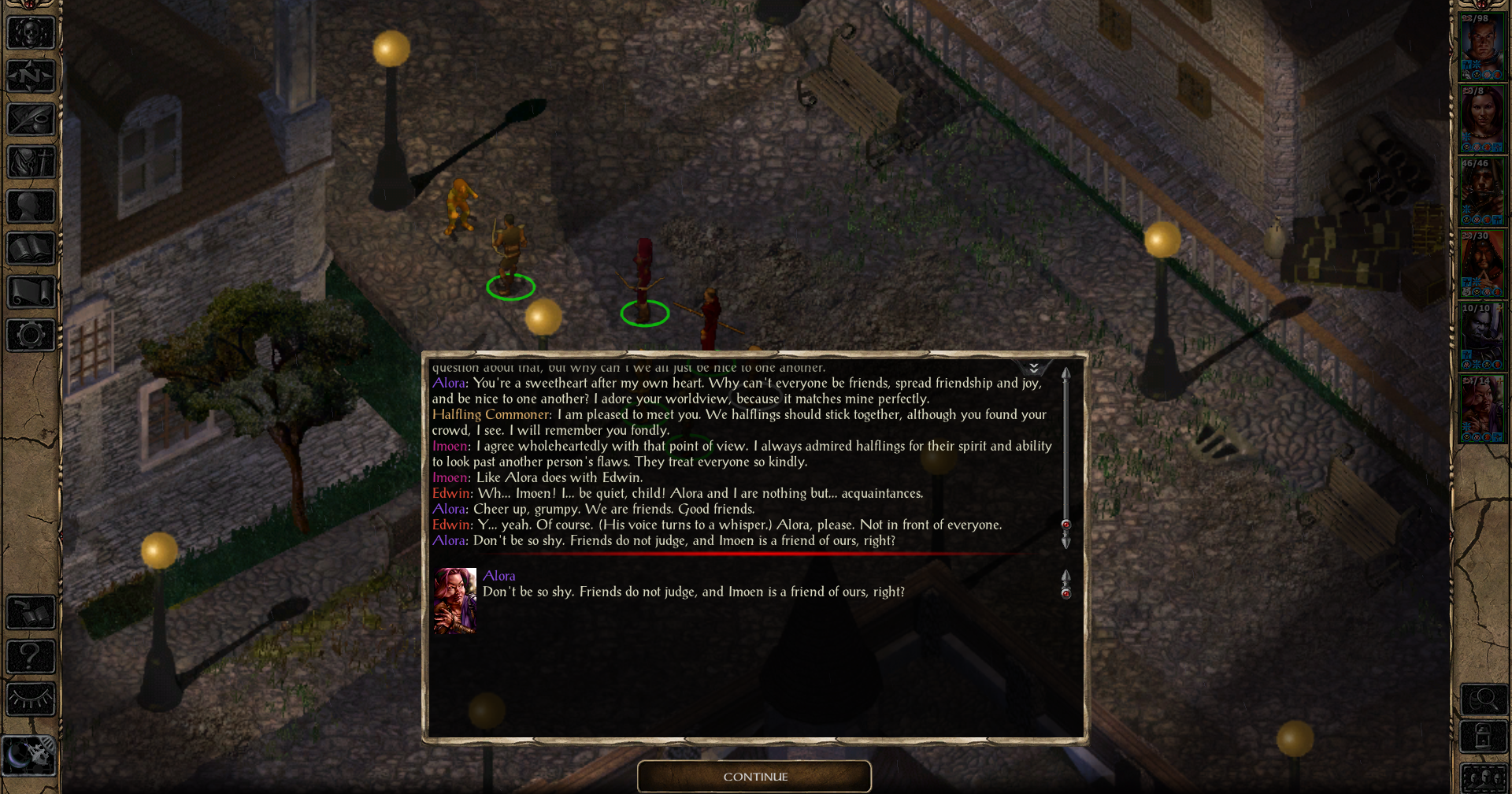
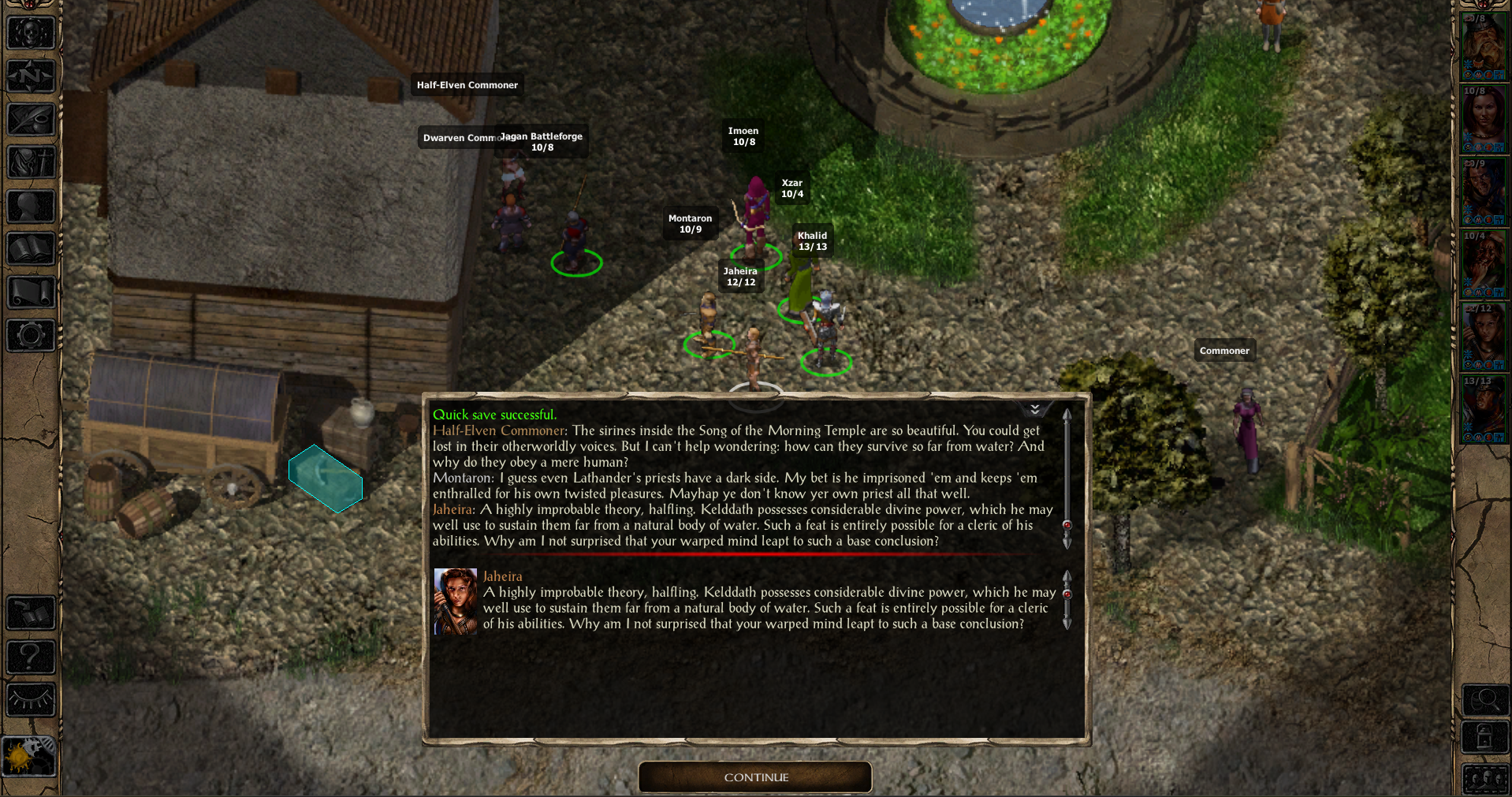
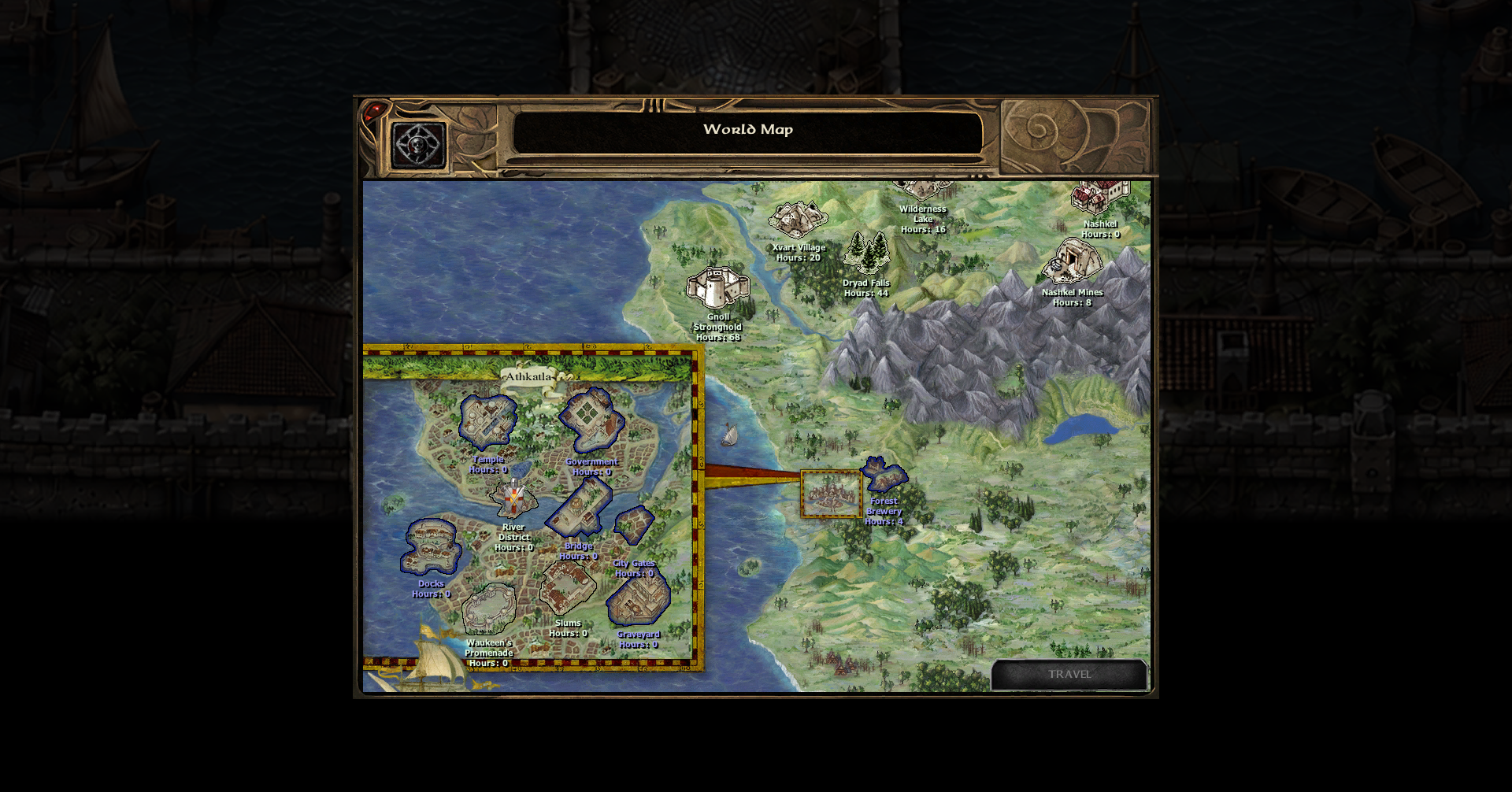
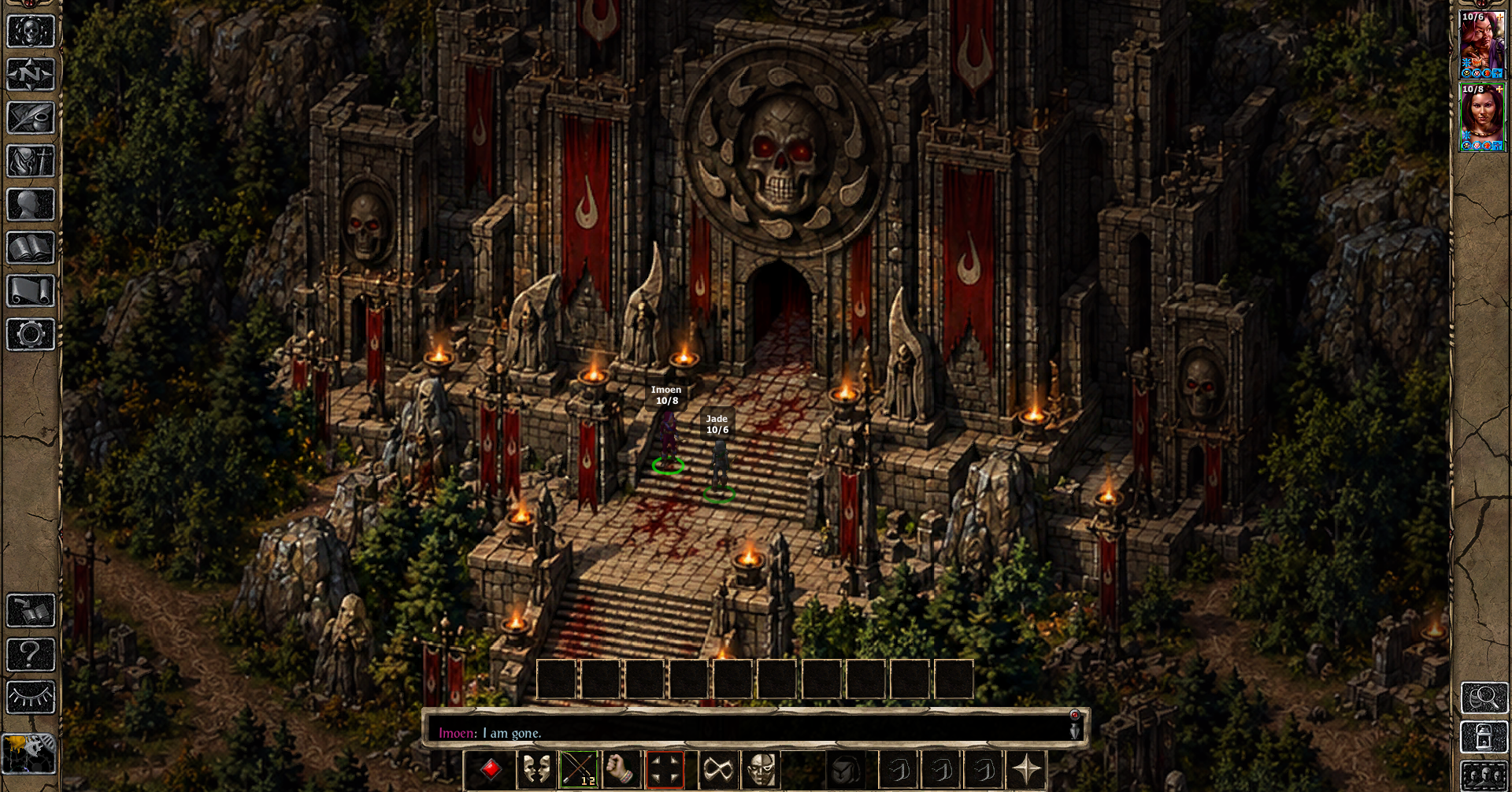
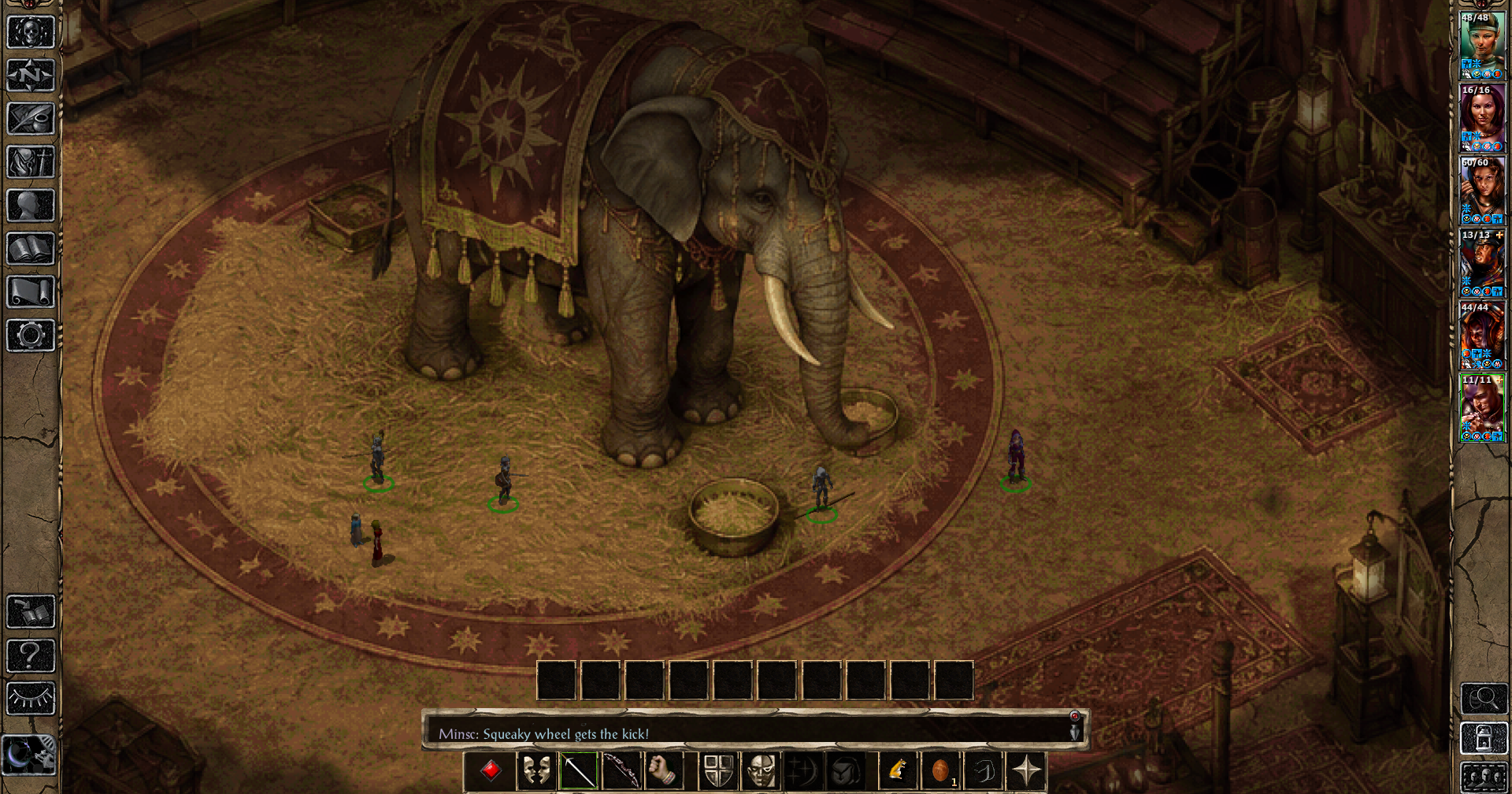
Link to Github - https://github.com/HotaruPL/Chronicles-of-the-Sword-Coast/releases/tag/EET
0
Comments
Congratulations on the release.
Really looking foreward to try this out.
In this case, why is EET compatibility required? The Cowled Menace was once EET compatible but its newest version was reworked to only occur in BG2.
For the Worldmap patch, IWD in EET once had a separate Worldmap patch for its areas but has since been integrated with its mod by methods unknown to me.
Thankee!
EET compatibility is due to quest design. Certain quest require you to go back to areas from the first game such as Beregost or Nashkel and therefore it wouldn't work on original EE because... well, you can't visit said locations
Not all components require EET, but for now it will remain the way it is.
Patch that allows for translations alongside fixes is being made.
Maybe this one could be interesting?
btw
Are there any compatibility issues with The Callings "peaceful werewulf isle solution"?
And why does setup say "qac v5.15", when the mod is called CotSC in v1.1? That was a bit confusing.
Oh yes. I am aware of the Potions component warning. This is due to me removing potion from one container, although leftover of the code is left. Game is trying to insert potion in a container which isn't meant to have a potion in the first place. It will cause no problems, I shall remove it next update within a week.
I find it quite impossible to think of any reasons why The Calling would be incompatible. Chronicles changes nothing regarding Kaishas herself, or her scripts or dialogues. It's only additive.
qac v5.15 possibly comes from components testing. Both me and Hotaru were kind of changing the version of component if we were fixing it or updating it. Sorry for the confusion.
We are also aware of one issue reported to us, so in component with Shandalar, do not complete Alathos quest with Shandalara' daughters before doing Shandalara's new quest. It also shall be fixed next patch.
I saw on GitHub that you included info on how to access some of the new overworld locations. May we get low spoiler versions of how to reach all the new overworld locations?
Thankee!
I will update the Readme etc and put a SPOILER info regarding new areas next update. Next update will be within this week (not sure which day yet)
Changes:
- Traified the files to simplify translations to other languages
- corrected Shandalar's bug with his daughters disappearing
- fixed the World Map issue with new areas not appearing on BGT-Worldmap
- fixed Thalantyr's dialogue looping during Ancient Coin dialogue
- fixed faulty interjection of Imoen
- removed information about a non-existing potion that appears during installs.
Download on Github.
[C:\Baldur's Gate\Project Infinity\Tools\WeiDU\251.00\weidu.exe] WeiDU version 24900
Using Language [English]
Using .\lang\en_us\dialog.tlk
Installing [QC: Lady Lydia - The Lost Necklace] [5.9]
loading 1 tra file
Copying and patching 1 file ...
ERROR: No translation provided for @10
ERROR: [NOBLEW2.CRE] -> [override/QCLYDIA.CRE] Patching Failed (COPY) (Not_found)
Stopping installation because of error.
ERROR Installing [QC: Lady Lydia - The Lost Necklace], rolling back to previous state
Will uninstall 0 files for [setup-qac.v61.tp2] component 0.
Uninstalled 0 files for [setup-qac.v61.tp2] component 0.
ERROR: Not_found
Please make a backup of the file: Setup-qac.v61.debug and look for support at: Kai
Automatically Skipping [QC: Lady Lydia - The Lost Necklace] because of error.
Using Language [English]
NOT INSTALLED DUE TO ERRORS QC: Lady Lydia - The Lost Necklace
My weidu and error messages:
https://limewire.com/d/7IStp#KndJ4vfCWd
Changes for V1.3:
- fixed a redundant line
- cleared obsolete _setup_tools folder
- applied safeguards on components so they don't accidentally install on non EET.
The newert version I just released - 1.3 - addresses the obsolete installer which apparently caused an issue so try that from github. It's been uploaded minutes ago, just in time. I believe you encountered exact problem I corrected. Try that if you still can, and let me know if it works for you.
Honest Review so far(No Spoilers):
- Chronicles of the Sword Coast is a fairly decent collection of small quests, encounters and challenges. It reminds me a lot of Mini Quest and Encounters by Jastey or Shades of the Sword Coast by Lava. Majority of quests can be completed relatively quickly, but they are in the spirit of Baldur's Gate. I am currently starting second portion of the game so I haven't finished it but here are my thoughts so far.
The Good:
- I really enjoy majority contents of the mod. First few components are very small, and they grown in size and content with later options. Nice callbacks to characters from other Baldur's Gate games lime Dark Alliance or BG3, nice additions to unexplained mysteries in original games such as Shandalar's Ice Island or the mage from Firewine (whose name escapes me) and Better Immersion components add some really cool, humorous comments from party members. I had Imoen, Jaheira, Khalid, Viconia and Edwin in BG1 portion and they are fun to have with all these interactions. Now, I do agree that I am not sure how I feel about kobolds as citizens, but on the bright side there isn't that many of them. They also have some interesting interactions and dialogues. The new custom areas introduced in the mod compliment the game pretty nicely and fit in. Eastern Carnival is short but sweet, and Torm's Hand was a cool, small mission. The icon on the World Map for Torm's Hand was a tiny bit too large, but that's a nitpick. Areas aren't too small, or too big, and it's enough to enjoy for a few moments. I also liked the quests for Viconia in BG1. They nicely compliment her backstory without saying too much, although I expected a litle bit more content. Then again, these are meant to be quite self-contained additions so I am not complaining much.
Criticisms:
- There are a few setbacks, none of which really halted my enjoyment. I know this is mentioned in synopsis so I won't really criticise something that not much can be done about. Some custom areas are a little blurry in places. River District I think is has the biggest issue with it. I am completing it at the moment and whilst I like the quest and meeting with one particular 'old pal' from the first game in this district, and the new music, location itself has some downgrades. Similar issue was in new sewer area. In majority of the areas sharpness and design is good, it's just a few of them I had noticed, but that is a small problem for me. I am also not a big fan of Harder Undercity component as it adds too many undead, but it is also aimed more at vets who prefer tactic over story, which is undrstandable so that isn't an argument against the mod, bur rather my own caprice. I also found food and sellable items to not be very profitable, except for waterskins but they do add to the realism of the world. I also had a tiny problem with the worldmap. Torm's Hand and Eastern Carnival was greyed out and I could not access it without using a code but I believe that is now fixed. I play on earliest version and I see two being made.
Overall, I can't say much about bad things as I found it quite enjoyable. It isn't a major mod, nor is it anywhere close to Acifer's big projects but I do believe it's a great addition mod. It sort of reminds me of Jarl Adventure Pack as both add more Life to the game. Better Immersion components are especially quite fun, though I noticed most NPC's are added outside and a lot less is inside the houses which is a bit hir-or-miss, but I am glad I had checked it out. Pretty sure there was a grammar issue here or there like a missing coma or awkward phrasing but that was minority of dialogues.
My rating: 7.5/10 which can increase still as I play further.
Still the same errors for all selection.
Using Language [English]
Using .\lang\en_us\dialog.tlk
Installing [QC: Lady Lydia - The Lost Necklace] [5.9]
loading 1 tra file
Copying and patching 1 file ...
ERROR: No translation provided for @10
ERROR: [NOBLEW2.CRE] -> [override/QCLYDIA.CRE] Patching Failed (COPY) (Not_found)
Stopping installation because of error.
ERROR Installing [QC: Lady Lydia - The Lost Necklace], rolling back to previous state
Will uninstall 0 files for [setup-qac.v61.tp2] component 0.
Uninstalled 0 files for [setup-qac.v61.tp2] component 0.
ERROR: Not_found
Please make a backup of the file: Setup-qac.v61.debug and look for support at: Kai
Automatically Skipping [QC: Lady Lydia - The Lost Necklace] because of error.
Using Language [English]
NOT INSTALLED DUE TO ERRORS QC: Lady Lydia - The Lost Necklace
Also your tp2 file is outside of main folder - none of the mod has this. All the mods keeps tp2 inside main folder. And your tp2 and setup naming is different from install folder - that's also made, if i remember clearly, not by weidu rules.
Are you 1000% certain you are not accidentally running the oldest version still? The mistake still gives 5.9 which is removed in newest version, and same goes for differently spelled tp2. The latest version would not give you 5.9 mistake during installation as seen in line 'Installing [QC: Lady Lydia - The Lost Necklace] [5.9]'.
The new version contains only the active setup-qac.tp2, declares version 1.3, and includes Lydia’s @10 = Lady Lydia translation. The obsolete v61 installer isn’t there. Project Infinity must still be invoking the old installer which had issues. It may be using an earlier extracted copy or an old installation selection.
Could you try removing the old extracted CotSC files from your Project Infinity mods directory, extracting v1.3 into a fresh folder, and refreshing the mod list? Please also make sure Project Infinity is selecting setup-qac.tp2, rather than the old v61 file.
As for the TP2 location and naming, you're right that my structure is unconventional. It works with standard WeiDU, but I've also found that it causes detection problems with some automated installers. I'll look into a more conventional arrangement for a future update, although I want to make sure it won't break existing installations.
If Project Infinity still reports errors after selecting the correct v1.3 installer, please let me know. That would give us a much better starting point for investigating the problem.
Thank you for rating the mod. I'm glad it's to your liking. The worldmap issues are solved and we keep striving to fix any other bug or problem that may appear. Hope you enjoy the rest of it.
My bad - wrong Project Infinity install log folder. Everything (everything i chose to install) installed ok, only few options with warnings (probably harmless):
CotSC night schedule: BIBHAL01 has 5 occupied AI slots; left unmodified to avoid breaking existing AI.
CotSC night schedule: BIBHAL02 has 5 occupied AI slots; left unmodified to avoid breaking existing AI.
CotSC night schedule: BIBHAL03 has 5 occupied AI slots; left unmodified to avoid breaking existing AI.
CotSC night schedule: BIBDOG01 has 5 occupied AI slots; left unmodified to avoid breaking existing AI.
CotSC night schedule: BIBDOG02 has 5 occupied AI slots; left unmodified to avoid breaking existing AI.
CotSC night schedule: BIBDWR01 has 5 occupied AI slots; left unmodified to avoid breaking existing AI.
CotSC night schedule: BIBDWR02 has 5 occupied AI slots; left unmodified to avoid breaking existing AI.
INSTALLED WITH WARNINGS QC: Better Immersion to Beregost
MUS [TEMPLE.mus] already present! Skipping!
CotSC night schedule: BIB0302 has 5 occupied AI slots; left unmodified to avoid breaking existing AI.
CotSC night schedule: BIB0303 has 5 occupied AI slots; left unmodified to avoid breaking existing AI.
CotSC night schedule: BIB0305 has 5 occupied AI slots; left unmodified to avoid breaking existing AI.
CotSC night schedule: BIB0307 has 5 occupied AI slots; left unmodified to avoid breaking existing AI.
CotSC night schedule: BIBHAL17 has 5 occupied AI slots; left unmodified to avoid breaking existing AI.
CotSC night schedule: BIBKOB20 has 5 occupied AI slots; left unmodified to avoid breaking existing AI.
CotSC night schedule: BIBDWR17 has 5 occupied AI slots; left unmodified to avoid breaking existing AI.
CotSC night schedule: BGBG0703 has 5 occupied AI slots; left unmodified to avoid breaking existing AI.
CotSC night schedule: BGBG0717 has 5 occupied AI slots; left unmodified to avoid breaking existing AI.
CotSC night schedule: BGBG0804 has 5 occupied AI slots; left unmodified to avoid breaking existing AI.
CotSC night schedule: BGBG0805 has 5 occupied AI slots; left unmodified to avoid breaking existing AI.
CotSC night schedule: BGBG0808 has 5 occupied AI slots; left unmodified to avoid breaking existing AI.
CotSC night schedule: BGBG0812 has 5 occupied AI slots; left unmodified to avoid breaking existing AI.
CotSC night schedule: BIBKOB18 has 5 occupied AI slots; left unmodified to avoid breaking existing AI.
CotSC night schedule: BIBGNM11 has 5 occupied AI slots; left unmodified to avoid breaking existing AI.
CotSC night schedule: BIBCAT11 has 5 occupied AI slots; left unmodified to avoid breaking existing AI.
CotSC night schedule: BIBDOG14 has 5 occupied AI slots; left unmodified to avoid breaking existing AI.
CotSC night schedule: BIBHAL16 has 5 occupied AI slots; left unmodified to avoid breaking existing AI.
CotSC night schedule: BIBHAL13 has 5 occupied AI slots; left unmodified to avoid breaking existing AI.
CotSC night schedule: BIBELF13 has 5 occupied AI slots; left unmodified to avoid breaking existing AI.
CotSC night schedule: BIBKOB13 has 5 occupied AI slots; left unmodified to avoid breaking existing AI.
CotSC night schedule: BIBHUM13 has 5 occupied AI slots; left unmodified to avoid breaking existing AI.
CotSC night schedule: BIBKOB14 has 5 occupied AI slots; left unmodified to avoid breaking existing AI.
CotSC night schedule: BIBHAL14 has 5 occupied AI slots; left unmodified to avoid breaking existing AI.
CotSC night schedule: BIBTIE13 has 5 occupied AI slots; left unmodified to avoid breaking existing AI.
CotSC night schedule: BIBDWR13 has 5 occupied AI slots; left unmodified to avoid breaking existing AI.
CotSC night schedule: BIBHOB13 has 5 occupied AI slots; left unmodified to avoid breaking existing AI.
CotSC night schedule: BIBKOB15 has 5 occupied AI slots; left unmodified to avoid breaking existing AI.
CotSC night schedule: BIBHOB15 has 5 occupied AI slots; left unmodified to avoid breaking existing AI.
CotSC night schedule: BIBKOB16 has 5 occupied AI slots; left unmodified to avoid breaking existing AI.
CotSC night schedule: BIBKOB17 has 5 occupied AI slots; left unmodified to avoid breaking existing AI.
CotSC night schedule: BIBDWR15 has 5 occupied AI slots; left unmodified to avoid breaking existing AI.
INSTALLED WITH WARNINGS QC: Better Immersion to Baldur's Gate
Yes! Better Immersion for Beregost AND Baldur's Gate are always installing with warnings, as per Readme instruction. This will not cause any issues with your playthrough.
I'm glad it installed. You got me scared there, pal
It seems that quite a few TRA files are not located under the translation directory but are scattered across other directories. Do these TRA files need to be translated, or is it only necessary to translate the TRA files under the translation directory?
You only need to translate the TRA files located in CotSC/translation/english/.
The other TRA files scattered throughout the mod's component folders are leftovers from before I reorganised everything for multilingual support. I kept them during development to avoid accidentally breaking anything, but the current installer uses the files from the translation directory.
You can copy the entire english folder, rename the copy to your target language, and translate the files there. Once the translation is ready, I'll add the corresponding language entry to the installer.
For a file path like “\CotSC\translation\english\cure_for_madness\tra\english\cure_for_madness.tra”, does the second “english” subdirectory name that appears also need to be renamed in the same way?
Also, I have to say that the way your mod manages TRA files doesn't seem very standard.
Hi! No, you only need to rename the first english folder, the one directly inside CotSC/translation/. The other english folders should remain as they are.
For example, if you're translating into French, the path would be:
CotSC/translation/french/cure_for_madness/tra/english/cure_for_madness.tra etc etc
I know the structure is a little different, When I introduced multilingual support, I preserved the original directory structures inside the new translation folder to avoid disrupting the existing installation and all the components we'd already tested.
It's not particularly elegant, but it works with the current installer.
The directory structure is a bit complicated—I hope I haven't gotten anything wrong or missed anything.
Changes:
- added Chinese (simplified) translations (by MephistoSatanDevil)
- removed useless .bak files so they don't litter the folder
I appreciate releasing this mod, because now we have "otSC" BG content that uses T, S, and C as the first letters of the names - Tales of the Sword Coast, Shades of the Sword Coast, and Chronicles of the Sword Coast. Maybe someone will make Oozes or Orders of the Sword Coast.
Interesting observation aside, these are my requests:
- Add a link to this thread near the top of the GitHub's README.MD so people can easily connect the two links.
- For the GitHub releases page, put the newest version at the top. Right now, 1.2 is at the top when 1.4 is the newest version.
- For the new BG City Sewers section, is that compatible with Lorekeepers for BG1 which also uses the sewer?
- Add the new world map locations to the CotSC components or/and the Worldmap mod without needing an end-of-install Worldmap patch. Maybe this means coordinating things with the maintainer of the Worldmap mod, but IWD1 in EET once had a Worldmap patch but now it's integrated into the mod normally. If I misunderstood how things were implemented, I apologize.
Thankee!